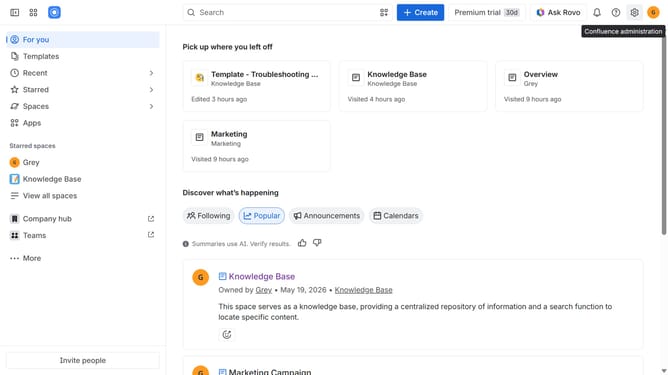
How to filter apps by the Branch Management use case in the Confluence Marketplace
Here is how to filter apps by the branch management use case in the confluence marketplace
- First click on the "Apps" in the left sidebar
- Next, click on the "Explore more apps" option
- Click on the "Use cases" filter in the top menu bar
- Then, select the "Branch Management" checkbox
- Optionally, select additional use case options
Why should you filter apps by the Branch Management use case in the Confluence Marketplace
Confluence is a dynamic collaboration tool designed to empower teamwork by organizing and sharing information efficiently.
When managing projects that involve various branches, filtering apps by the Branch Management use case in the Confluence Marketplace is invaluable.
This feature allows users to quickly locate apps tailored for branch organization, streamlining processes and improving efficiency.
With the right tools just a click away, it becomes easier to maintain control and clarity over diverse project components, enhancing productivity and collaboration.
Last update