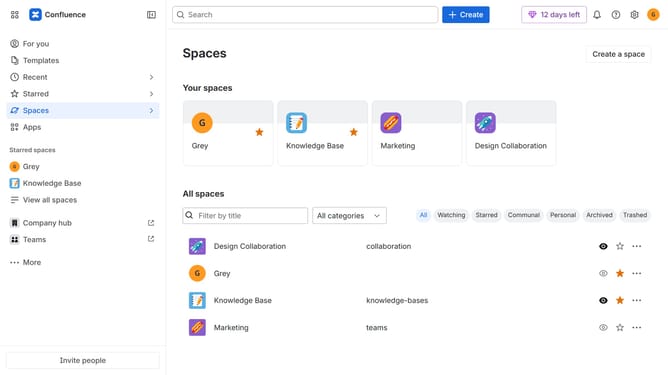
How to stop receiving recommendation messages in Microsoft Teams from Confluence
Here is how to stop receiving recommendation messages in microsoft teams from confluence
- First click on the gear icon in the top right corner
- Find "Settings" in the Confluence administration menu
- Next, click on the "Configuration" option
- Select "Notifications" from the expanded settings menu
- After that, locate the "Microsoft Teams settings" section
- Then uncheck the "Recommendation Microsoft Teams message" checkbox to disable the option
- Finally, click on the "Save Microsoft Teams setting changes" button
Why should you stop receiving recommendation messages in Microsoft Teams from Confluence
Confluence is a collaborative workspace designed to help teams organize their work and share knowledge seamlessly.
If you find the frequent recommendation messages from Confluence disruptive in your Microsoft Teams environment, you can easily adjust this to create a more focused workspace.
Using this feature ensures your communication channels remain streamlined, benefiting productivity by minimizing interruptions.
Ultimately, this enhances your team's ability to concentrate on core tasks without unnecessary distractions.
Last update