How to edit a workflow in Intercom
Here is how to edit a workflow in intercom
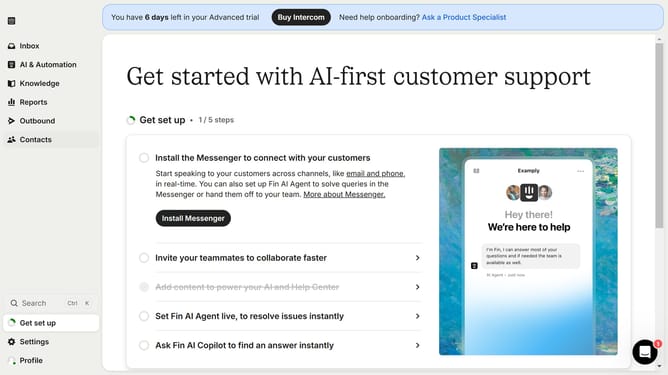
- First click on "AI & Automation" in the left sidebar menu
- Then click on "Workflows" in the left sidebar submen
- Next click on the "Sample Workflow" link in the workflows list
- Finally click the "Edit" button in the top toolbar
Why should you edit a workflow in Intercom
Intercom is a versatile platform designed to enhance customer communication and streamline interactions.
Editing a workflow in Intercom allows for effortless customization tailored to specific needs, ensuring processes are both efficient and effective.
This flexibility empowers users to quickly adapt to changing client requirements, enhancing user experience and operational agility.
Ultimately, refining your workflow in Intercom optimizes communication strategies, fostering stronger customer relationships and accelerating business success.
Last update