How to edit a document comment in Slite
Here is how to edit a document comment in slite
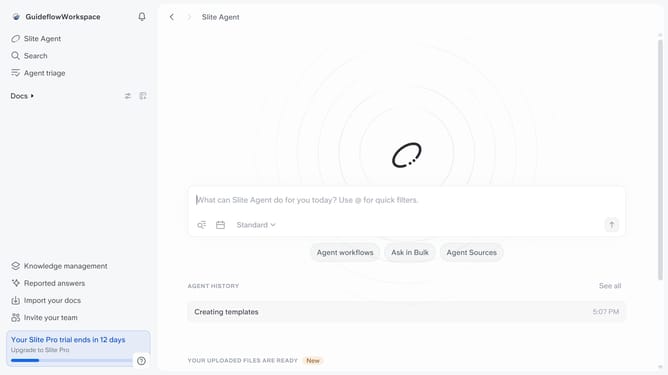
- First, click on "Docs" in the left sidebar
- Then open the Slite document you want to edit
- Next, click on the comment icon in the header
- After that, click on the three-dots icon in the comments section
- Then, select "Edit" from the dropdown menu
- Then click on the text input field to edit comment
- Finally, click on the "Save" button
Why should you How to edit a document comment in Slite
Slite is a collaborative documentation platform designed to streamline team communication and knowledge sharing.
Editing a document comment in Slite is a breeze and enhances team productivity by allowing seamless and clear communication.
With this feature, you can refine feedback, ensure accuracy, and update information effortlessly, fostering a more collaborative and transparent environment.
Use it to keep discussions relevant and up-to-date, reducing misunderstandings and ensuring everyone is aligned.
Last update