How to delete a page in Webflow
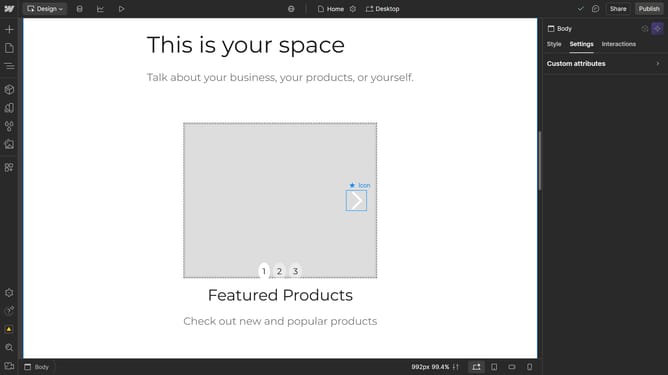
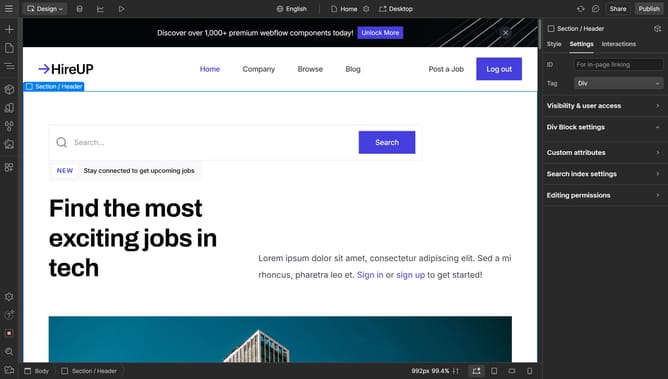
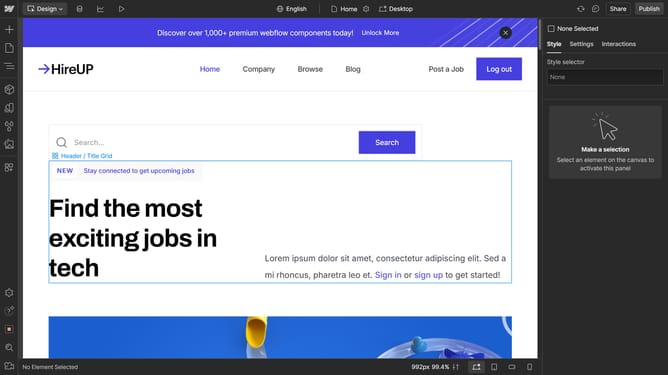
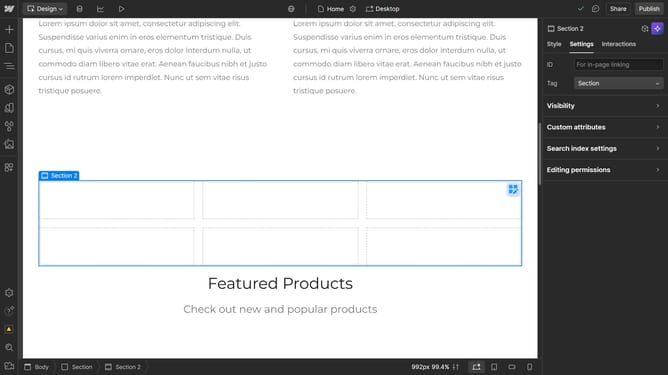
Here is how to delete a page in webflow
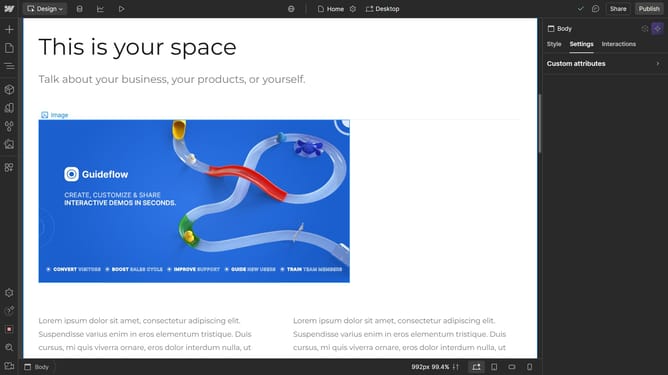
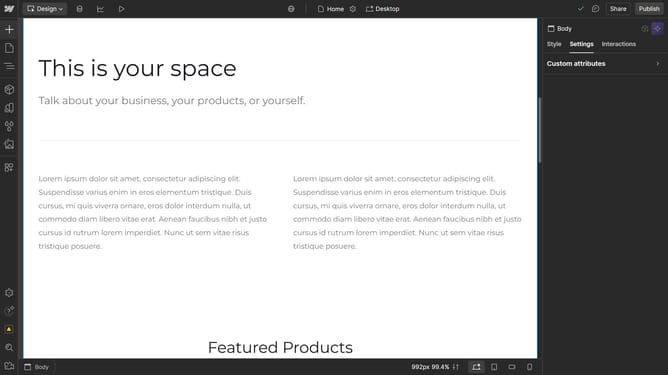
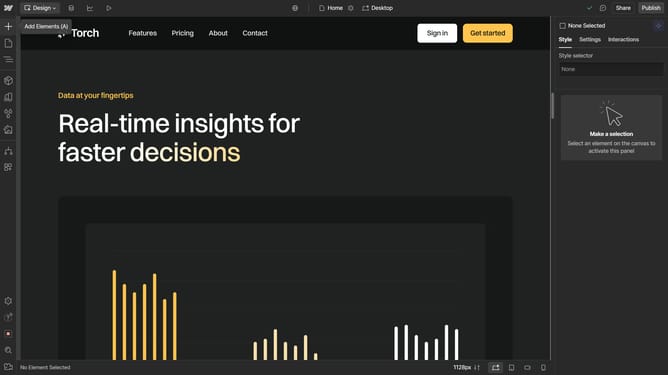
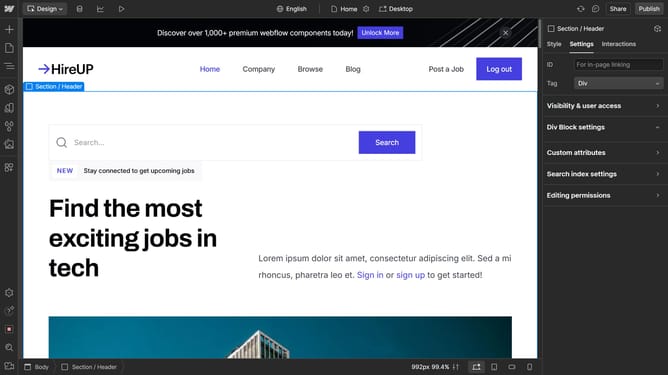
- First click on the "Pages" icon in the left sidebar
- Then click on the page that you want to delete
- Next click on the "Delete" icon in the top menu bar
- Finally click on the "Delete" button in the confirmation dialog
Why should you How to delete a page in Webflow
Webflow is a dynamic web design tool that empowers creators to craft visually stunning and responsive websites with ease.
Deleting a page in Webflow is a straightforward feature that contributes to seamless project management.
This feature is incredibly beneficial when refining and optimizing website structure, allowing creators to effortlessly remove outdated or unnecessary pages.
Such efficiency not only enhances site performance but also ensures users experience a leaner and more intuitive navigation.
Last update