How to create GitHub OAuth2 API credential in n8n
Here is how to create github oauth2 api credential in n8n
- First click on "GitHub OAuth2 API" in the "Add new credential" dialog
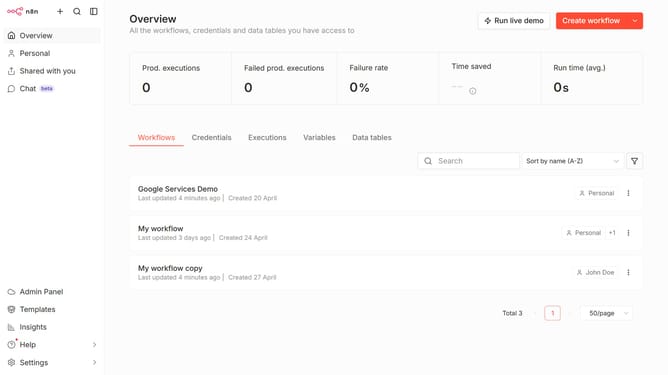
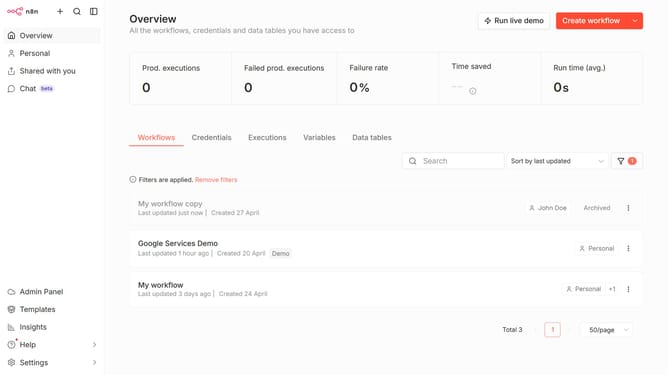
- Then click on the dropdown arrow next to "Create workflow"
- Then click on "Create credential" button
- Then type "github" into the "Search for app..." input field
- Then click on the "Continue" button
- Finally click on the "Connect to GitHub" button
Why should you create GitHub OAuth2 API credential in n8n
n8n is an open-source platform that empowers users to automate workflows and sync data between services effortlessly.
Creating GitHub OAuth2 API credentials in n8n allows you to seamlessly integrate GitHub with your automation processes.
By setting up these credentials, you can enhance collaboration, streamline updates, and improve efficiency in project management.
This integration enables secure, authorized access to GitHub repositories, offering a robust solution for managing digital workflows.
Last update