Asana
Asana is a work management tool for planning, tracking, and executing projects.
Website
Industry
Project Management
Share this article:

How to create a saved view in Asana

Here is how to create a saved view in asana

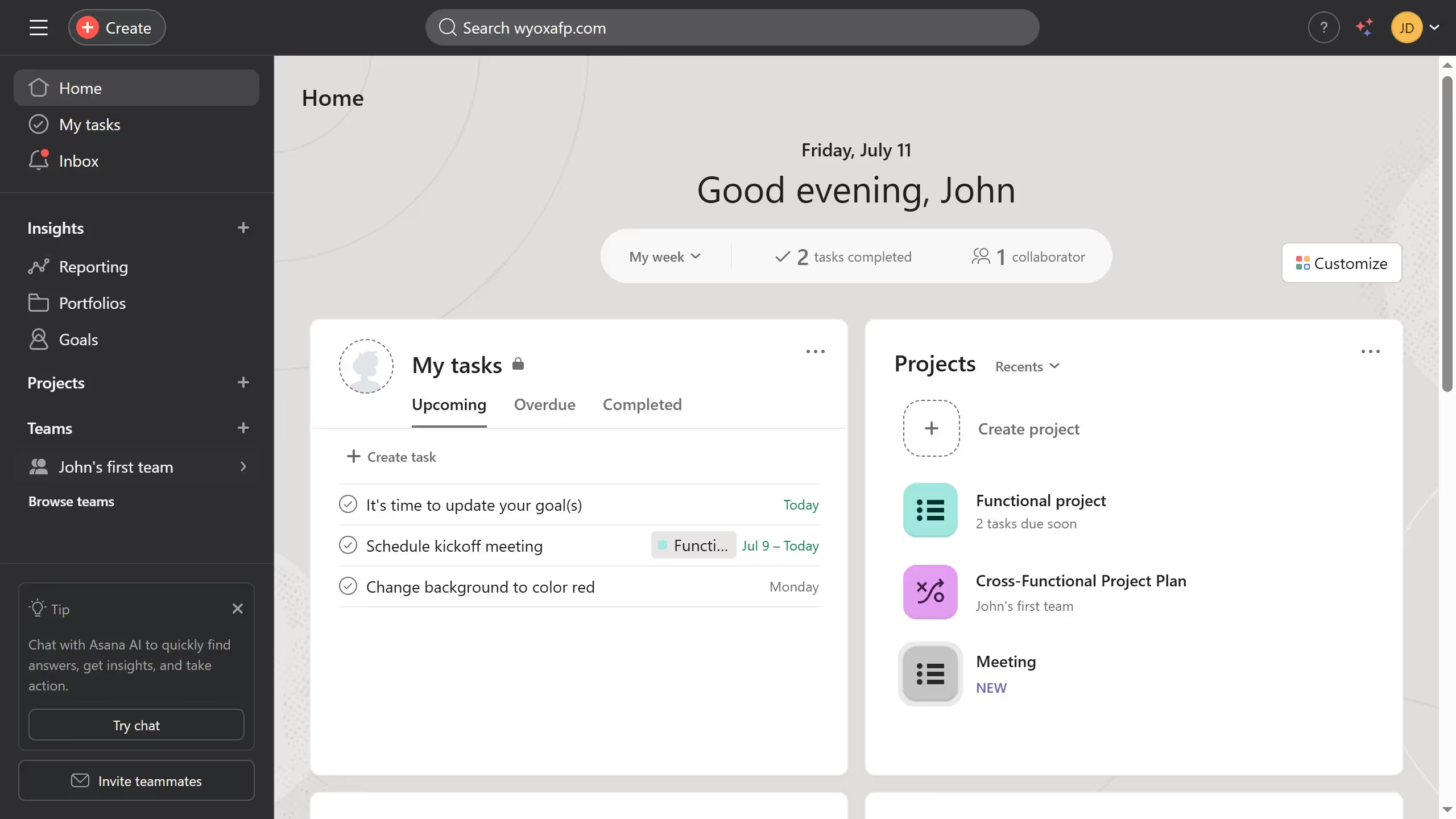
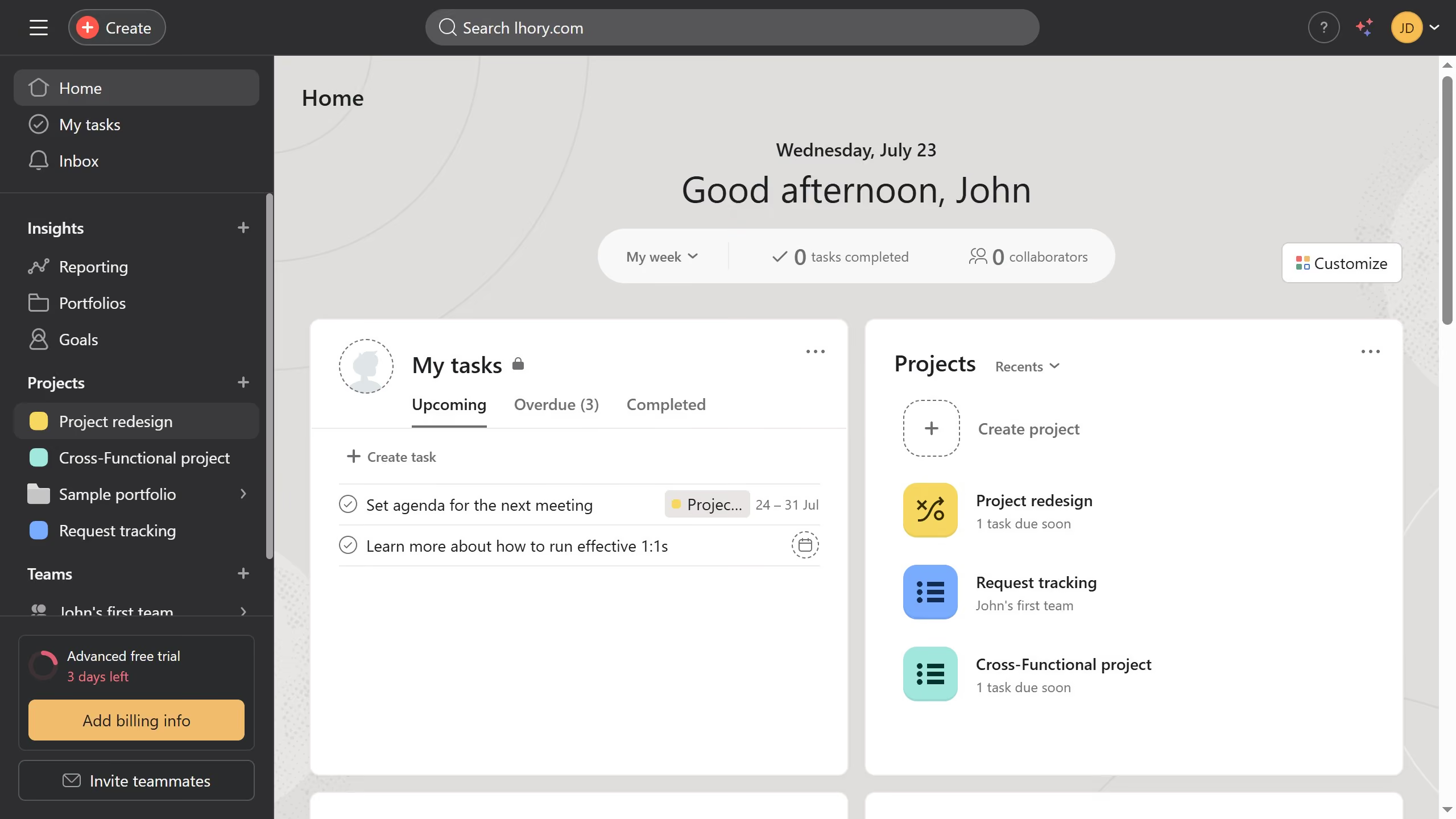
  1. First click on a project in the left sidebar under Projects section
  2. Then click on the "Filter" button in the top toolbar of the project view
  3. Next select the desired filter option in the filters dropdown menu
  4. Finally click on the "Save view" button in the top-right corner of the project view

Create your own interactive guide with Guideflow

Why should you create a saved view in Asana

Asana is a leading project management tool designed to enhance team collaboration and productivity.

Creating a saved view in Asana empowers users to quickly access tailored perspectives on their tasks and projects. This feature allows teams to customize their workflows by saving commonly used filters and layouts.

By developing a personalized workspace, users can streamline their processes, ensuring that priority tasks receive prompt attention, ultimately boosting efficiency and focus.

Last update
June 23, 2026
Cursor MariaA cursor points to a button labeled "James."

Create your first demo in less than 30 seconds.