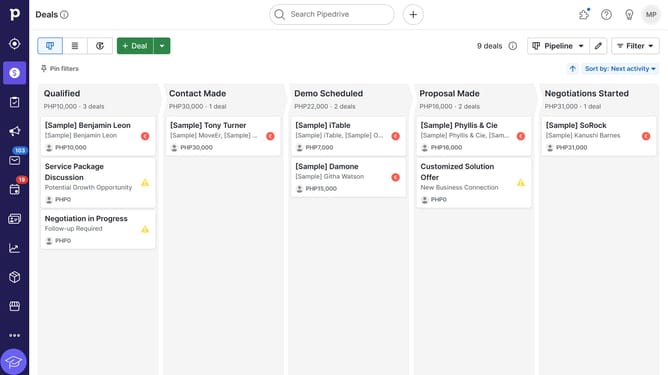
How to create a new web form in Pipedrive
Here is how to create a new web form in pipedrive
- In the leads pipeline view, click on the "Leads" section in the left sidebar
- Click on "Web Forms" option in the left sidebar under LEADBOOSTER section
- Click the "Try Web Forms" button in the center of the screen
- Select a template from the list of available form templates
- Click the "Create form" button at the bottom of the template selection screen
- Finally, click the "Save" button in the top-right corner of the form editor
Why should you create a new web form in Pipedrive
Pipedrive is a powerful CRM tool designed to help businesses streamline their sales process.
Creating a new web form in Pipedrive allows you to capture valuable leads directly from your website. This feature empowers businesses to collect essential contact information seamlessly, enhancing your lead generation efforts.
By using web forms, you can tailor questions to align with your business needs, ensuring that you gather relevant data efficiently. This leads to better customer insights and a more personalized approach to nurturing potential clients.
Last update