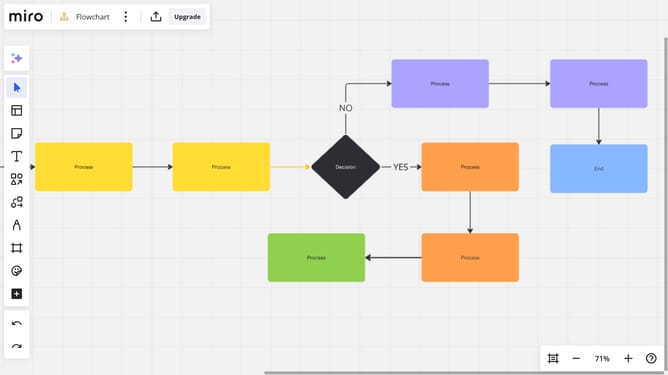
How to create a draft comment on a Miro board
Here is how to create a draft comment on a miro board
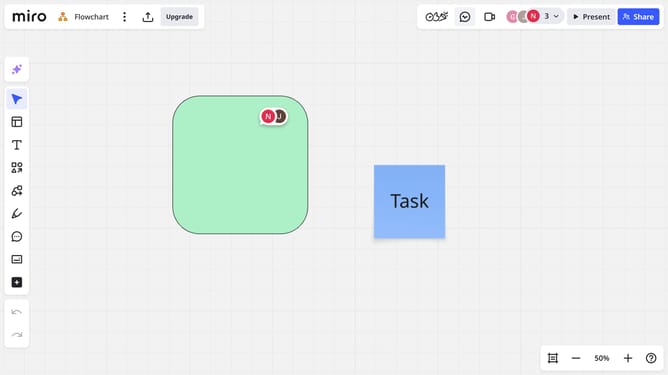
- First, open your board and click the Comments icon in the left toolbar to create a new comment
- Alternatively, click an existing comment thread to open it and add a reply
- A comment box will appear, then start typing your message
- Finally once you're done, do not click the "Send" button, simply click outside the comment box to save it as a draft
Why should you create a draft comment on a Miro board
Miro is an innovative online collaboration platform designed to unlock the power of distributed teams.
Creating a draft comment on a Miro board allows you to refine and organize your thoughts before sharing them with your team, enhancing communication and decision-making.
This feature ensures your feedback is precisely articulated, helping maintain the clarity of your ideas and promoting effective teamwork.
Using draft comments encourages thoughtful participation, resulting in a more efficient and productive collaborative experience.
Last update