How to create a Chat view in ClickUp
Here is how to create a chat view in clickup
- First navigate to the Space, Folder, or List where you want to add the Chat view
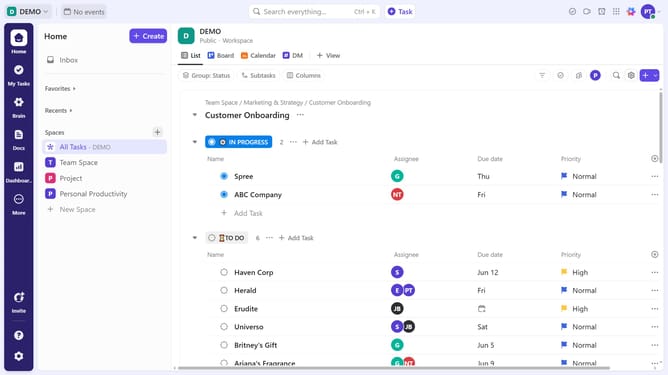
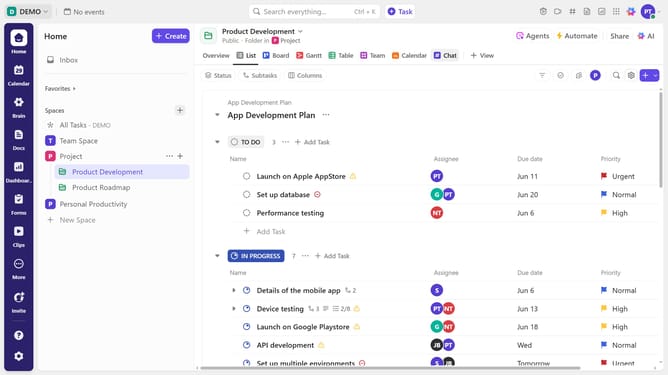
- Next click on the "+ View" button in the views bar
- Then select "Chat" from the list of available views
- Finally enter a name for your Chat view and configure any settings
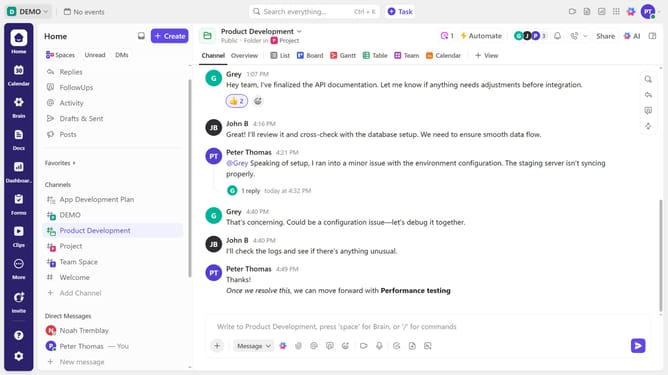
- Your new Chat view has been successfully created and is now ready for messaging
Why should you create a Chat view in ClickUp
ClickUp is a versatile project management tool designed to streamline work by organizing tasks, docs, goals, and conversations in one place.
Creating a Chat view in ClickUp enhances team collaboration by allowing real-time discussions seamlessly integrated into your existing workflow.
This feature encourages faster decision-making and keeps team members engaged, ensuring everyone has a clear understanding of project progress and objectives.
Utilizing Chat view can significantly boost productivity and communication, making team collaboration more intuitive and efficient.
Last update