How to configure context window size for xAI Grok chat provider in n8n
Here is how to configure context window size for xai grok chat provider in n8n
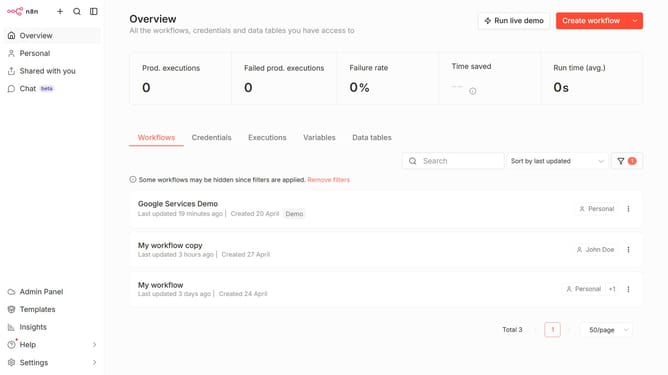
- First click on "Settings" in the left sidebar
- Then click on "Chat" in the left sidebar
- Then click on the three dots menu
- Then click on "Edit provider"
- Then change the input value to your preferred amount in the 'Context window (messages)' section
- Finally click on the "Confirm" button
Why should you configure context window size for xAI Grok chat provider in n8n
n8n is an actionable workflow automation tool that connects apps and services with ease.
Configuring the context window size for xAI Grok chat provider in n8n enhances dialogue management by optimizing data recall and interaction flow.
This feature allows you to fine-tune conversational parameters, improving the relevance and accuracy of chat responses.
Leveraging this capability ensures optimal performance, aligning chat interactions closely with user queries and elevating the overall efficiency of your automated processes.
Last update