How to create OpenAI credential in n8n
Here is how to create openai credential in n8n
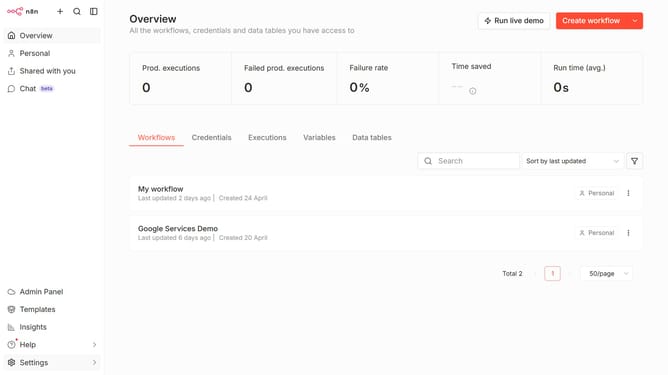
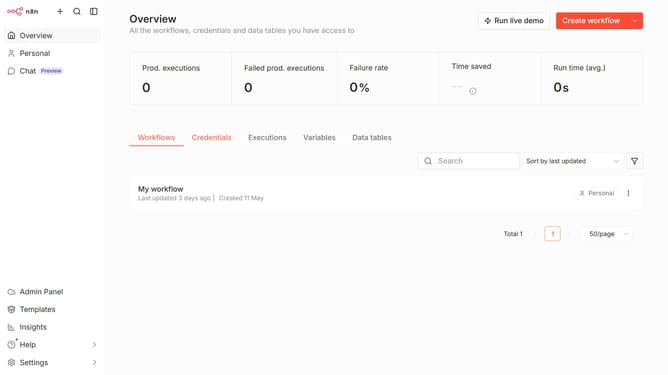
- First click on the dropdown arrow next to "Create workflow" button.
- Then click on "Create credential" option from the dropdown menu.
- Then click on the search bar.
- Then type "OpenAI" and click on "OpenAI" from the suggested list.
- Then click on the "Continue" button.
- Then fill in the credential details.
- Finally click on the "Save" button.
Why should you create OpenAI credential in n8n
n8n is a powerful automation tool that enhances workflows by connecting various apps and services effortlessly.
One of its standout features is the ability to create OpenAI credentials, unlocking the potential for seamless integration with OpenAI's robust technologies.
By setting up these credentials, users can automate tasks that leverage AI capabilities, optimizing efficiency and creativity.
This feature empowers businesses to explore new avenues in innovation by connecting cutting-edge AI solutions directly into their automated processes.
Last update