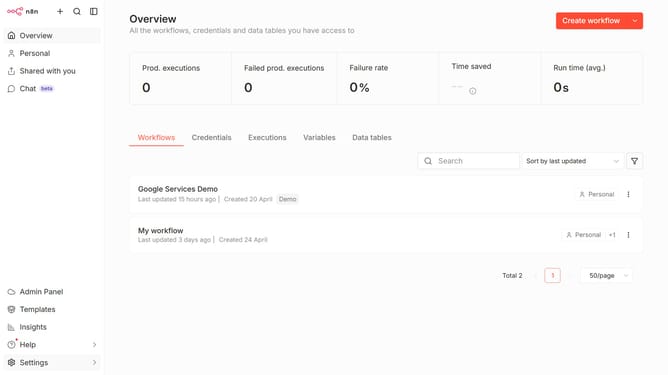
How to disable OpenRouter chat provider in n8n
Here is how to disable openrouter chat provider in n8n
- First click on "Settings" in the left sidebar
- Then click on "Chat" from the expanded left menu
- Next, click on the three dots menu icon in the interface
- After that, click on the "Edit provider" button
- Then disable the "Enable OpenRouter" toggle
- Finally click on the "Confirm" button
Why should you disable OpenRouter chat provider in n8n
n8n is a powerful workflow automation tool designed to streamline complex processes with ease.
One of its versatile features is the ability to manage your chat providers, like the OpenRouter chat integration.
Disabling the OpenRouter chat provider in n8n is a simple way to refine your workflow, ensuring you only utilize services essential to your operations.
This feature offers the benefit of keeping your automations clutter-free, enhancing overall efficiency and focus.
Last update