How to disable Cohere chat provider in n8n
Here is how to disable cohere chat provider in n8n
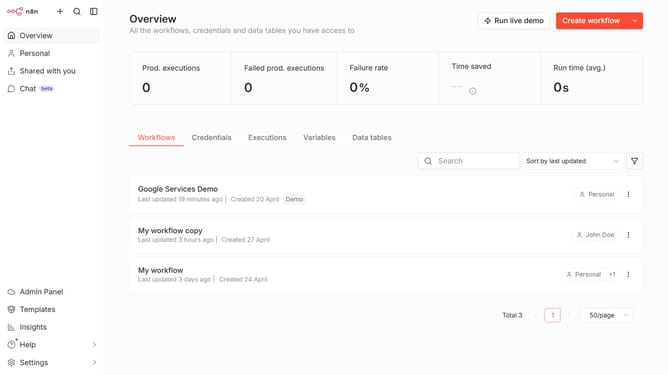
- First click on "Settings" item in the left sidebar
- Then click on "Chat" item in the left sidebar
- Then click on the three dots icon
- Then click on "Edit provider" button
- Then toggle off the switch "Enable Cohere"
- Finally click on "Confirm" button
Why should you disable Cohere chat provider in n8n
n8n is a flexible, open-source workflow automation tool that seamlessly connects different applications.
Disabling the Cohere chat provider in n8n is a straightforward feature that enhances workflow customization by allowing users to tailor their chat integration preferences.
This functionality offers the benefit of decluttering your workflow, ensuring that only the necessary tools are active and resources are optimized.
Moreover, selectively managing integrations in n8n strengthens control over your automation processes, leading to more efficient operations.
Last update