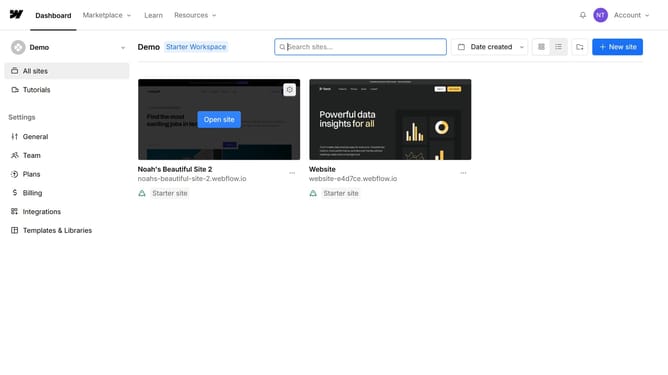
How to change site domain name in Webflow
Here is how to change site domain name in webflow
- First click on the hamburger menu icon in the header
- Then click on "Site settings" in the menu
- Next click on "Publishing" in the left sidebar
- Then click on the "webflow.io domain" text input and type in your preferred webflow domain
- Finally click on the "Save" button
Why should you How to change site domain name in Webflow
Webflow is a powerful web design tool that enables users to create visually stunning websites without coding.
Changing your site's domain name in Webflow is a straightforward feature that opens up opportunities for rebranding or expanding your online presence.
Switching your domain can enhance your site's search engine optimization, improve your brand recognition, and streamline user experience by aligning your website address with your brand identity.
This feature serves as a vital step in shaping a cohesive brand experience and reaching a broader audience.
Last update