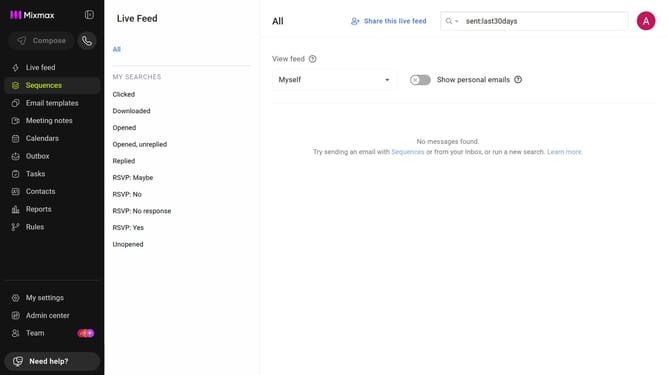
How to apply the Sunset theme color in Mixmax
Here is how to apply the sunset theme color in mixmax
- First click on "My settings" in the sidebar menu
- Next locate the "Themes" option in the General settings page
- Then apply the "Sunset" theme by clicking on the orange color circle
Why should you apply the Sunset theme color in Mixmax
Mixmax is an innovative tool designed to elevate your email experience through enhanced productivity and communication features.
Applying the Sunset theme color in Mixmax infuses your workspace with a warm, inviting ambiance. This color theme not only personalizes your interface but also fosters a calming atmosphere conducive to creativity and focus.
Embracing the Sunset theme can enhance the visual appeal of your email dashboard, providing pleasant aesthetics while working. With its soothing hues, the Sunset theme encourages a sense of tranquility in your daily tasks, making it a delightful feature to utilize.
Last update