How to activate Iconify plugin into Framer
Here is how to activate iconify plugin into framer
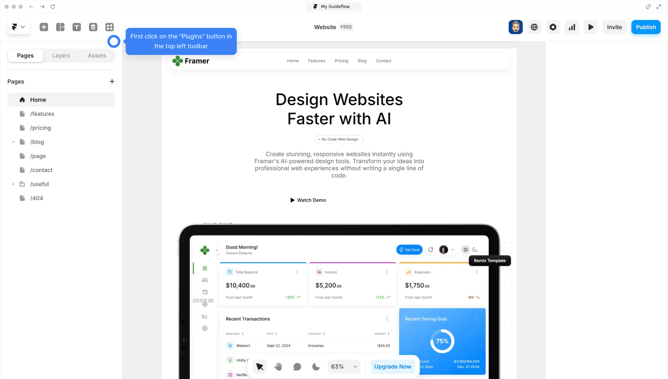
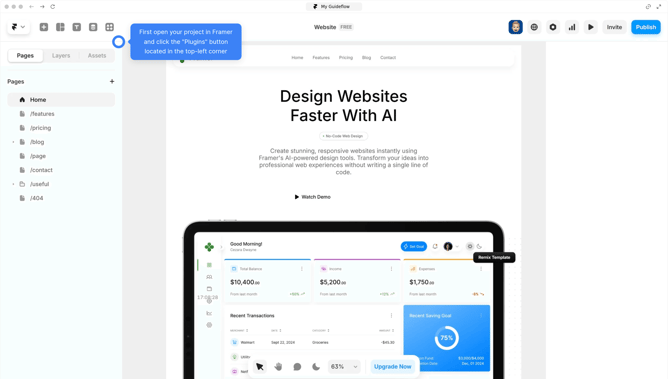
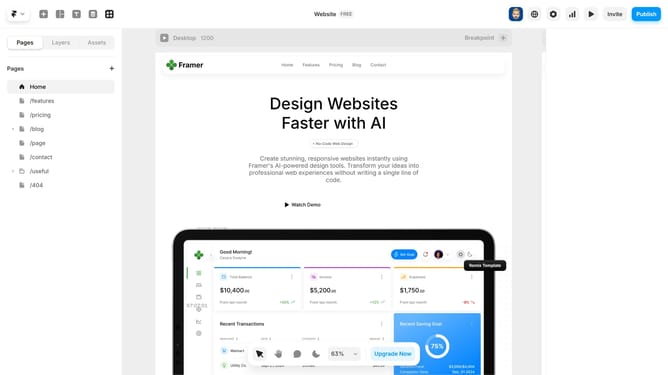
- First click on the "Plugins" icon in the top toolbar
- In the Plugins panel, search for "Iconify" and click to launch it
- The Iconify plugin is now ready, giving you access to 150,000+ icons for your Framer projects
- Use the search bar to quickly find icons by name or description
- Click on the icon sets to explore more different sets of options
- Next click on the icon you want to use to add it to your canvas
- Then Click on the "Insert Icon" button
- Position the icon where you'd like in your project
- And use the properties panel to adjust the size, color, or other properties of the icon
Why should you activate Iconify plugin into Framer
Framer offers a dynamic platform for designing interactive interfaces with ease and creativity.
Activating the Iconify plugin into Framer is a seamless process that enriches your design toolkit with thousands of icons at your fingertips.
Using Iconify within Framer not only speeds up the design process but also ensures a consistent and visually appealing design language across your projects.
Leverage this integration to enhance your design repertoire, making every project uniquely expressive and efficient.
Last update