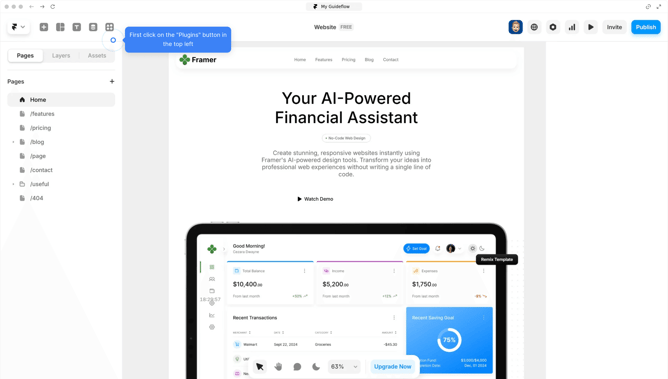
How to publish a Framer website
Here is how to publish a framer website
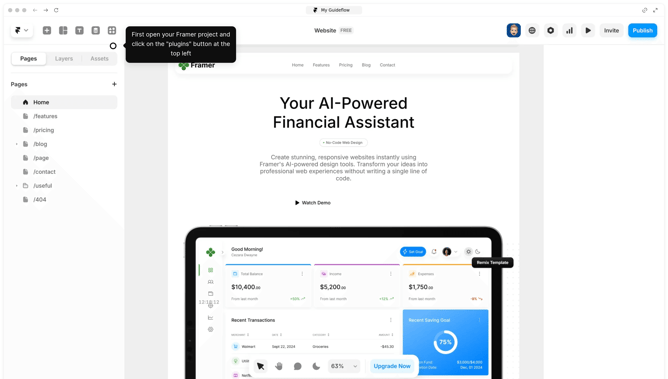
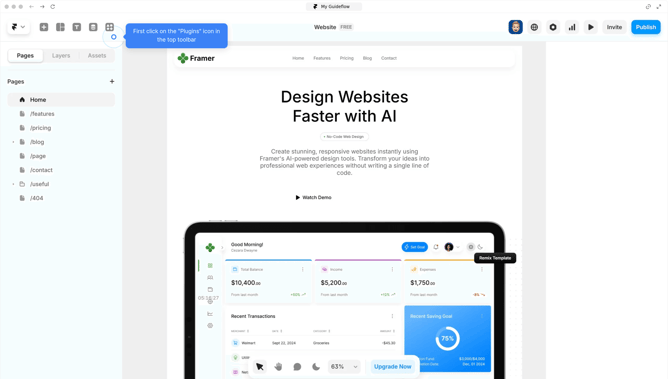
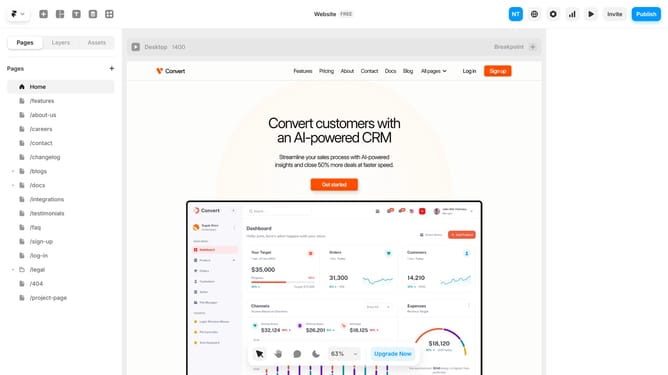
- Open your project, click the "Publish" button in the top right corner
- Then a message will pop up to confirm that your site has been published
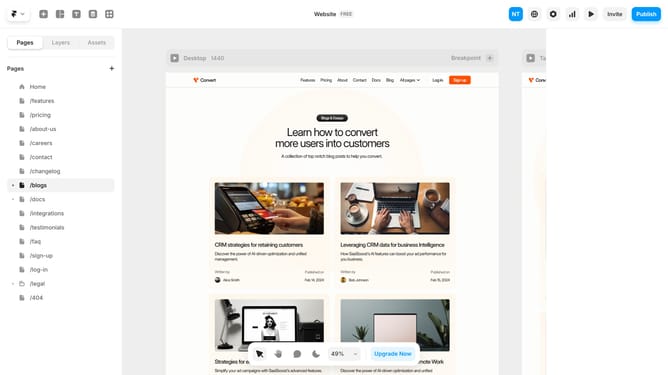
- You can also verify it by clicking the settings button at the top
- Now that you're in the settings
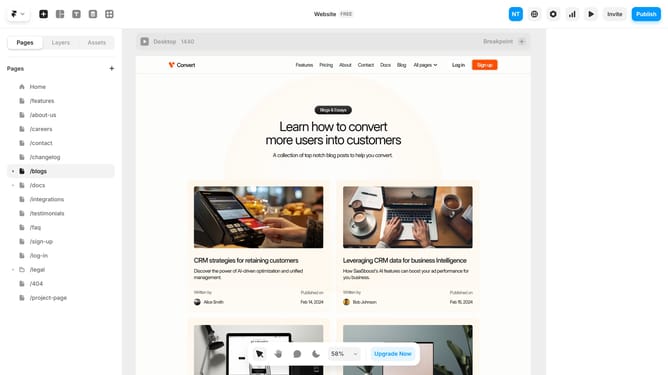
- Then, scroll down to find the "Unpublish" button. If the site wasn't published, this button won't work
- Your website is live and successfully published
Why should you publish a Framer website
Framer is an intuitive design tool that enables creators to build visually stunning websites with ease.
Publishing a Framer website offers a seamless transition from design to live site, ensuring your creative vision is faithfully represented online.
By leveraging Framer’s publishing feature, users can effortlessly launch their website to the world, while benefiting from quick loading times and professional hosting.
The streamlined process of publishing not only preserves the integrity of your work but also enables rapid updates, making site management efficient and stress-free.
Last update