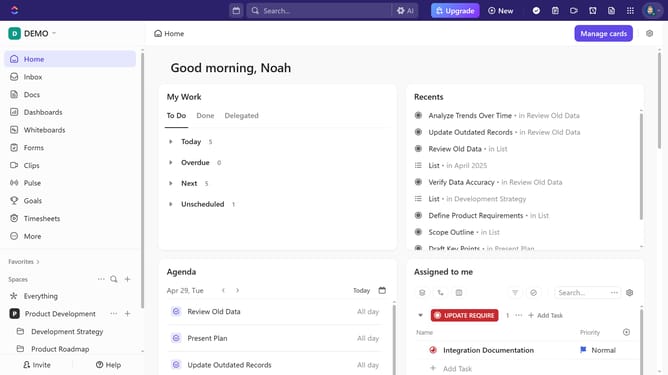
How to access the Template Center in ClickUp
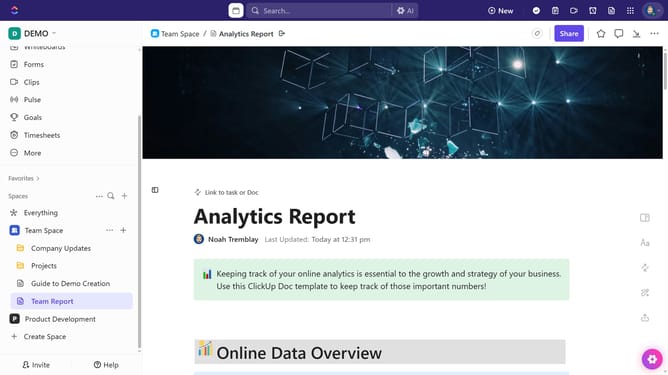
Here is how to access the template center in clickup
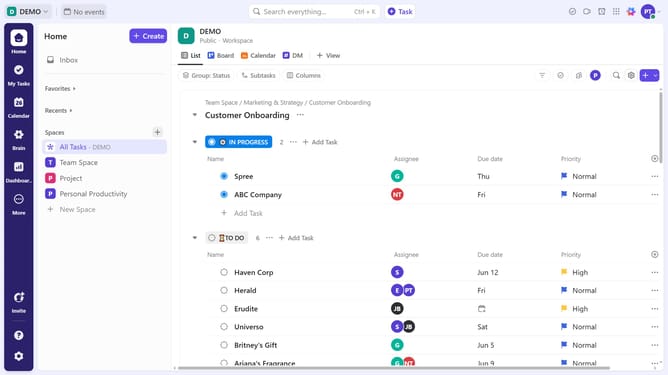
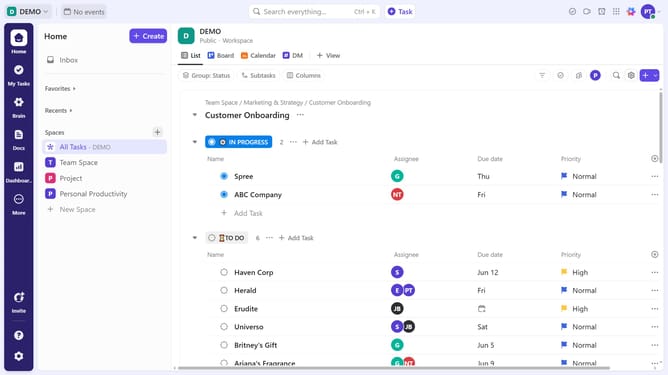
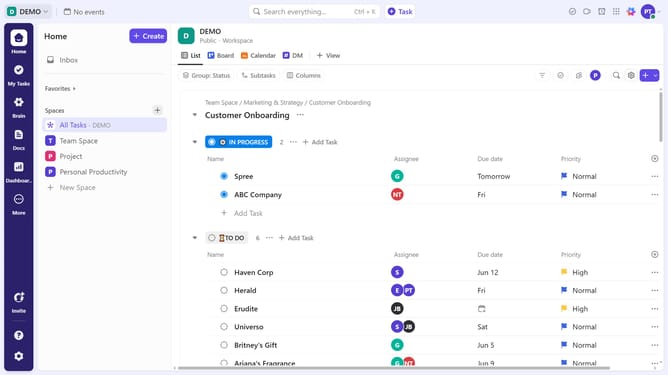
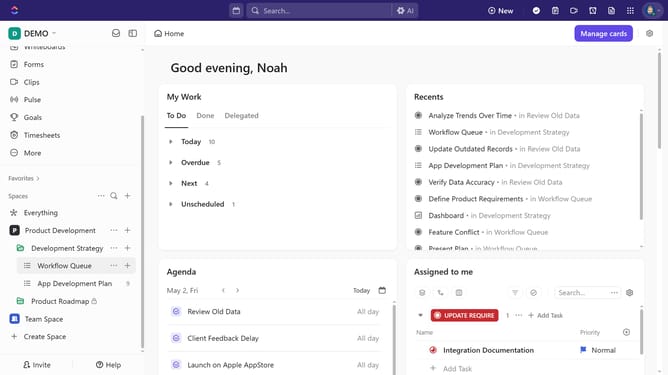
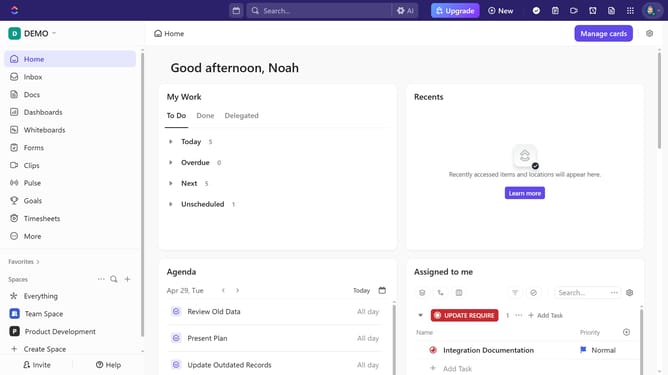
- First click your Workspace avatar in the top left corner
- Next click on "Template Center" option from the workspace settings menu
- Then, inside the Template Center, you can explore pre-made templates and templates you've saved
Why should you access the Template Center in ClickUp
ClickUp is a versatile productivity platform designed to streamline teamwork and task management.
Accessing the Template Center in ClickUp is a breeze, providing you with a treasure trove of ready-to-use templates for various workflows.
The benefits of utilizing the Template Center are endless, from saving time on project setups to ensuring consistency across your tasks and teams.
Enhance your productivity by leveraging this feature to maintain organization and optimize processes effortlessly.
Last update