Where to find forecast view in Pipedrive
Here is where to find forecast view in pipedrive
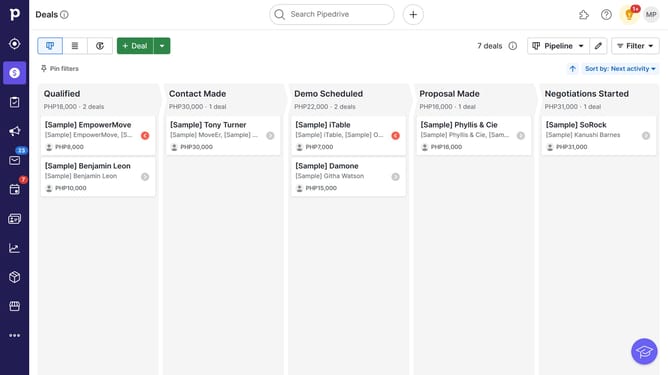
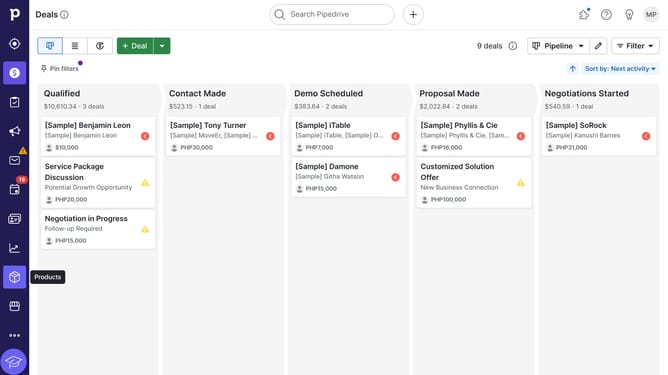
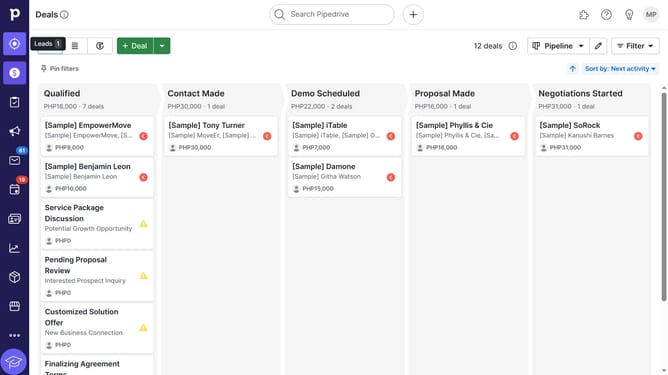
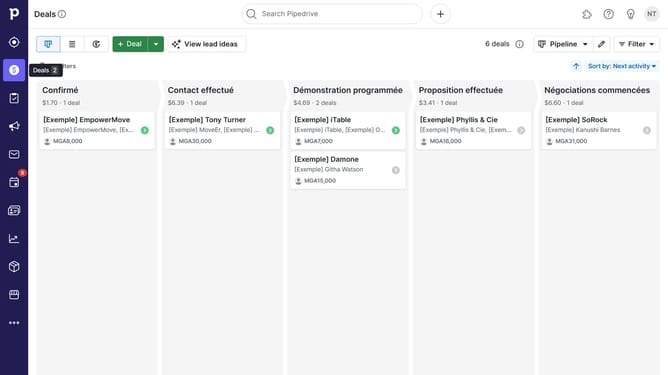
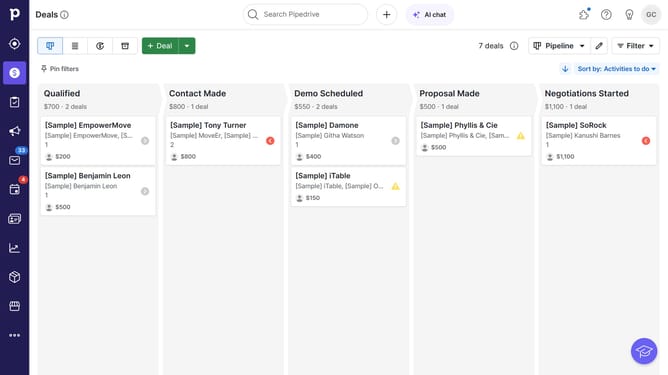
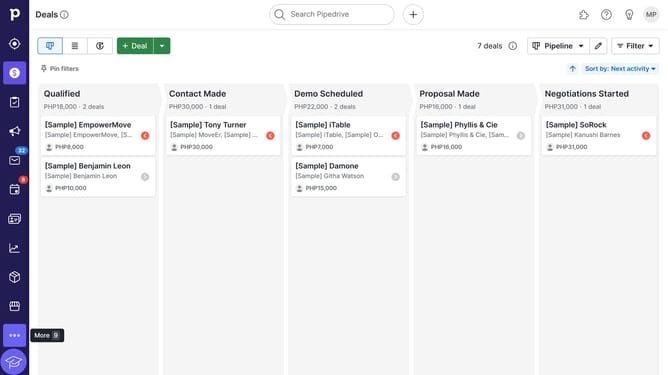
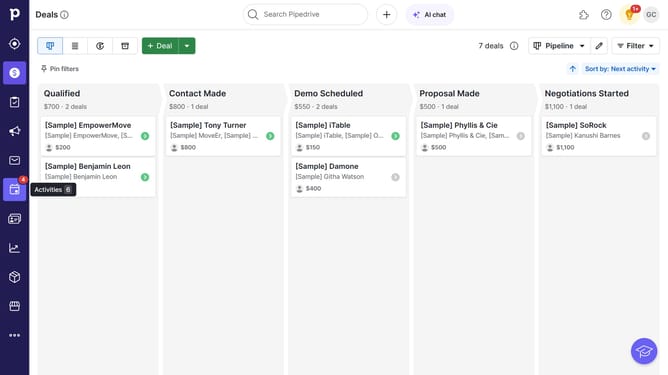
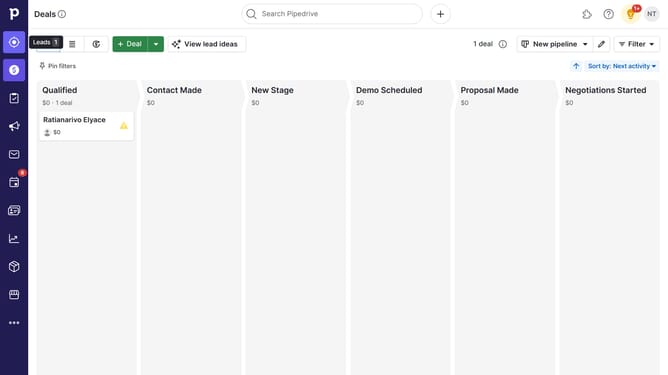
- Click on the "Deals" item in the left sidebar menu
- Click on the "Forecast" view button in the top toolbar
Why should you Where to find forecast view in Pipedrive
Pipedrive is a powerful CRM tool designed to streamline your sales processes and enhance productivity.
The Forecast View in Pipedrive can be a real game-changer for your sales team. You'll find it within the "Deals" section, offering a clear overview of your projected revenues.
Utilizing the Forecast View allows you to anticipate sales outcomes, make informed decisions, and strategically allocate resources. This feature is especially beneficial in aligning team efforts with company goals and improving overall sales efficiency.
Last update