

Zoom
Zoom is a unified communications platform for video, phone, chat, and webinars. It helps teams connect, collaborate, and boost productivity with powerful, intuitive tools.
Website
Industry
Collaboration
Share this article:

How to view task integrations in Zoom

Here is how to view task integrations in zoom

  1. First click on the "Tasks" option in the left sidebar menu
  2. Then click on "My tasks" in the left panel task list
  3. Next click on the "Check design mockups" task item from the task list
  4. Finally scroll to the "Integrations" section in the task details panel to view all connected integrations
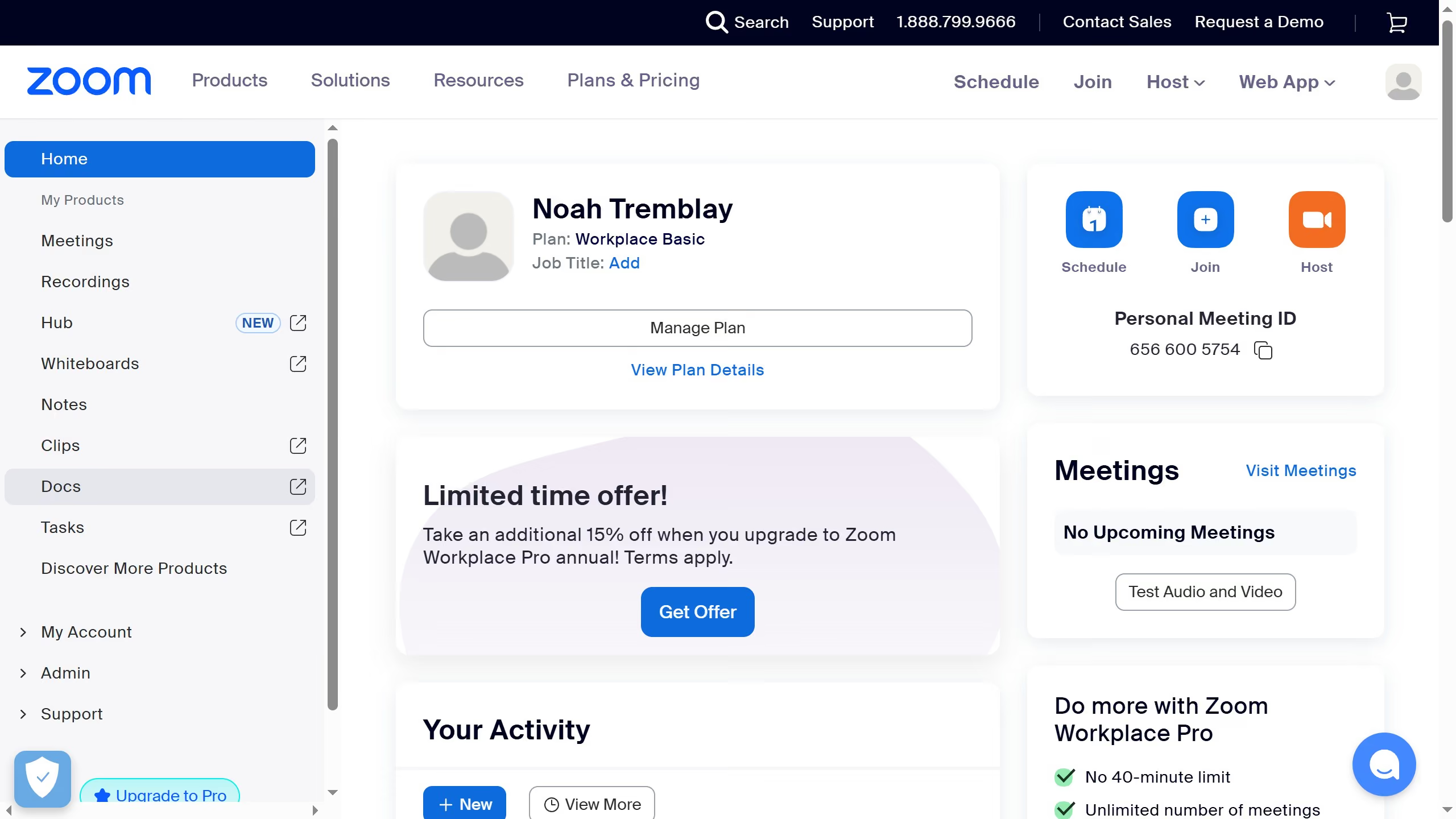
Create your own interactive guide with Guideflow

Why should you view task integrations in Zoom

Zoom is an innovative platform designed for seamless virtual communication and collaboration.

The task integrations feature in Zoom allows users to conveniently manage and view various tasks directly within the platform.

This functionality boosts productivity as it enables swift access to essential duties without switching between multiple applications.

By integrating task management, Zoom enhances workflow efficiency and ensures that team collaborations remain focused and organized.

Last update
February 3, 2026
Cursor MariaA cursor points to a button labeled "James."

Create your first demo in less than 30 seconds.

