How to verify a doc in Slite
Here is how to verify a doc in slite
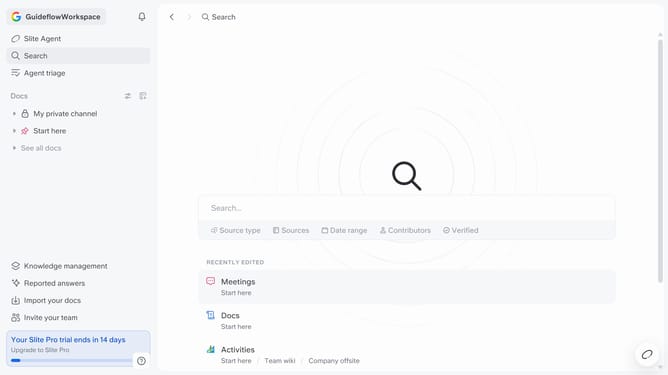
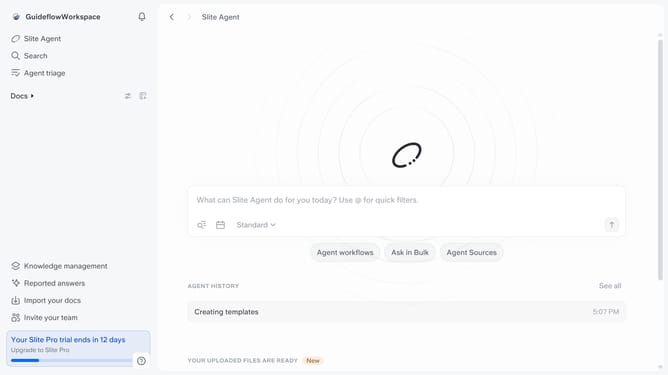
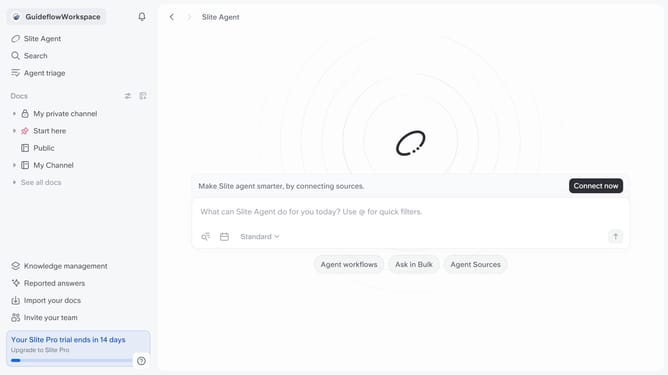
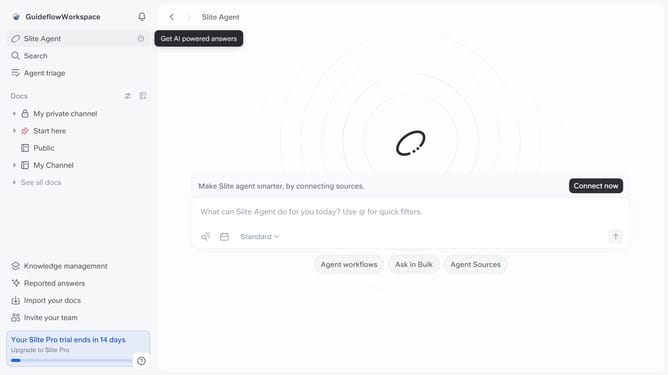
- First click on "Docs" in the left sidebar
- Then click on the document that you like to open
- Next click on the "Verify this doc" button
- Then click on the "Verify doc" option
- Finally select from the dropdown options to set the verification duration
Why should you How to verify a doc in Slite
Slite is a collaborative platform designed to streamline team documentation and communication effortlessly.
Verifying a document in Slite ensures its accuracy and builds trust among team members. This feature enables users to confirm details and maintain consistency across shared documents.
Utilizing the verification feature enhances teamwork by reducing errors and promoting accountability. It’s an efficient way to ensure everyone is aligned, fostering a reliable and organized workspace.
Last update