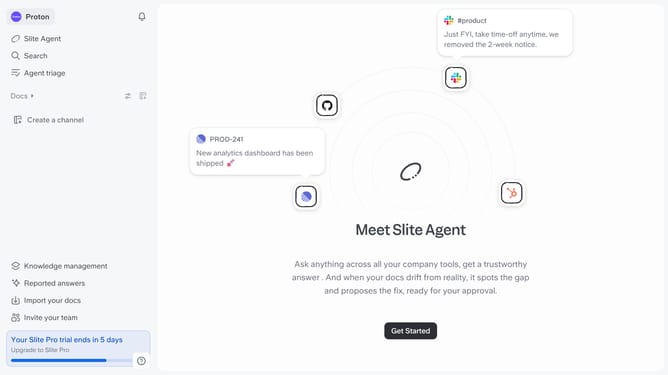
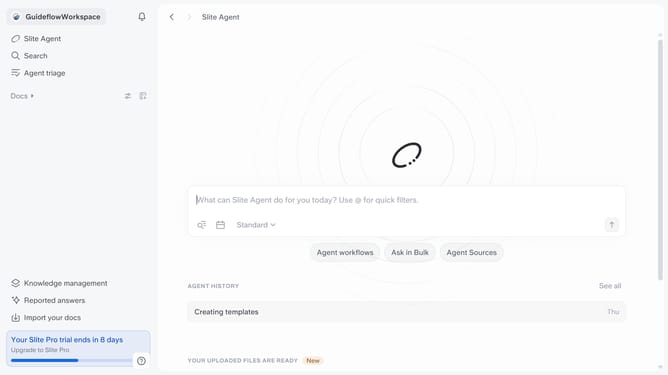
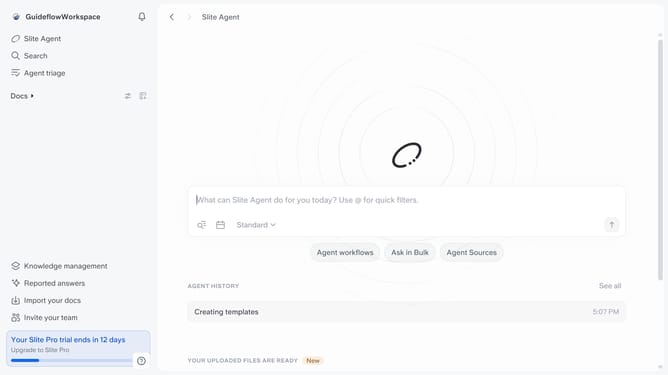
How to configure reported answers access permissions in Slite
Here is how to configure reported answers access permissions in slite
- First click on your workspace name in the upper left sidebar
- Then click on the "Settings" option in the left sidebar
- Then click on "Security" in the sidebar
- Then click on the dropdown in the "Access reported and missing answers in “Reported Answers" section
- Finally click an option in the dropdown menu
Why should you How to configure reported answers access permissions in Slite
Slite is an intuitive collaborative workspace designed for teams to document, share, and organize their knowledge effortlessly.
The ability to configure reported answers access permissions in Slite enhances collaboration by ensuring only authorized team members access sensitive information.
This feature allows for secure customization, so you can specify who can view or edit reported answers, maintaining privacy and control over data distribution.
Optimizing access permissions boosts team efficiency and safeguards valuable content, offering peace of mind while supporting dynamic team environments.
Last update