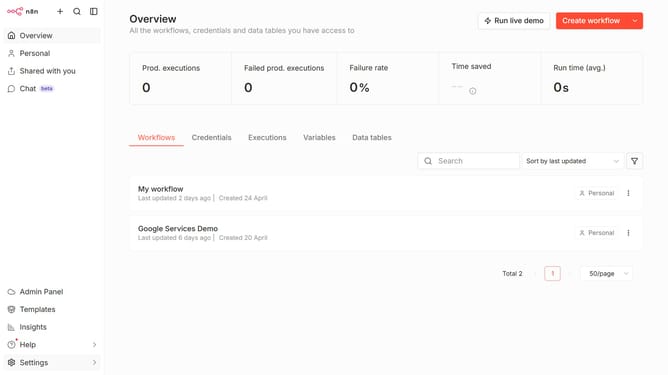
How to sort users by last active descending in n8n
Here is how to sort users by last active descending in n8n
- First click on "Settings" in the left sidebar.
- Then select "Users" from the dropdown menu.
- Finally double click on the "Last Active" column header.
Why should you sort users by last active descending in n8n
n8n is an intuitive automation platform designed to seamlessly integrate diverse workflows across various applications.
Sorting users by last active in descending order within n8n is a pivotal feature that offers clarity and efficiency.
By having the most recently active users displayed first, teams can prioritize interactions and focus on immediate needs, optimizing outreach and engagement efforts.
This feature not only simplifies user management but also enhances productivity by ensuring the most relevant data is always within reach.
Last update