Zoom
Zoom is a unified communications platform for video, phone, chat, and webinars. It helps teams connect, collaborate, and boost productivity with powerful, intuitive tools.
Website
Industry
Collaboration
Share this article:

How to sort a column in a data table in Zoom Docs

Here is how to sort a column in a data table in zoom docs

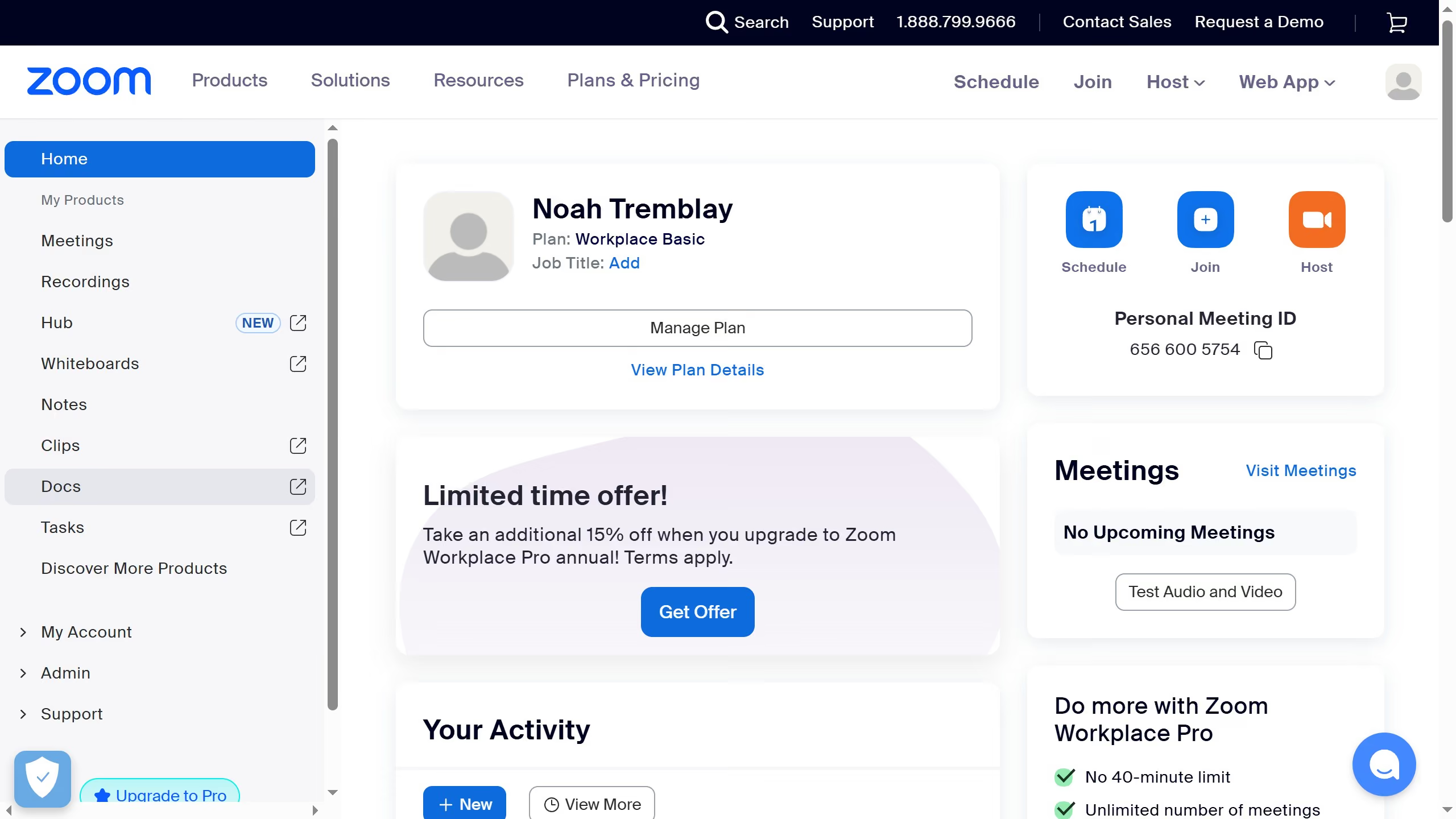
  1. First click on "Docs" in the left sidebar menu
  2. Then open the document containing the data table you want to sort
  3. Next click on the dropdown arrow in the column you want to sort
  4. Finally select "Sort ascending" or "Sort descending" from the dropdown menu to arrange the column data

Create your own interactive guide with Guideflow

Why should you sort a column in a data table in Zoom Docs

Zoom is a versatile platform designed to streamline communication and collaboration in the digital age.

In Zoom Docs, the ability to sort a column in a data table is an incredibly useful feature that enhances data management and efficiency. By organizing information seamlessly, it allows users to quickly find specific entries or observe trends without hassle.

Utilizing this functionality not only saves time amid busy schedules but also adds clarity, ensuring that all team members can access and interpret data easily during collaborative projects.


Last update
February 3, 2026
Cursor MariaA cursor points to a button labeled "James."

Create your first demo in less than 30 seconds.