Close
Close is a sales CRM platform for inside sales teams to manage leads, calls, and email outreach.
Website
Industry
Leadgen
Share this article:

How to set up US Compliance on Close.com

Here is how to set up us compliance on close.com

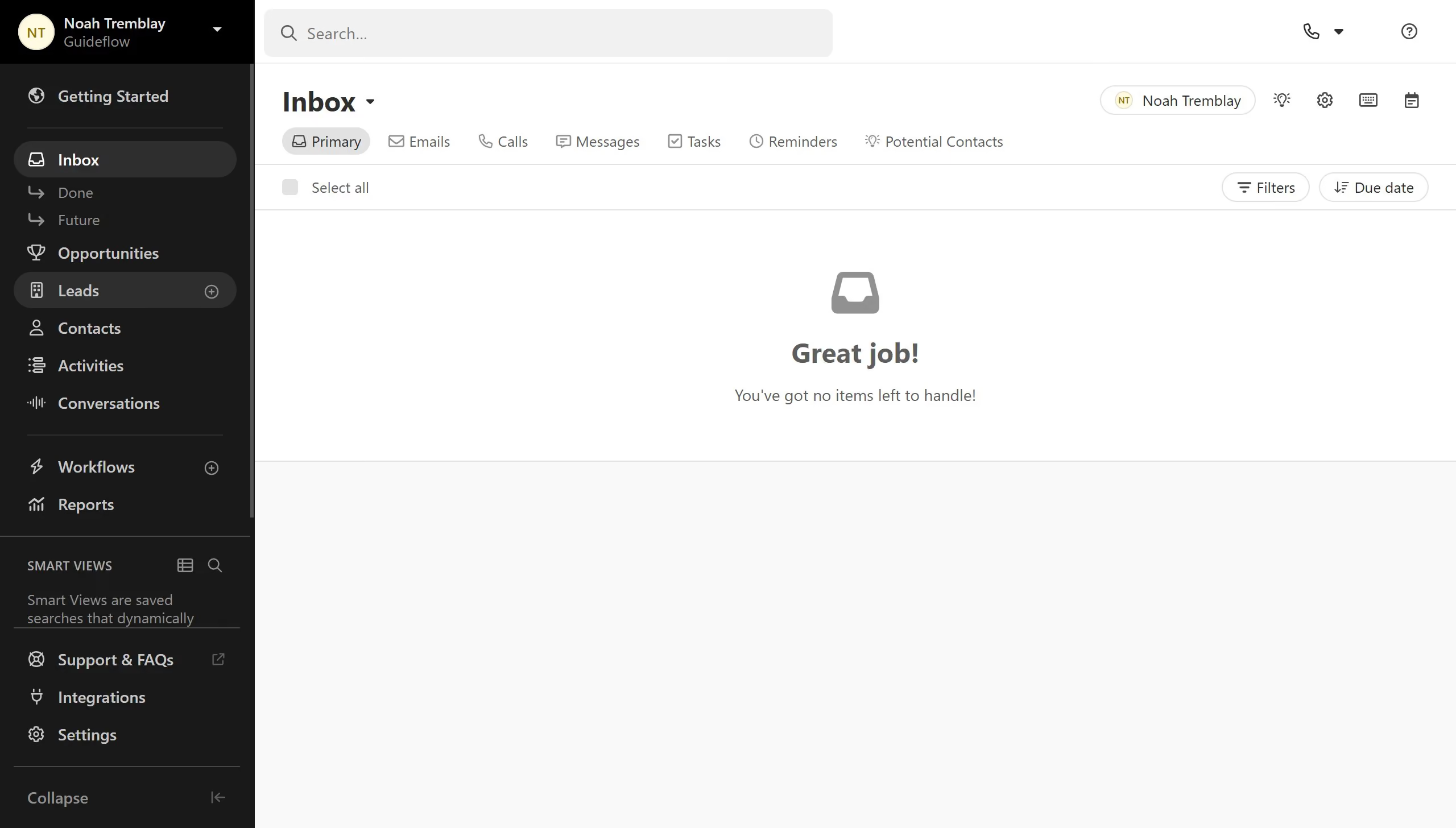
  1. First click on "Settings" in the left sidebar
  2. Then click on "Phone & Voicemail" in the left settings menu
  3. Next click on "US Compliance" tab in the top navigation
  4. Enter your company details
  5. Finally click on "Submit" button at the bottom of the form

Create your own interactive guide with Guideflow

Why should you set up US Compliance on Close.com

Close is a leading platform designed to enhance CRM capabilities, facilitating seamless and efficient sales processes.

Setting up US Compliance on Close.com ensures your business adheres to the necessary legal frameworks, safeguarding your operations.

By enabling this feature, companies maintain transparency, bolster trust with clients, and reduce potential compliance risks.

Overall, activating US Compliance reflects a commitment to lawful business operations, reinforcing Close’s role as a reliable asset in your growth strategy.

Last update
May 6, 2026
Cursor MariaA cursor points to a button labeled "James."

Create your first demo in less than 30 seconds.