Close
Close is a sales CRM platform for inside sales teams to manage leads, calls, and email outreach.
Website
Industry
Leadgen
Share this article:

How to change password on Close.com

Here is how to change password on close.com

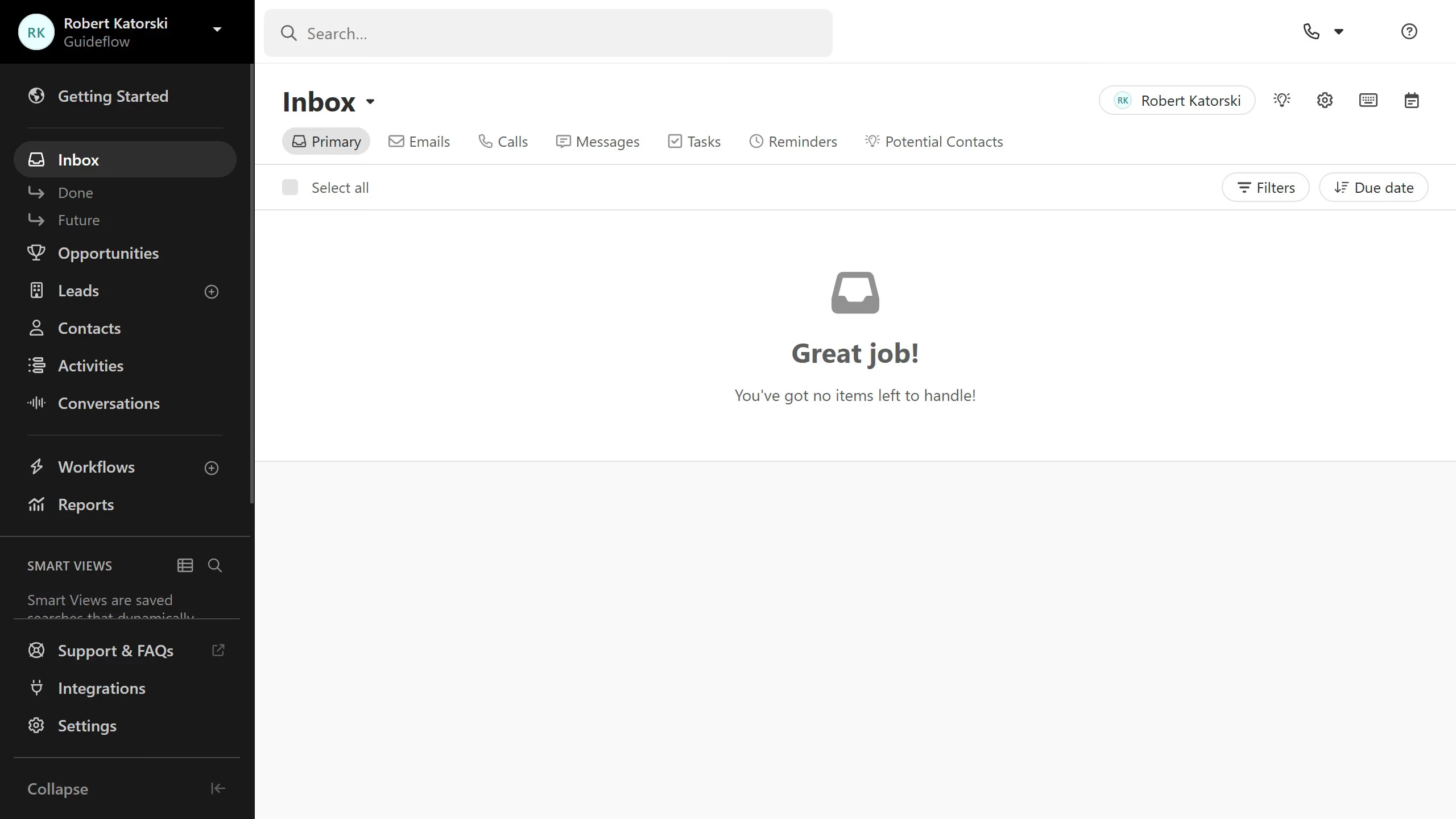
  1. First click on "Settings" in the left sidebar
  2. Then enter the new password in the "New Password" field under the Change Password section
  3. Next enter the confirmation password in the "Confirm New Password" field under the Change Password section
  4. Then click on "Save Password..." button to save the password changes
  5. Then enter the current password in the "Current Password" field in the confirmation modal dialog
  6. Finally click on "Confirm & Save" button in the confirmation modal dialog

Create your own interactive guide with Guideflow

Why should you change password on Close.com

Close is a powerful CRM built to increase sales productivity and help teams close more deals.

Changing your password on Close.com is a seamless process that enhances your account security effortlessly. By keeping your credentials updated, you guard against unauthorized access and safeguard sensitive business data.

A regular password change contributes to the safety of your CRM interactions, ensuring that your communication and data remain protected. Password management on Close.com is intuitive and designed to support a robust security protocol for modern sales operations.

Last update
May 6, 2026
Cursor MariaA cursor points to a button labeled "James."

Create your first demo in less than 30 seconds.