Close
Close is a sales CRM platform for inside sales teams to manage leads, calls, and email outreach.
Website
Industry
Leadgen
Share this article:

How to remove a user on Close.com

Here is how to remove a user on close.com

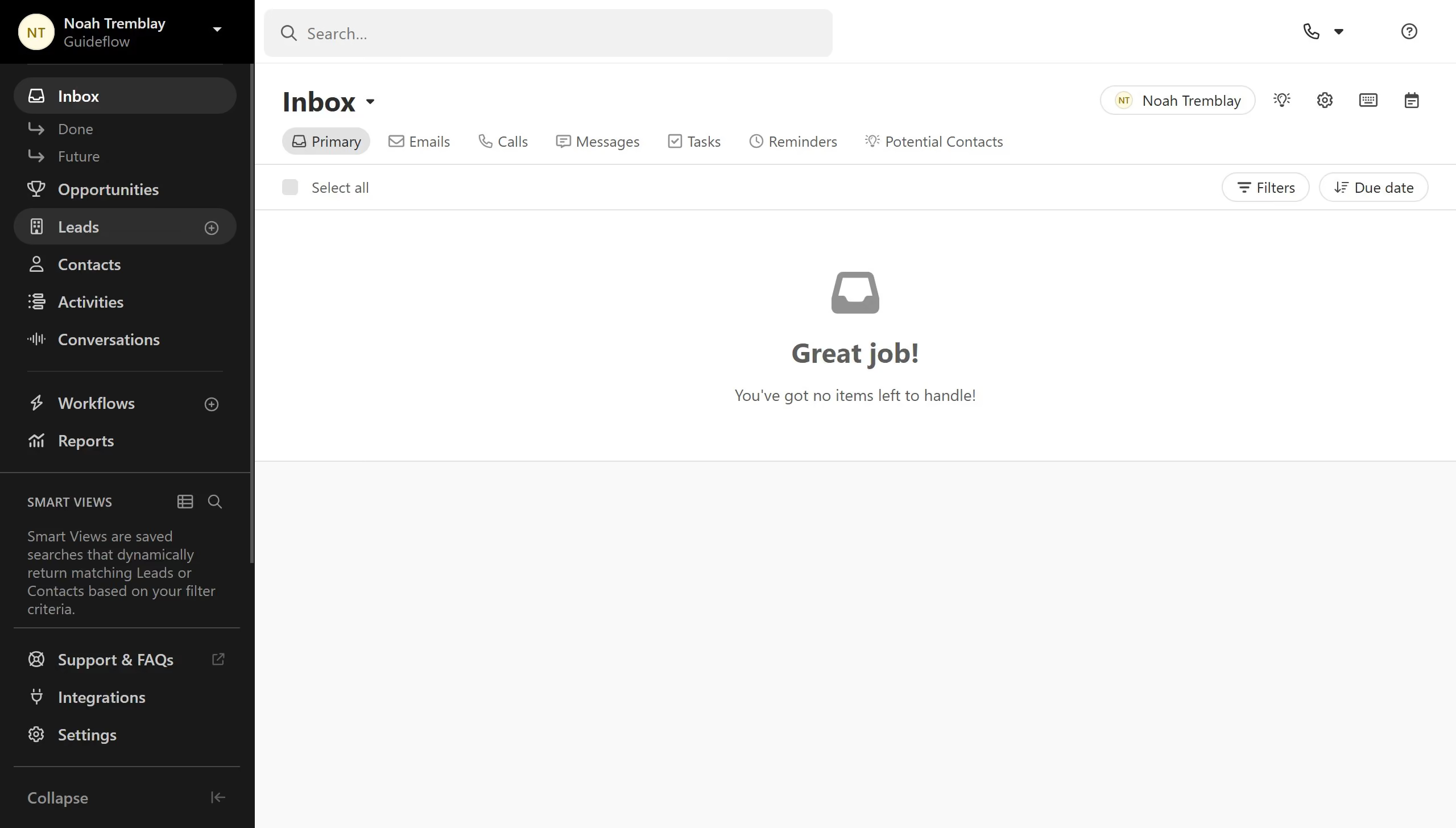
  1. First click on "Settings" in the left sidebar
  2. Then click on "Team Management" under the Organization section in the settings menu
  3. Next click on the "Delete" button for the user that needs to be removed
  4. Then click on the confirmation checkbox to acknowledge the removal terms
  5. Finally click on the "Remove" button to confirm user deletion

Create your own interactive guide with Guideflow

Why should you remove a user on Close.com

Close.com is a versatile CRM platform designed to boost your sales productivity by simplifying your workflow.

The feature to remove a user on Close.com ensures that your team remains streamlined and free from unnecessary clutter, fostering a more efficient working environment.

Utilizing this feature enhances security and maintains clear communication channels as only active team members will have access to crucial information.

Overall, managing team changes is quick and effortless, allowing you to focus more on growing your business.

Last update
May 6, 2026
Cursor MariaA cursor points to a button labeled "James."

Create your first demo in less than 30 seconds.