Here is how to disable manage workflows permission for a role in close.com
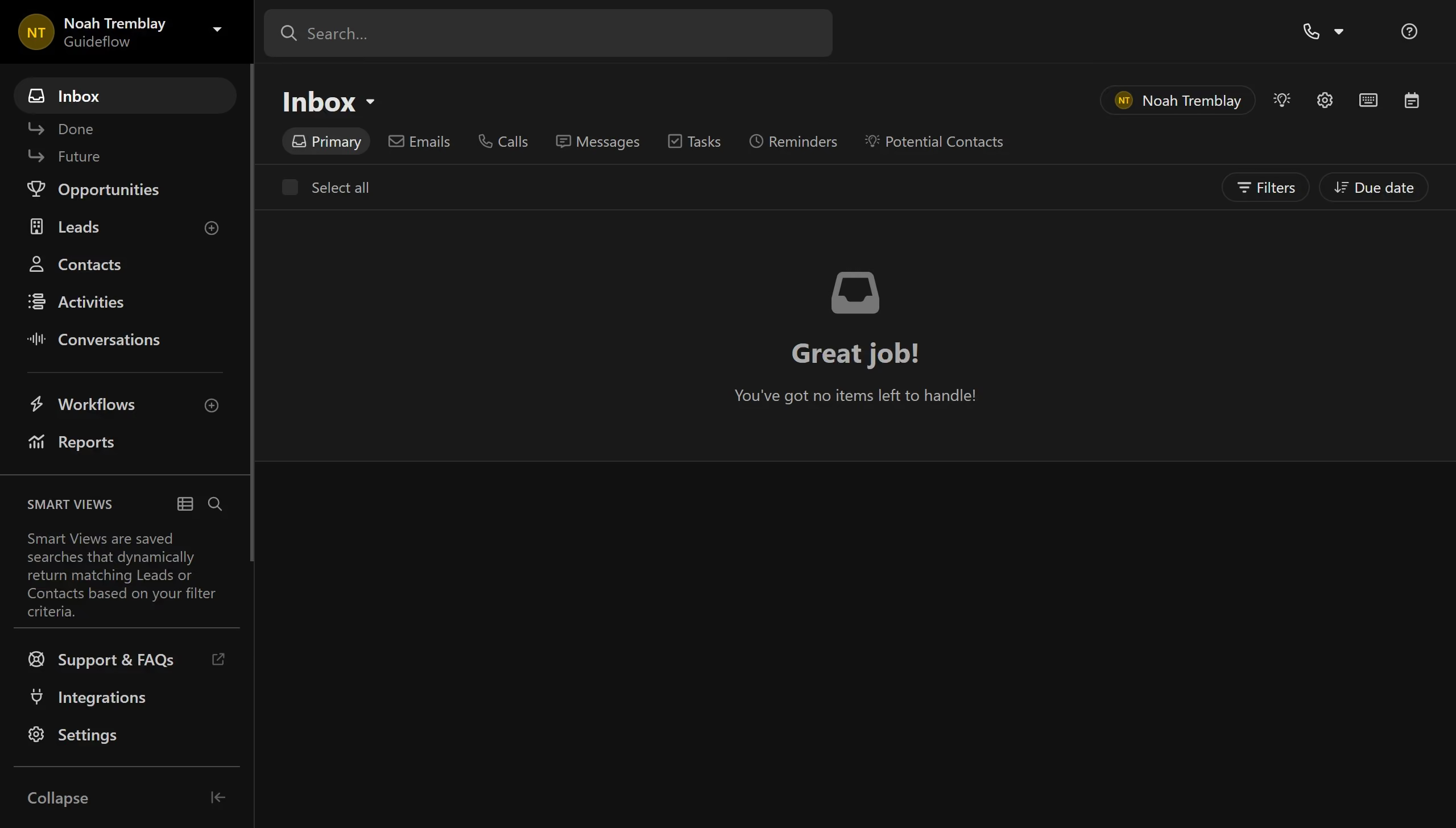
- First click on "Settings" menu item in the left sidebar
- Then click on "Roles & Permissions" option in the settings navigation menu
- Next click on a user role card in the User Roles section
- Then click on the "Manage Workflows" toggle switch off to disable the permission
- Finally click on "Save" button in the top right corner