Close
Close is a sales CRM platform for inside sales teams to manage leads, calls, and email outreach.
Website
Industry
Leadgen
Share this article:

How to add a new snippet on Close.com

Here is how to add a new snippet on close.com

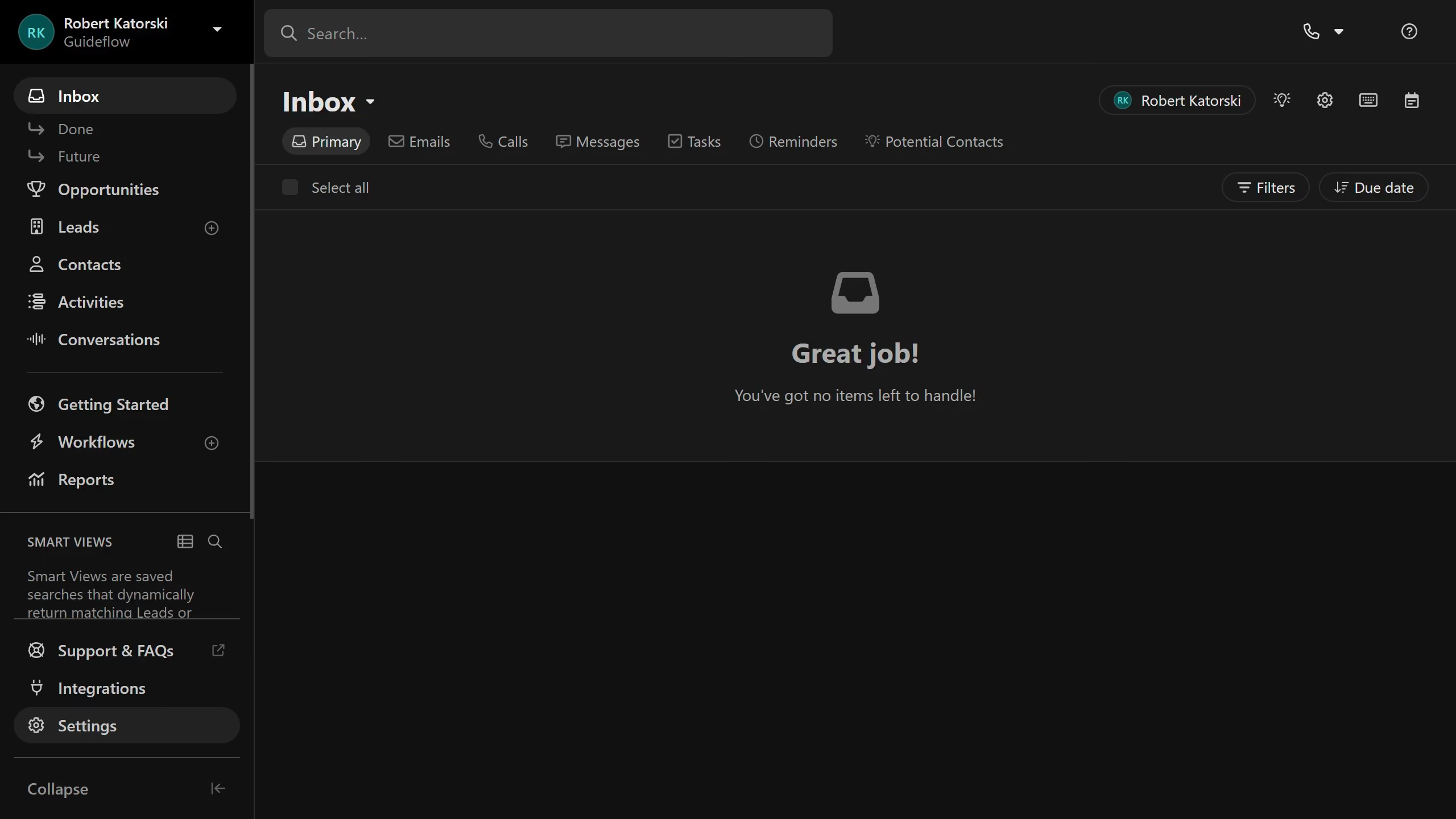
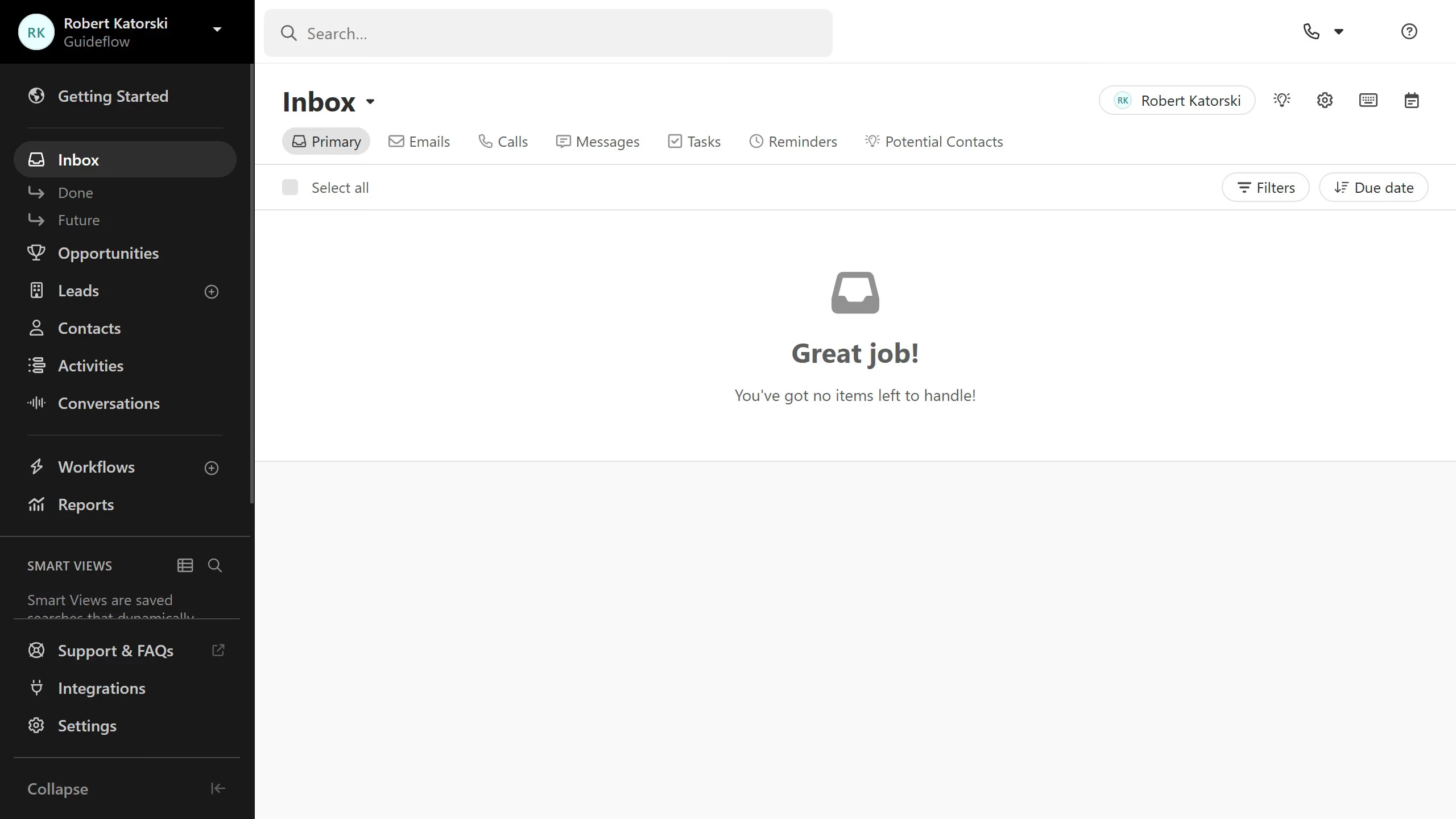
  1. First click on "Settings" in the left sidebar
  2. Then click on "Templates & Snippets" in the settings menu
  3. Next click on "Snippets" tab in the Templates & Snippets section
  4. Then click on "New snippet" button in the top right area
  5. After that click on "Share with Organization" checkbox at the bottom of the form
  6. Finally click on "Save" button in the top right corner

Create your own interactive guide with Guideflow

Why should you add a new snippet on Close.com

Close is a powerful CRM platform designed to maximize your sales team's efficiency and effectiveness.

Adding a new snippet on Close.com is an invaluable feature that streamlines communication by allowing users to create reusable text blocks for frequently used messages.

This feature not only saves time but also ensures consistency across all communications. It enables sales teams to maintain a high level of professionalism while reducing repetitive tasks, ultimately enhancing overall productivity.

Last update
May 6, 2026
Cursor MariaA cursor points to a button labeled "James."

Create your first demo in less than 30 seconds.