Close
Close is a sales CRM platform for inside sales teams to manage leads, calls, and email outreach.
Website
Industry
Leadgen
Share this article:

How to add an abandonment message on Close.com

Here is how to add an abandonment message on close.com

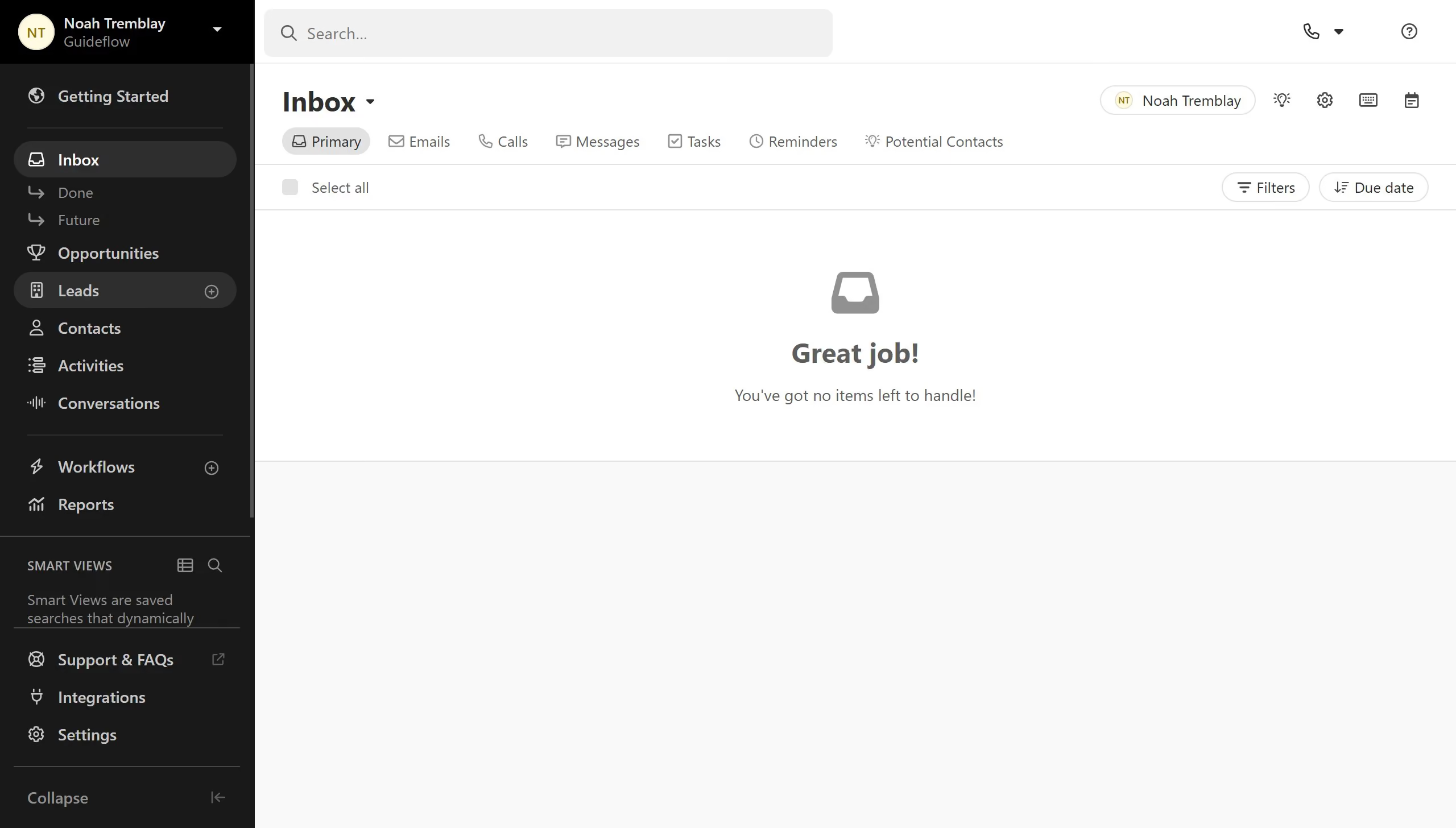
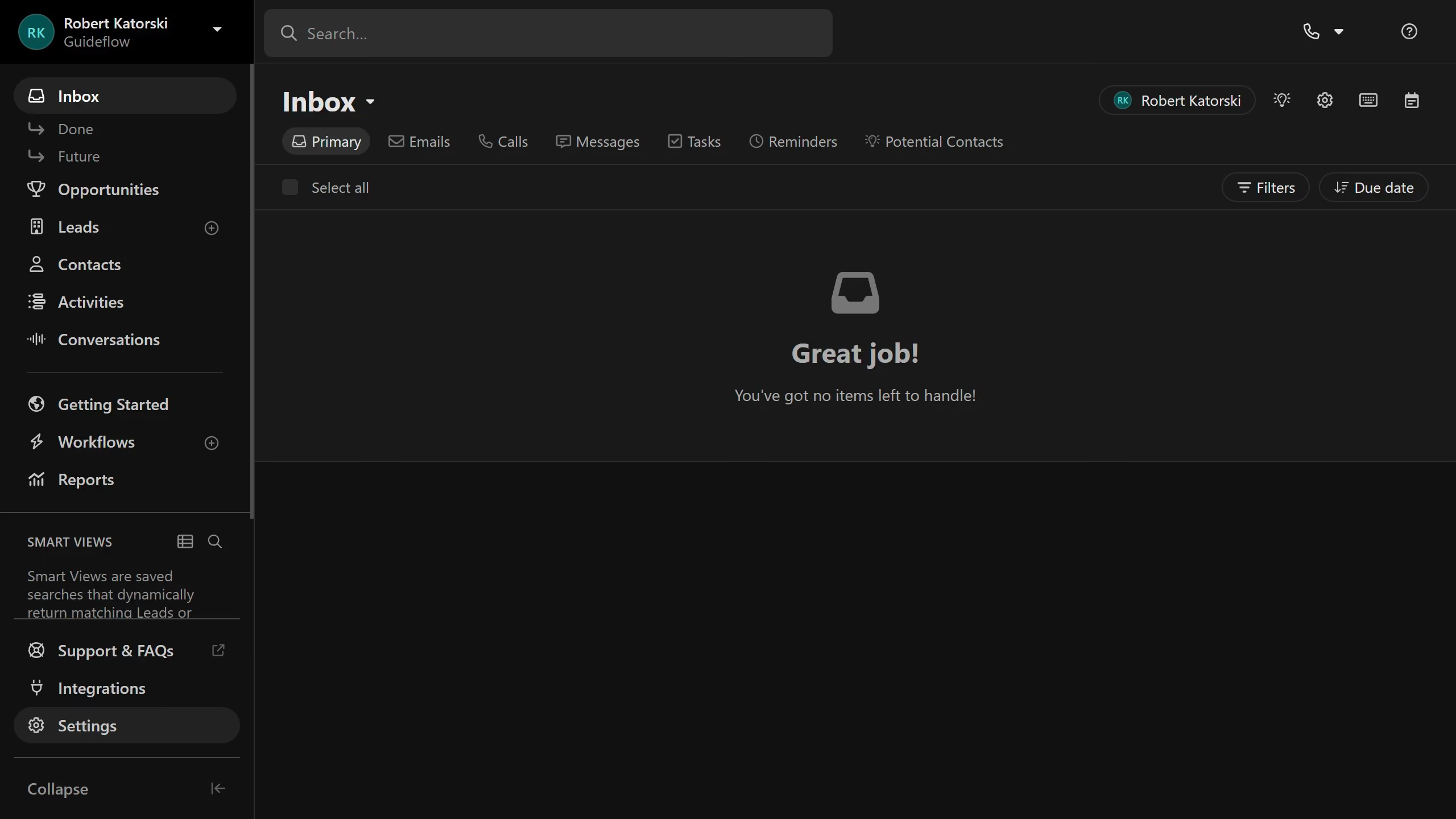
  1. First click on "Settings" menu item in the left sidebar
  2. Then click on "Phone & Voicemail" option in the Settings menu
  3. Next click on "Dialer" tab in the Phone & Voicemail section
  4. Then click on "New Abandonment Message" button in the Predictive Calling section
  5. Then click on "Start Recording" button in the Record Abandonment Message dialog
  6. Click on "Done Recording" button to stop the recording
  7. Click the Save button to record the abandonment message.

Create your own interactive guide with Guideflow

Why should you add an abandonment message on Close.com

Close is an intuitive CRM platform designed to streamline your sales process and boost productivity.

Adding an abandonment message on Close.com allows you to intelligently re-engage clients who might have hesitated halfway through the customer journey.

This feature can significantly enhance conversion rates by reminding prospects of their interest and providing them with a gentle nudge to continue.

Incorporating abandonment messages ensures that no opportunity slips away unnoticed, effectively turning potential losses into new sales opportunities.

Last update
May 6, 2026
Cursor MariaA cursor points to a button labeled "James."

Create your first demo in less than 30 seconds.