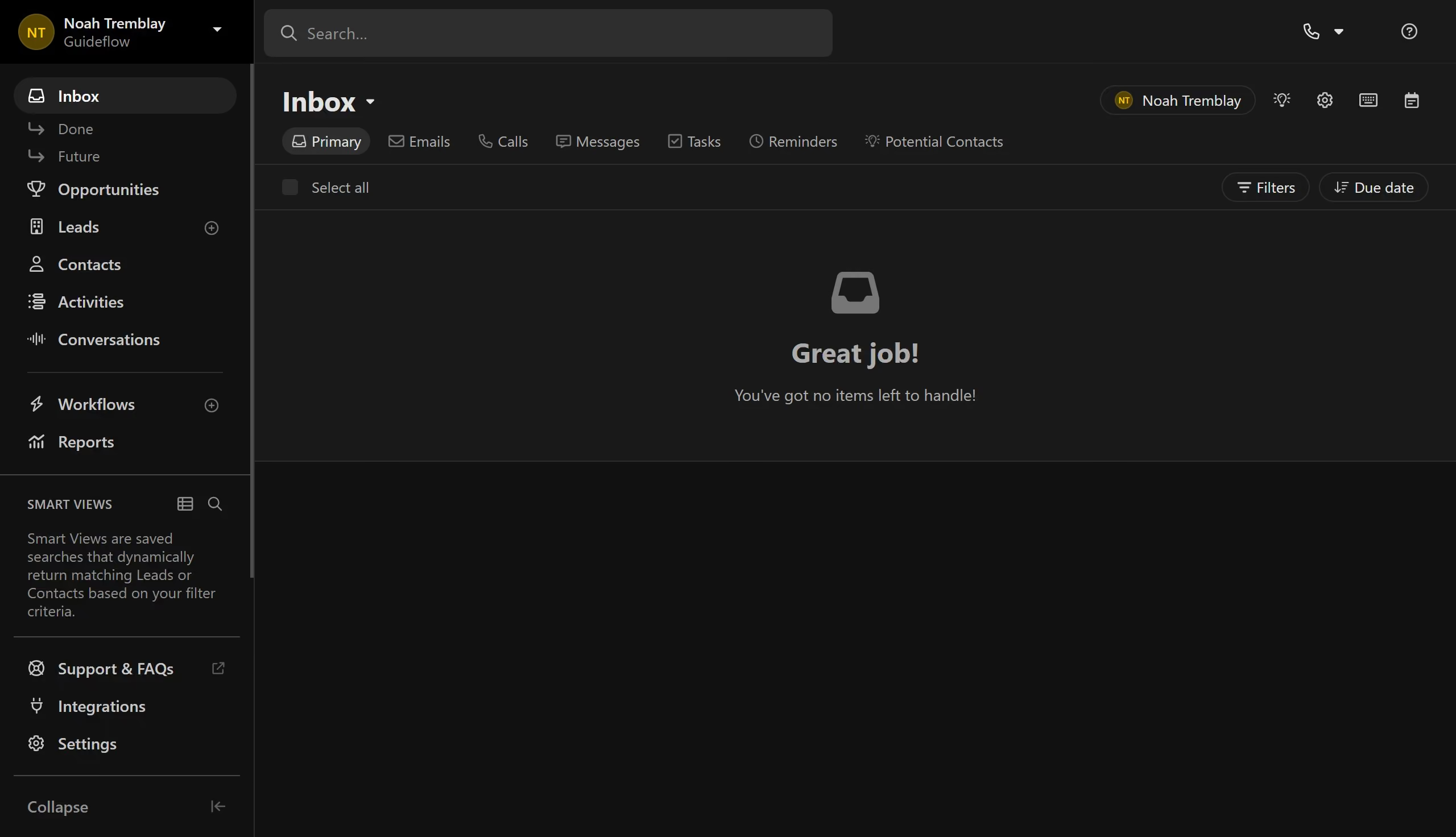
Here is how to change interface themes on close.com
- First click on "Settings" in the left sidebar
- Then click on "Appearance" in the settings menu
- Finally select a theme option


Create your own interactive guide with Guideflow
Close.com is a cutting-edge CRM platform designed to boost sales productivity with ease and efficiency.
One standout feature of Close.com is the ability to change interface themes, allowing for a more personalized user experience.
Switching themes can enhance user comfort, reduce eye strain during extended use, and increase overall satisfaction with the platform.
Adapting the interface to suit individual preferences ensures a comfortable working environment, making everyday tasks more enjoyable and visually appealing.
Why leading companies build with Guideflow