Close
Close is a sales CRM platform for inside sales teams to manage leads, calls, and email outreach.
Website
Industry
Leadgen
Share this article:

How to set custom sending limits on Close.com

Here is how to set custom sending limits on close.com

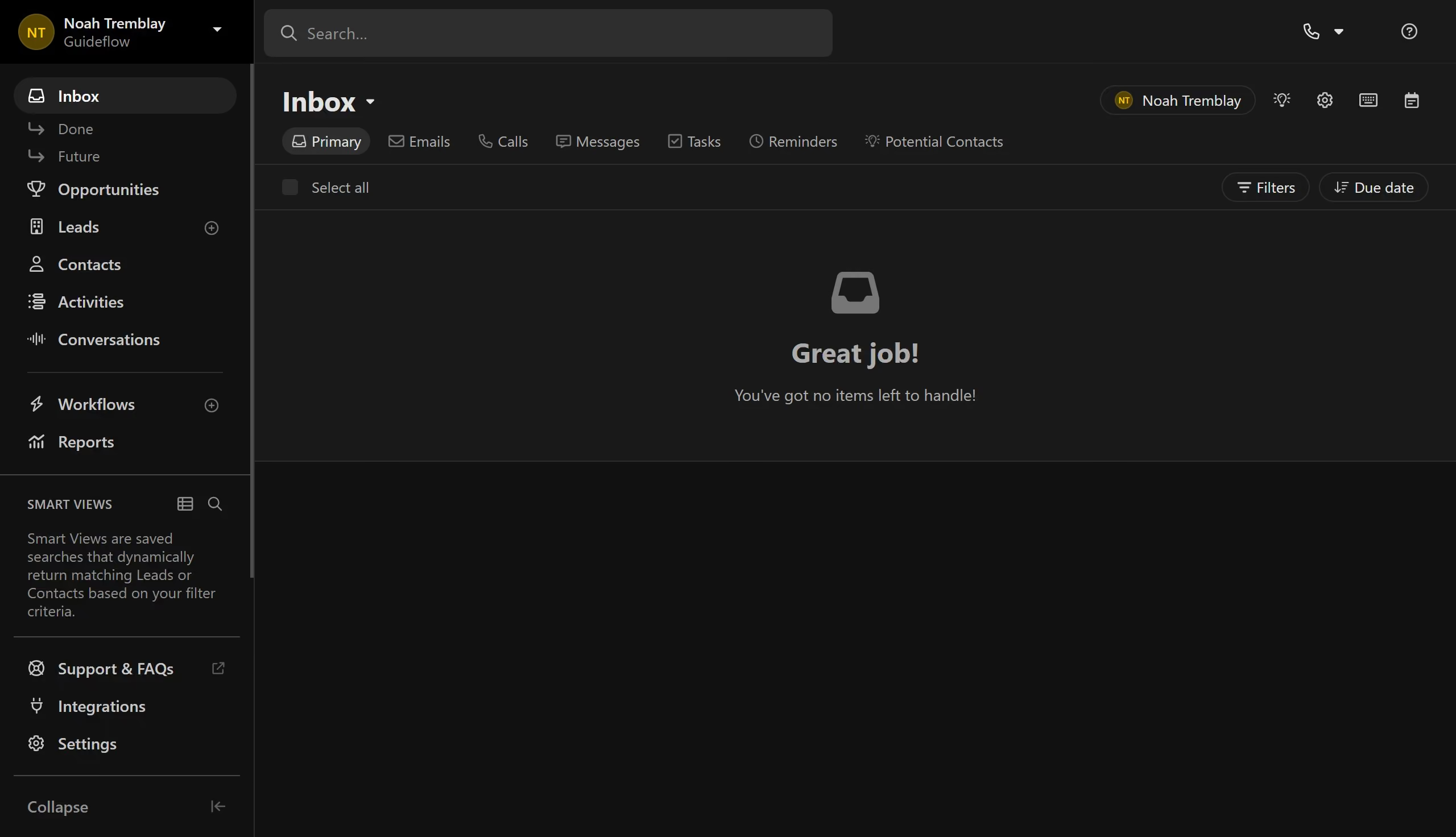
  1. First click on "Settings" in the left sidebar
  2. Scroll down and click on "Email" under Communication
  3. Next click on "Sending Limits" tab at the top of the Email settings page
  4. Then click on the toggle button to enable "Custom sending limits"
  5. Click on "Enable" button in the confirmation dialog
  6. Enter your sending limit numbers
  7. Finally click the Save button to apply your email settings.

Create your own interactive guide with Guideflow

Why should you set custom sending limits on Close.com

Close is a powerful CRM platform designed to help small to medium businesses streamline sales processes.

Setting custom sending limits on Close.com allows users to optimize their email outreach strategies.

By configuring these limits, businesses can maintain a consistent email cadence, ensuring messages reach recipients at the right frequency.

This feature prevents overwhelming prospects, boosting engagement and enhancing deliverability rates.

Last update
May 6, 2026
Cursor MariaA cursor points to a button labeled "James."

Create your first demo in less than 30 seconds.