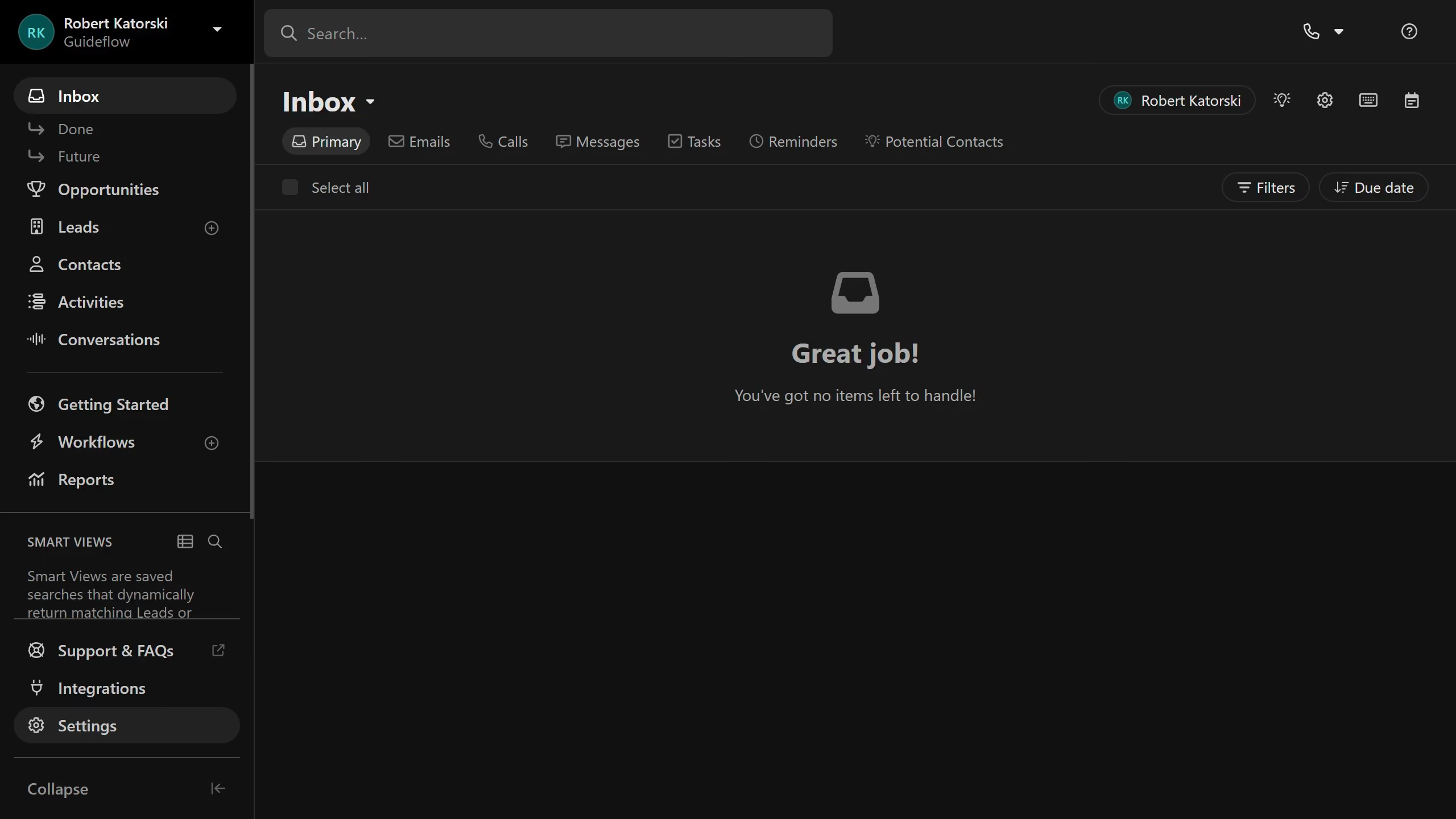
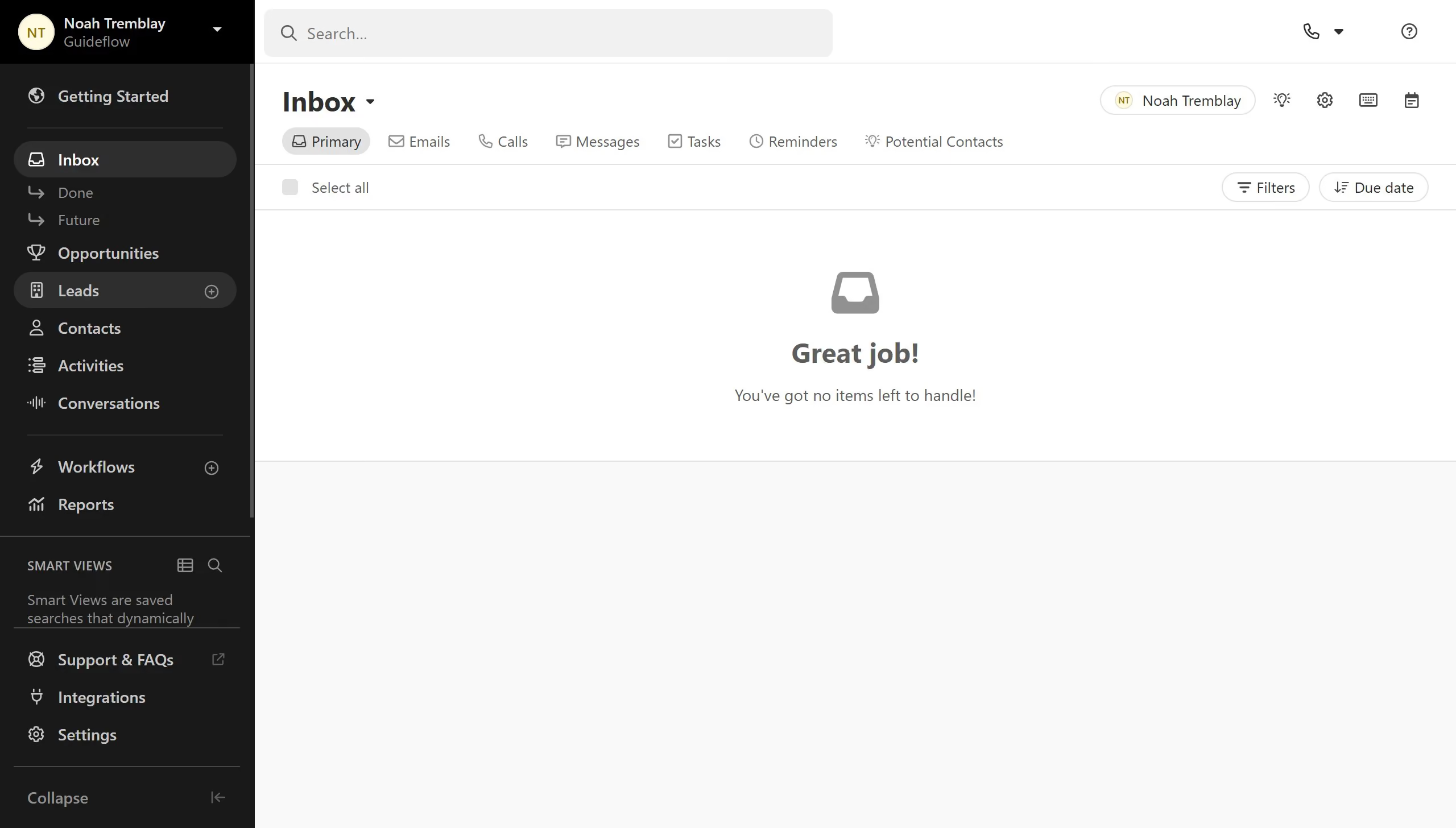
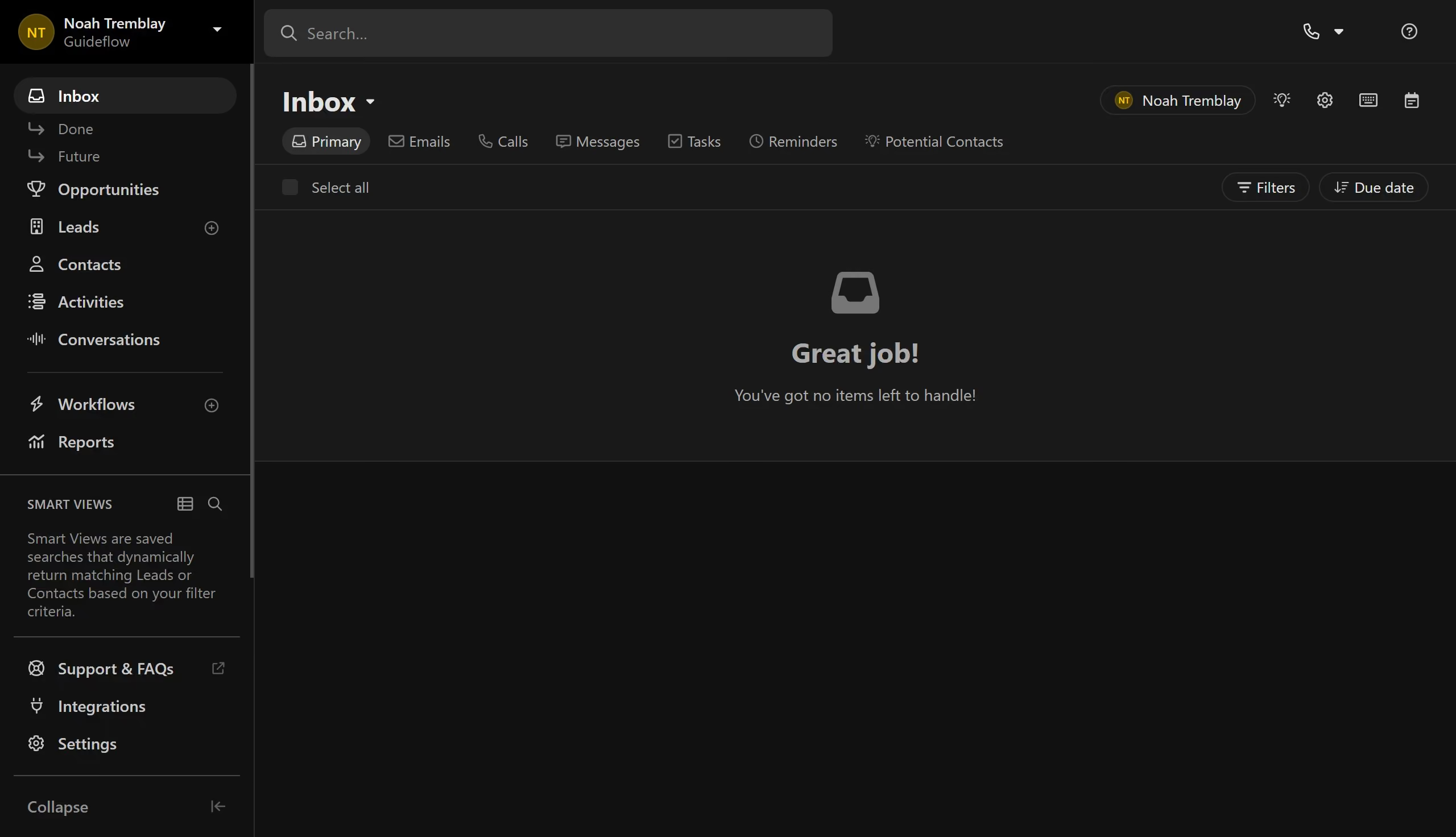
Here is how to reorder a lead status on close.com
- First click on "Settings" in the sidebar
- Then click on "Statuses & Pipelines" in the left settings menu
- Then click on the drag handle icon next to a status item
- Finally drag and drop the status item to its desired spot