Close
Close is a sales CRM platform for inside sales teams to manage leads, calls, and email outreach.
Website
Industry
Leadgen
Share this article:

How to edit your organization's currency on Close.com

Here is how to edit your organization's currency on close.com

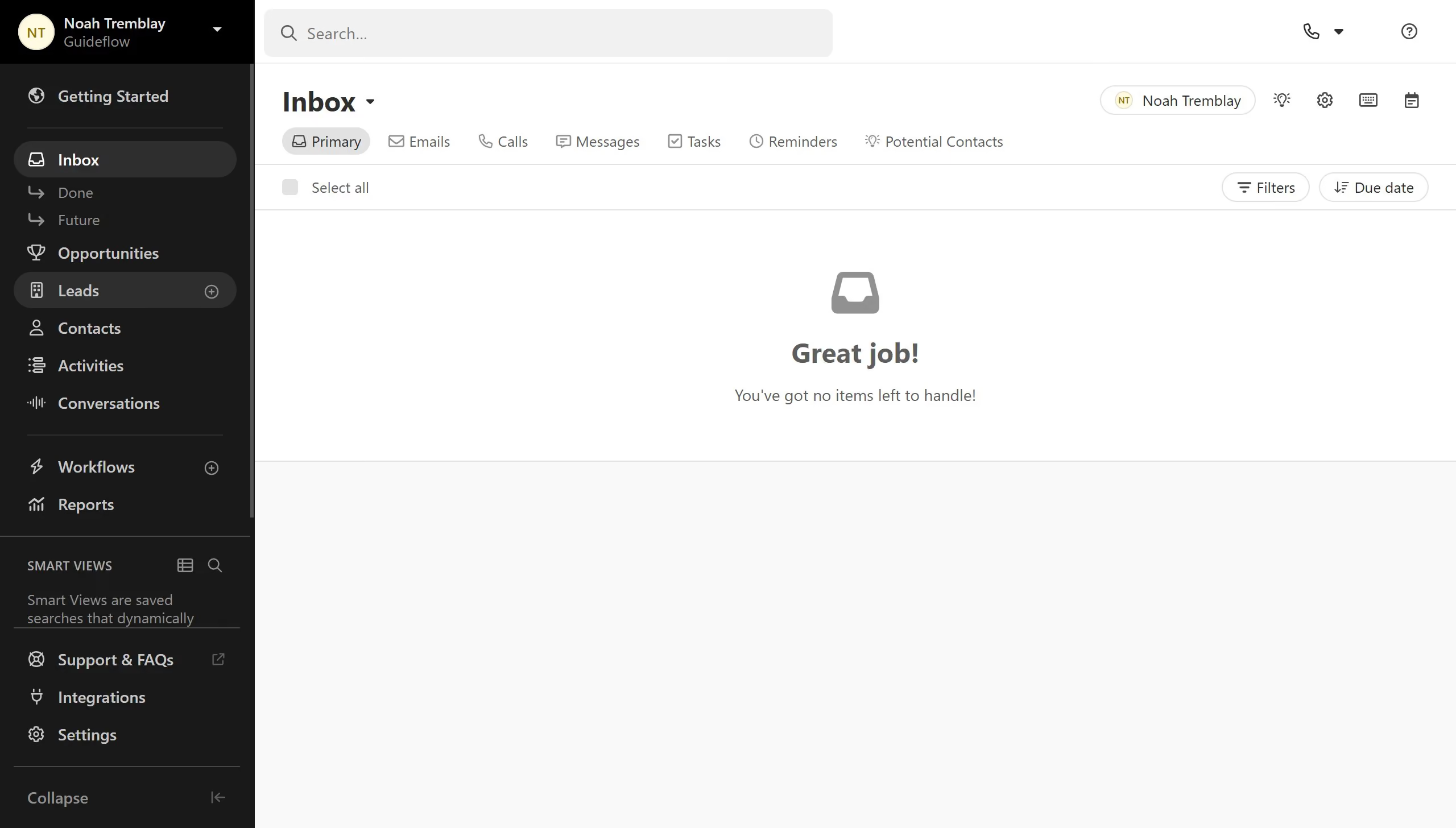
  1. First click on "Settings" in the left sidebar
  2. Then click on "General" under the Organization section in the settings menu
  3. Next click on the "Currency" dropdown field to open currency options
  4. Then scroll through the currency dropdown menu to view available currency options
  5. Finally after selecting your desired currency click on the "Save" button to save the currency settings

Create your own interactive guide with Guideflow

Why should you edit your organization's currency on Close.com

Close is a dynamic CRM platform designed to enhance sales productivity and streamline workflows.

One standout feature within Close is the ability to edit your organization's currency, which ensures that all financial data aligns with the right monetary context.

This feature is incredibly beneficial for companies that operate internationally or deal with clients in various currencies. It simplifies financial reporting and eliminates conversion guesswork.

Ultimately, editing your currency on Close enhances accuracy in forecasting and decision-making, which propels business success.

Last update
May 6, 2026
Cursor MariaA cursor points to a button labeled "James."

Create your first demo in less than 30 seconds.