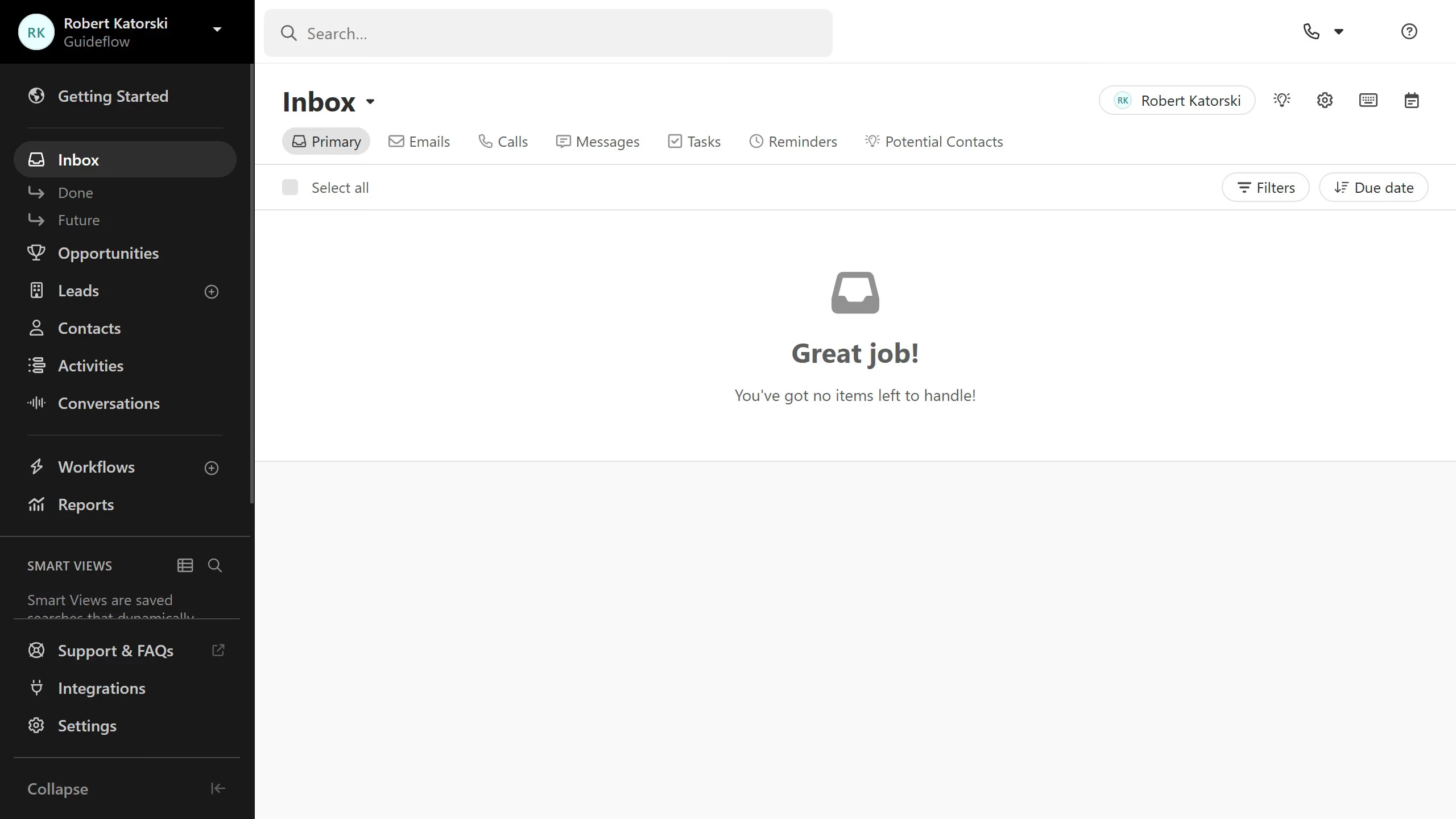
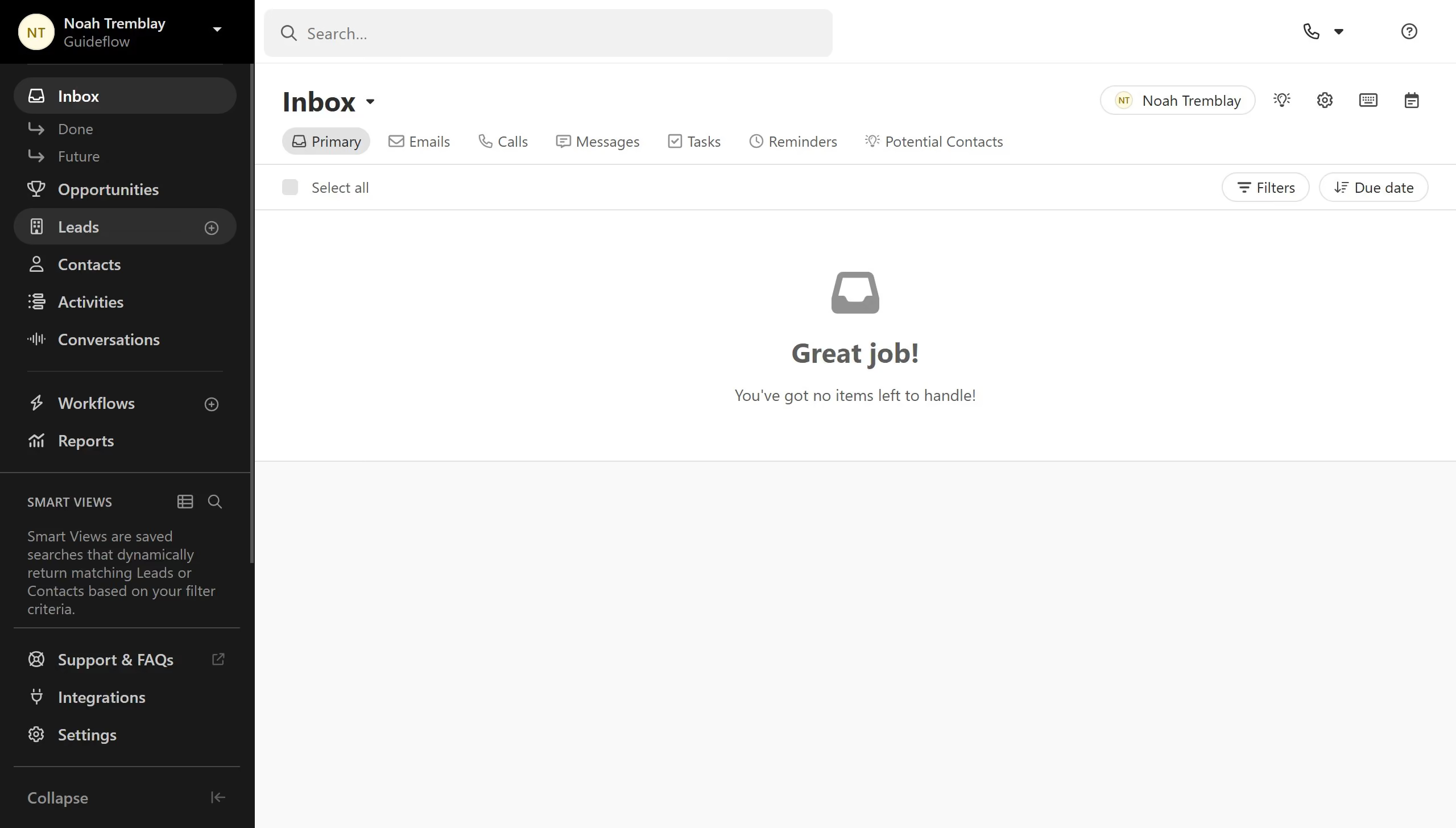
Here is how to copy a custom field api id on close.com
- First click on "Settings" in the left sidebar
- Then click on "Custom Fields" in the left settings menu under the Customization section
- Next click on the "More" options button (three dots) for the "First Name" field
- Finally click on "Copy ID (API)" from the dropdown menu