Close
Close is a sales CRM platform for inside sales teams to manage leads, calls, and email outreach.
Website
Industry
Leadgen
Share this article:

How to add fields on a custom activity on Close.com

Here is how to add fields on a custom activity on close.com

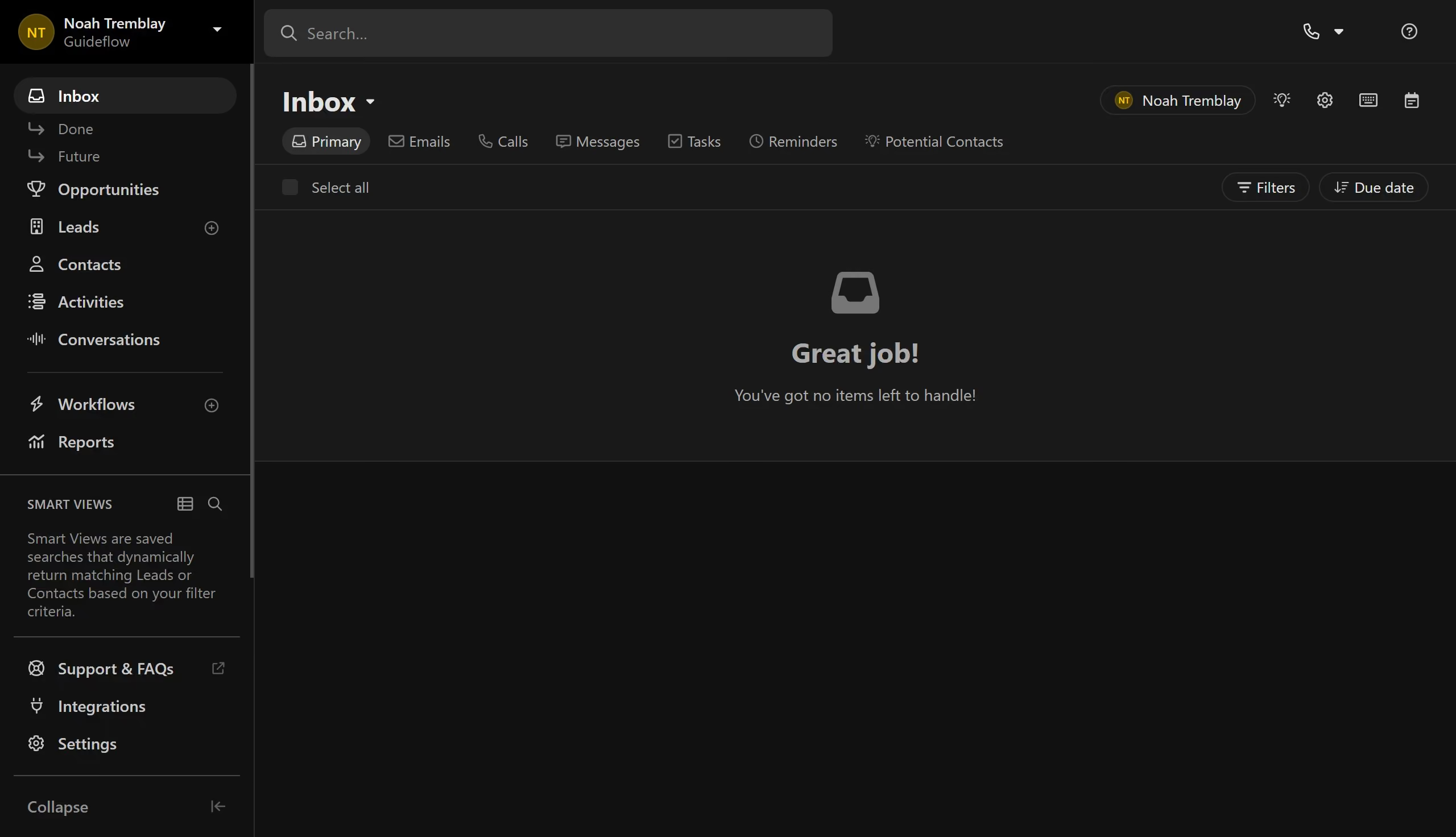
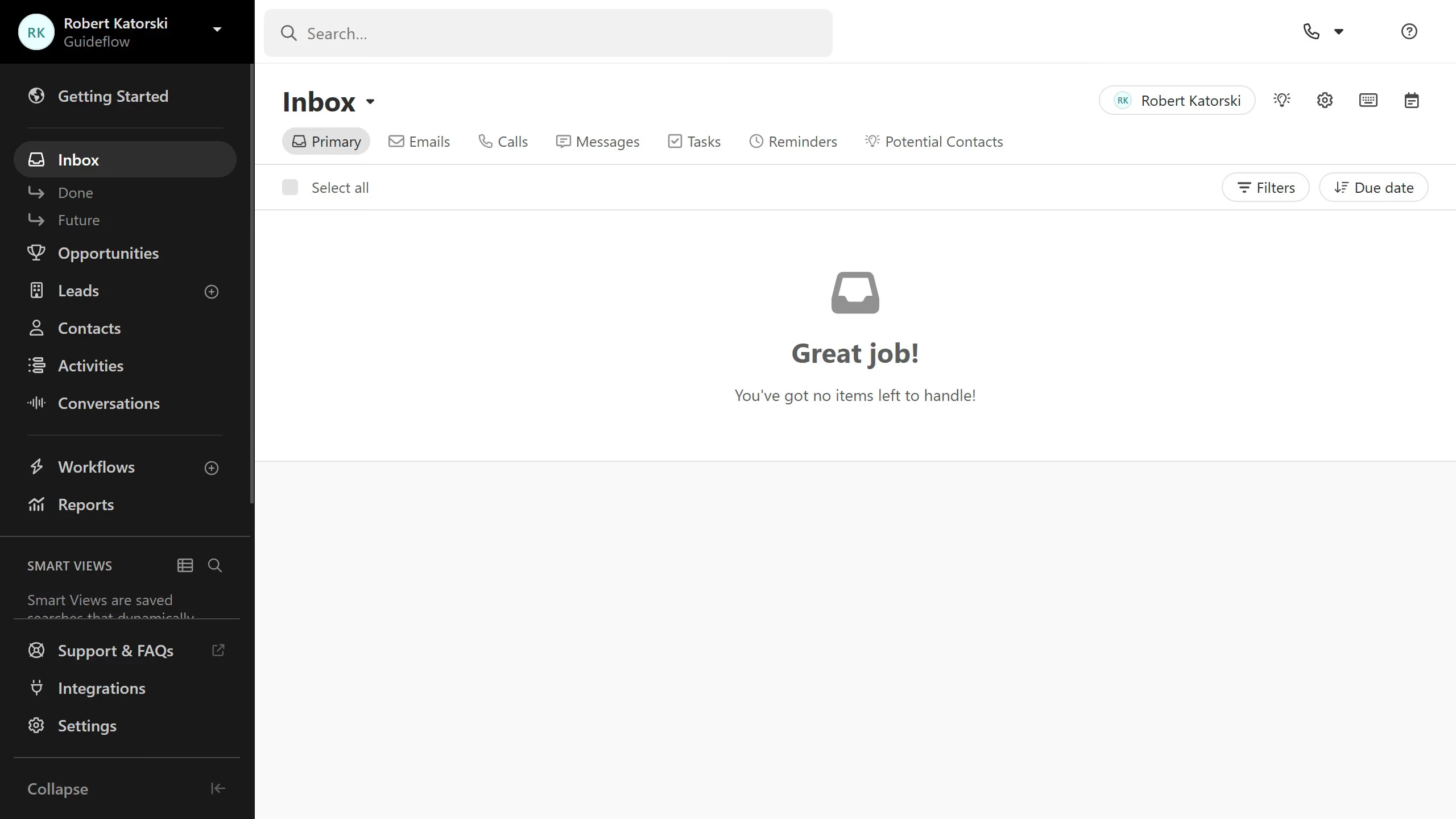
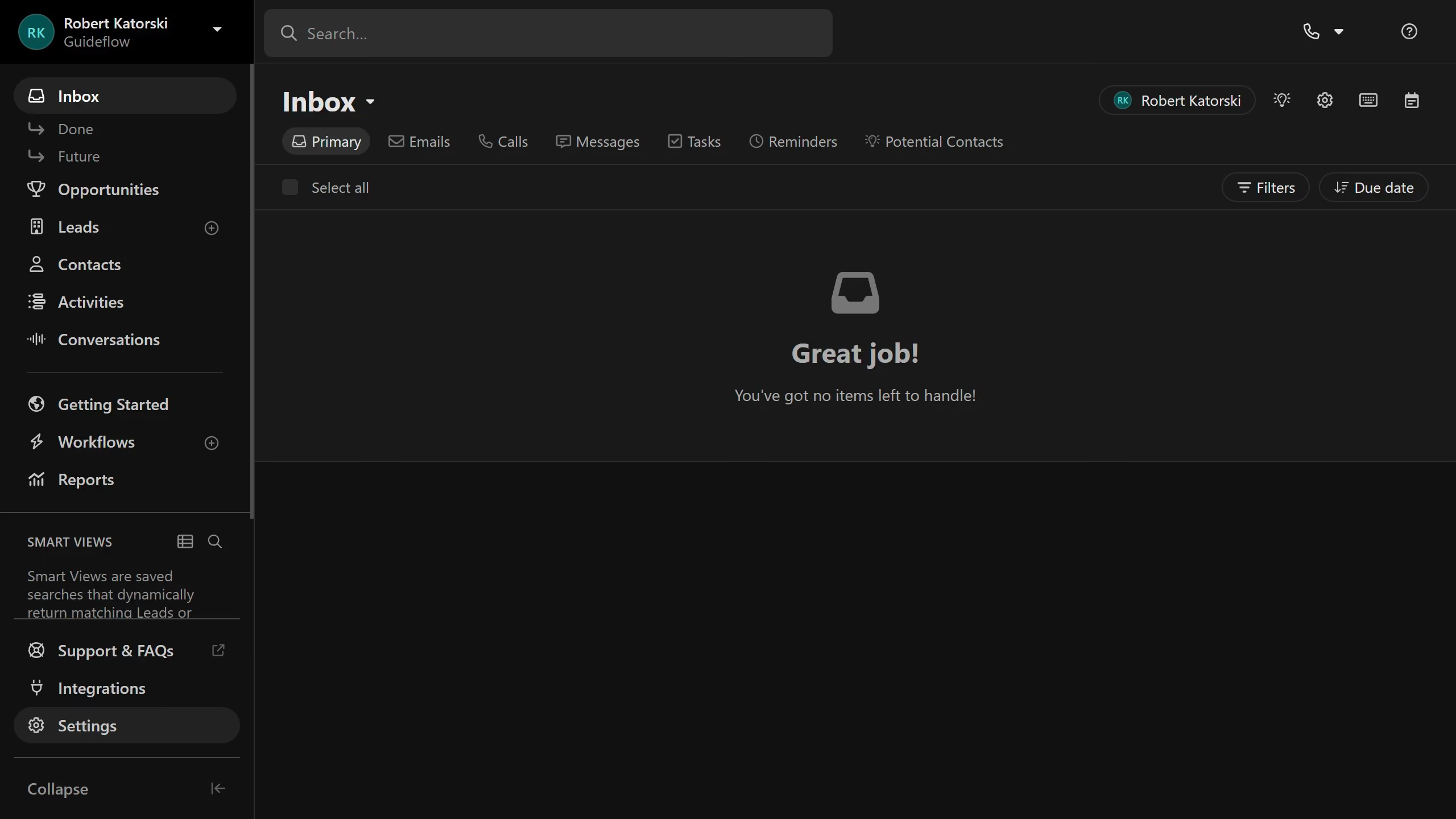
  1. First click on "Settings" in the left sidebar
  2. Then click on "Custom Activities" in the Customization section
  3. Next click on the custom activity item you want to add fields to in the list
  4. Then click on the "Add Field" button
  5. Finally click on the "Add Field" button in the modal dialog

Create your own interactive guide with Guideflow

Why should you add fields on a custom activity on Close.com

Close is a powerful CRM designed to help sales teams close more deals with ease.

Adding fields on a custom activity in Close.com makes tracking specific client interactions straightforward. This feature enhances the customization of sales processes, enabling teams to capture unique data points relevant to their business needs.

By tailoring activities with custom fields, organizations can ensure that every piece of information collected aligns closely with their strategic goals, boosting efficiency and data-driven decision-making.

Last update
May 6, 2026
Cursor MariaA cursor points to a button labeled "James."

Create your first demo in less than 30 seconds.