Close
Close is a sales CRM platform for inside sales teams to manage leads, calls, and email outreach.
Website
Industry
Leadgen
Share this article:

How to enable manage customizations permission for a role in Close.com

Here is how to enable manage customizations permission for a role in close.com

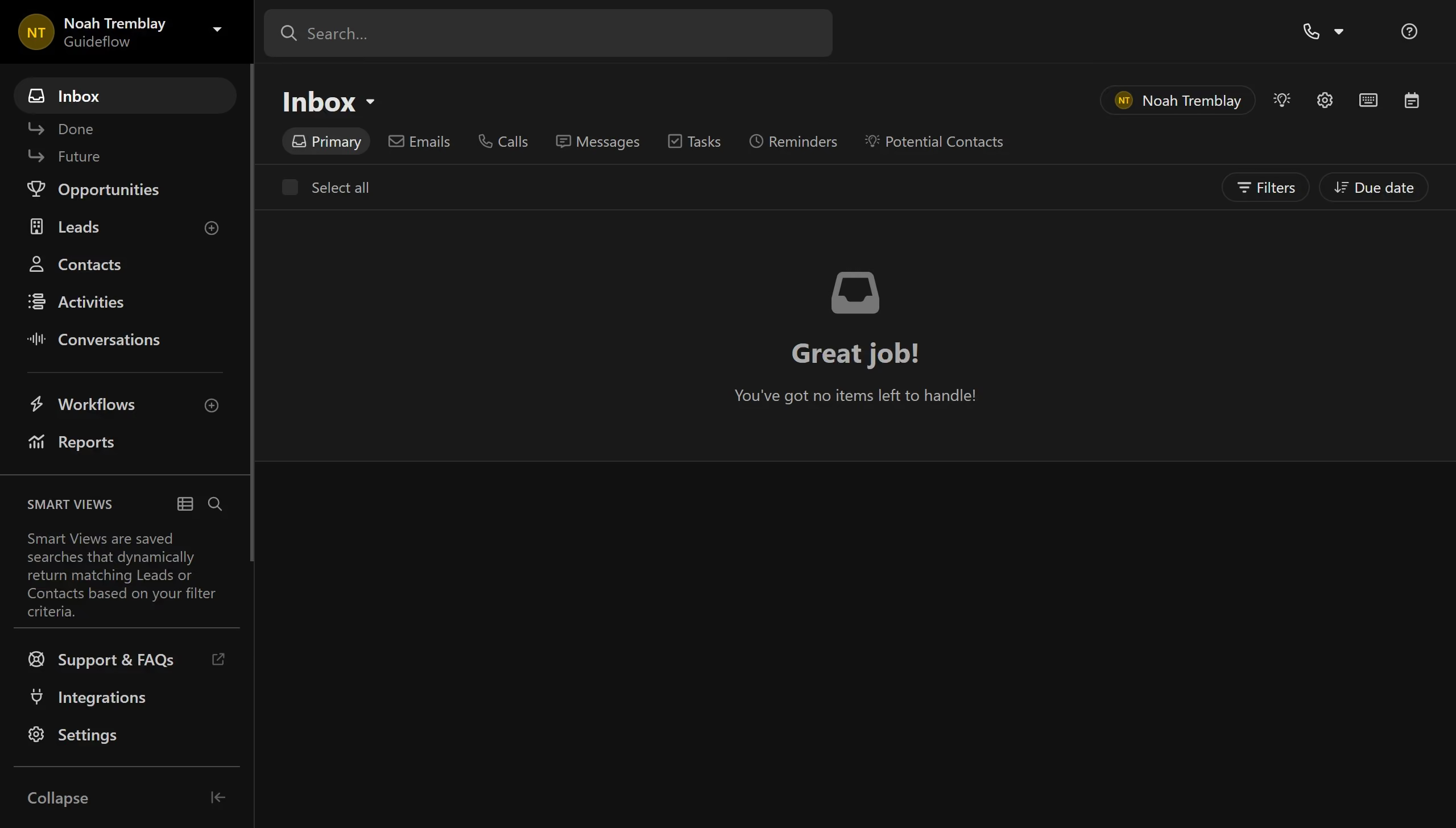
  1. First click on "Settings" in the left sidebar
  2. Then click on "Roles & Permissions" in the Organization section of the settings menu
  3. Next click on the "New user" role card in the User Roles section
  4. Then click on the "Manage Customizations" toggle switch to enable this permission
  5. Finally click on the "Save" button in the top right corner

Create your own interactive guide with Guideflow

Why should you enable manage customizations permission for a role in Close.com

Close is an innovative CRM platform designed to streamline sales workflows and accelerate growth. 

One of its powerful features is the ability to enable manage customizations permission for a role, offering enhanced control and flexibility within your team. 

By allowing this permission, businesses can tailor roles to meet specific needs, ensuring that team members have the right level of access and capabilities to perform optimally. 

This feature not only empowers team members with the appropriate tools but also enhances productivity by aligning roles with business objectives effectively.

Last update
May 6, 2026
Cursor MariaA cursor points to a button labeled "James."

Create your first demo in less than 30 seconds.