Close
Close is a sales CRM platform for inside sales teams to manage leads, calls, and email outreach.
Website
Industry
Leadgen
Share this article:

How to enable autoresponses in the primary tab in Close.com

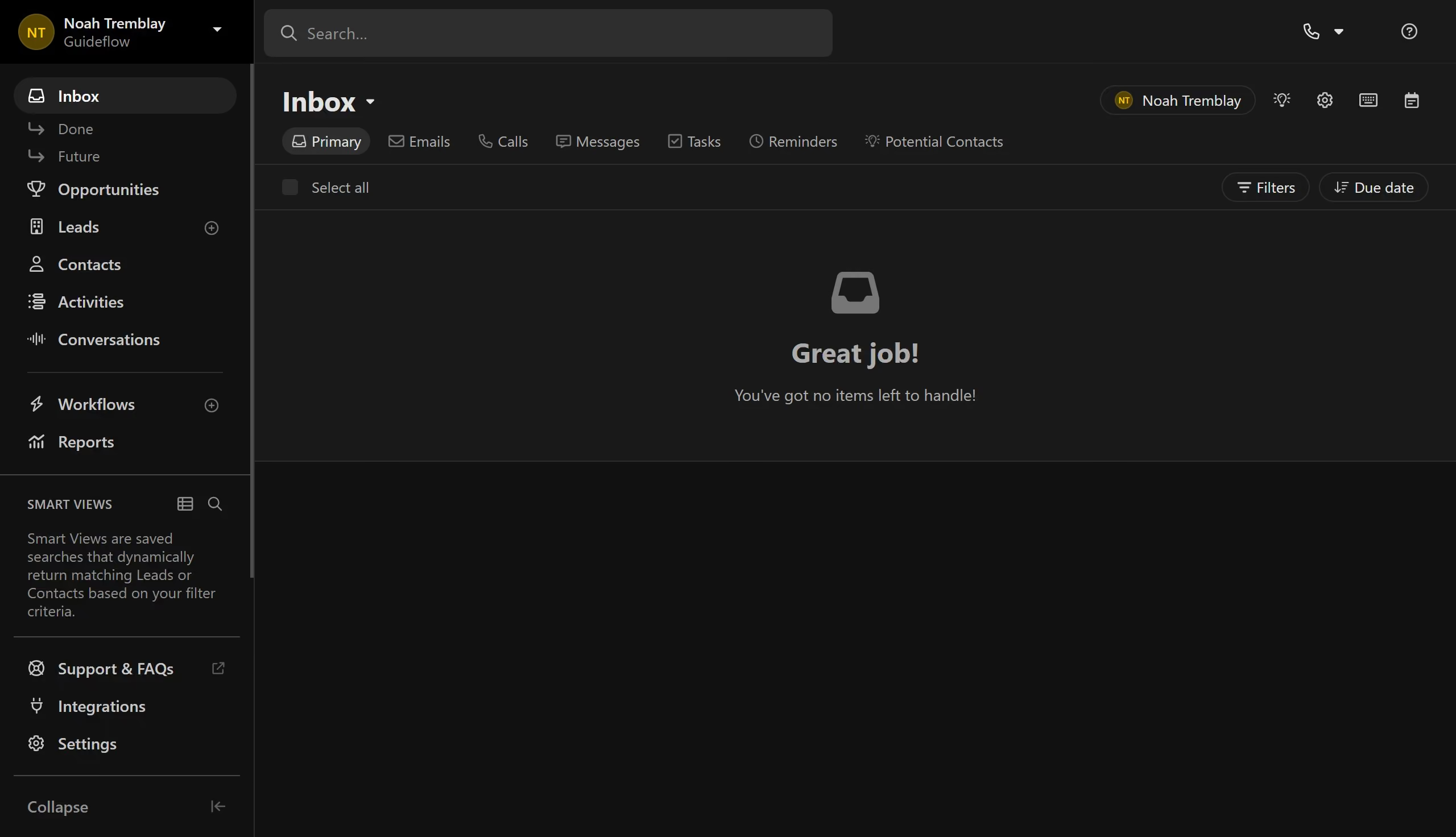
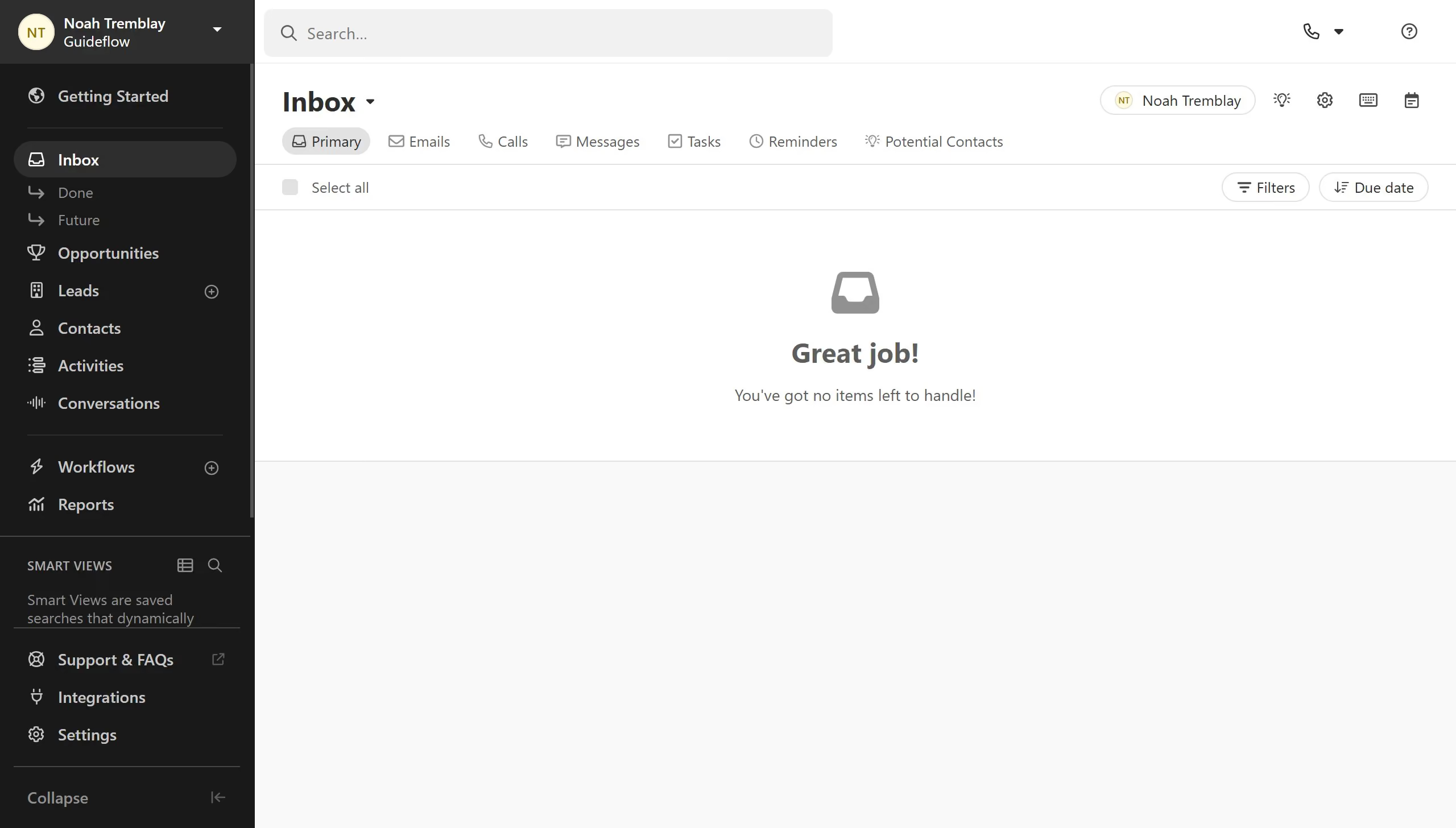
Here is how to enable autoresponses in the primary tab in close.com

  1. First click on the "Settings" icon in the top toolbar
  2. Then click on the "Autoresponses" checkbox option in the customization dialog
  3. Finally click on the "Apply" button to save the changes

Create your own interactive guide with Guideflow

Why should you enable autoresponses in the primary tab in Close.com

Close is a powerful sales CRM that helps teams close more deals by streamlining communication.

The autoresponse feature in Close.com's primary tab enhances efficiency by automating response tasks.

By enabling autoresponses, sales professionals can ensure timely engagement, reducing response times and increasing customer satisfaction.

This feature not only saves time but also allows teams to maintain a consistent and professional communication flow, significantly boosting productivity.

Last update
May 6, 2026
Cursor MariaA cursor points to a button labeled "James."

Create your first demo in less than 30 seconds.