Close
Close is a sales CRM platform for inside sales teams to manage leads, calls, and email outreach.
Website
Industry
Leadgen
Share this article:

How to archive an email template on Close.com

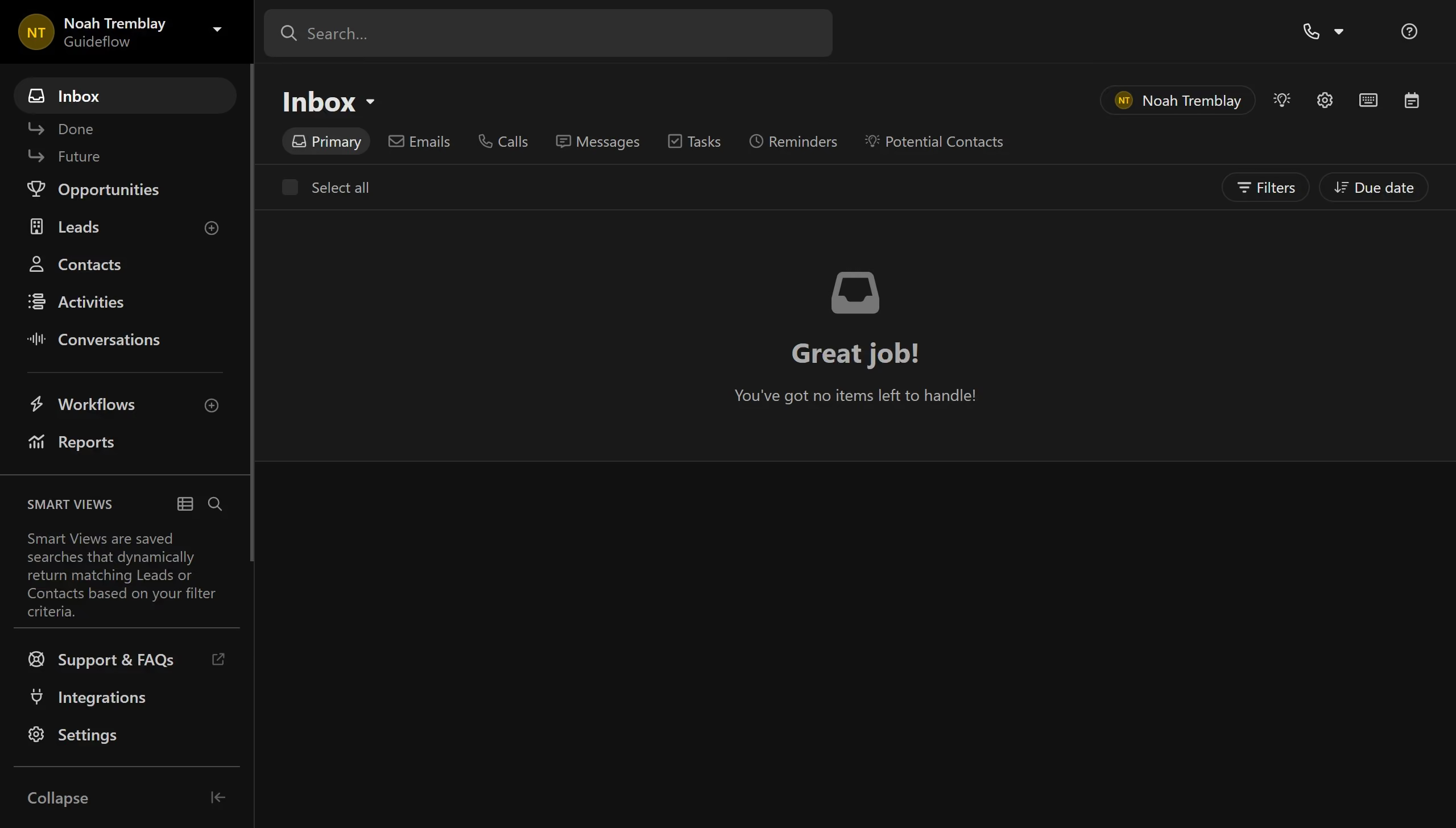
Here is how to archive an email template on close.com

  1. First click on "Settings" in the sidebar navigation menu
  2. Then click on "Templates & Snippets" option in the settings left panel
  3. Next click on the more actions button (three dots icon) in the template row
  4. Then click on "Archive" option from the dropdown menu
  5. Finally click on "Archive template" button in the confirmation dialog

Create your own interactive guide with Guideflow

Why should you archive an email template on Close.com

Close.com is a powerful CRM platform designed to supercharge your sales process and foster better client relationships.

Archiving an email template on Close.com is an essential feature that helps maintain a tidy workspace. By using this feature, you can effectively organize email templates that are no longer actively needed but may be useful for future reference.

This practice not only declutters your template list but also improves efficiency by allowing for quicker access to relevant templates when crafting communications. Harness the power of archived templates to streamline productivity.

Last update
May 6, 2026
Cursor MariaA cursor points to a button labeled "James."

Create your first demo in less than 30 seconds.