Close
Close is a sales CRM platform for inside sales teams to manage leads, calls, and email outreach.
Website
Industry
Leadgen
Share this article:

How to disable sync for AI knowledge sources on Close.com

Here is how to disable sync for ai knowledge sources on close.com

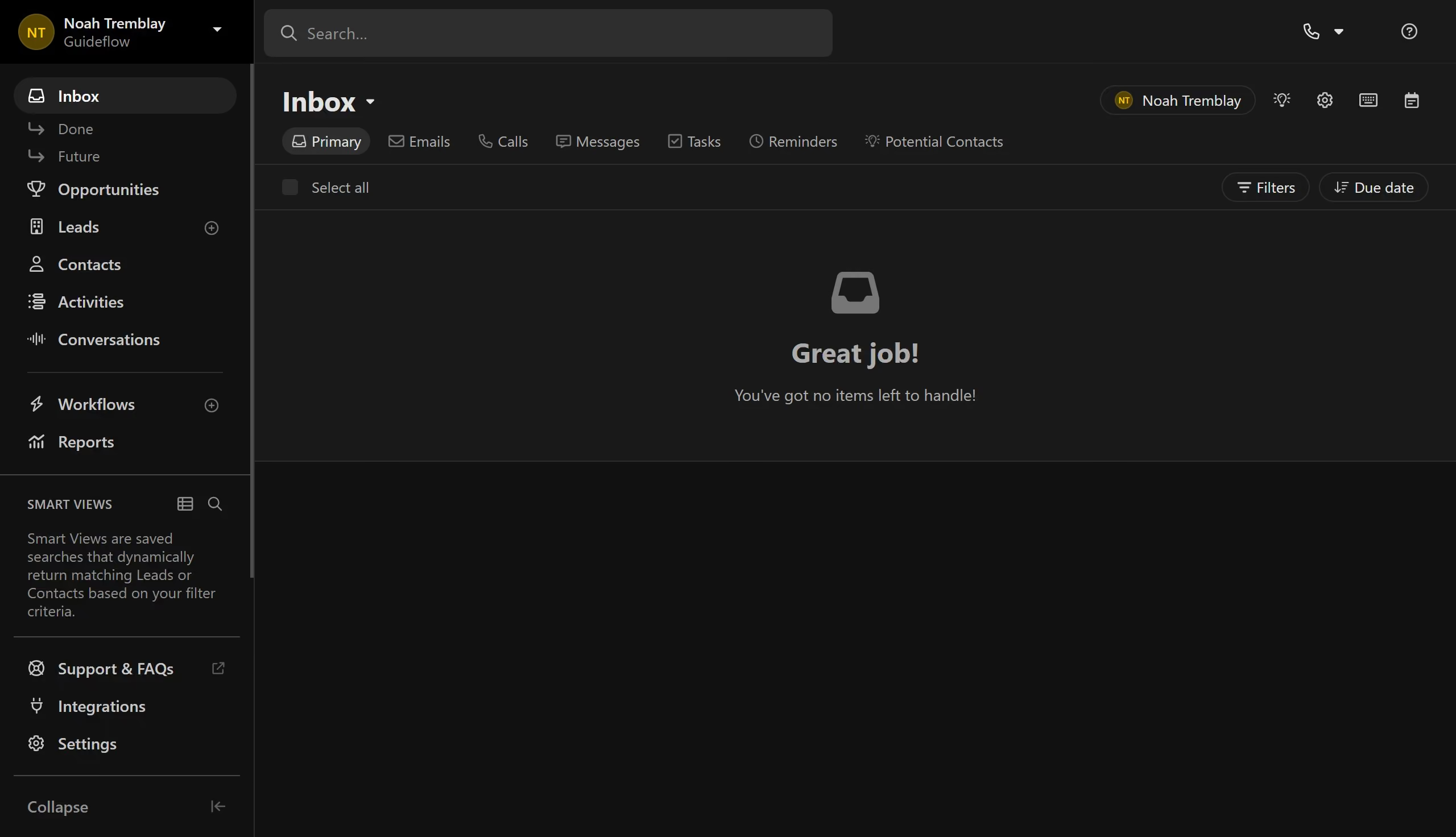
  1. First click on "Settings" in the left sidebar
  2. Then click on "AI Knowledge Sources" in the left settings menu
  3. Next click on the "Settings" icon for a source card
  4. Then click on the "Enabled" toggle to disable the source
  5. Finally click on the "Save" button to confirm the changes

Create your own interactive guide with Guideflow

Why should you disable sync for AI knowledge sources on Close.com

Close is a powerful CRM platform designed to boost sales productivity through seamless communication tools.

Disabling sync for AI knowledge sources on Close.com is a valuable feature that offers users greater control over their integrated data. By choosing which AI sources to sync, you can tailor the platform to meet your specific needs.

This flexibility ensures that only relevant information is utilized, streamlining workflows and reducing potential data overload. Ultimately, this leads to a more customized and efficient CRM experience for teams.

Last update
May 6, 2026
Cursor MariaA cursor points to a button labeled "James."

Create your first demo in less than 30 seconds.