Close
Close is a sales CRM platform for inside sales teams to manage leads, calls, and email outreach.
Website
Industry
Leadgen
Share this article:

How to archive a snippet on Close.com

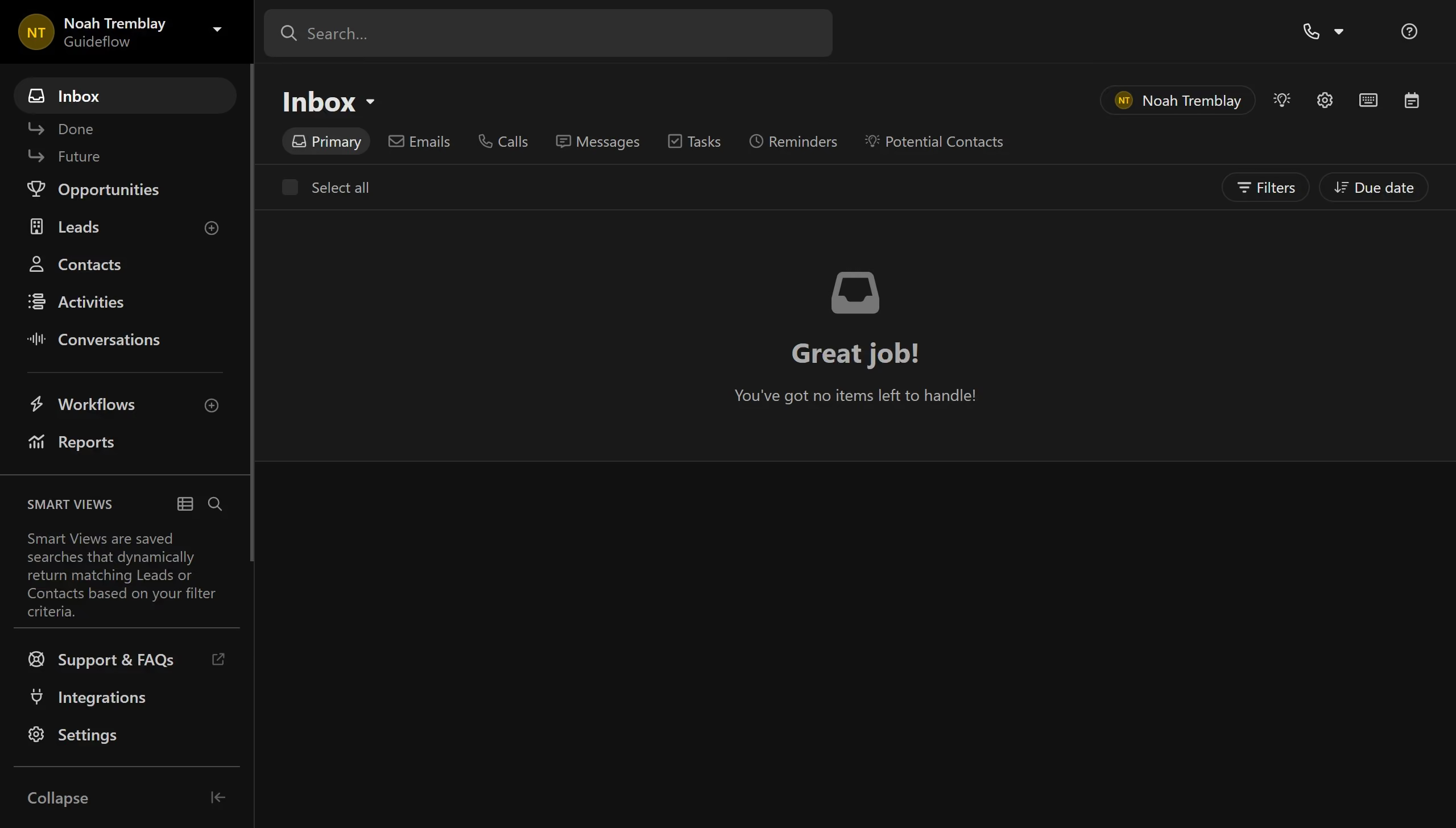
Here is how to archive a snippet on close.com

  1. First click on "Settings" link in the sidebar
  2. Then click on "Templates & Snippets" link in the settings menu
  3. Next click on "Snippets" tab in the Templates & Snippets section
  4. Then click on the more options menu icon for the snippet
  5. Next click on "Archive" option from the dropdown menu
  6. Finally click on "Archive snippet" button in the confirmation dialog

Create your own interactive guide with Guideflow

Why should you archive a snippet on Close.com

Close.com is a versatile CRM platform designed to simplify and accelerate sales activities.

Among its many features, archiving snippets on Close.com stands out by allowing users to manage communications efficiently without clutter.

This feature ensures that vital information is not lost, providing easy access to past conversations while keeping your workspace organized.

Using snippets enhances productivity by streamlining data retrieval, making it easier for sales teams to focus on closing deals.

Last update
May 6, 2026
Cursor MariaA cursor points to a button labeled "James."

Create your first demo in less than 30 seconds.