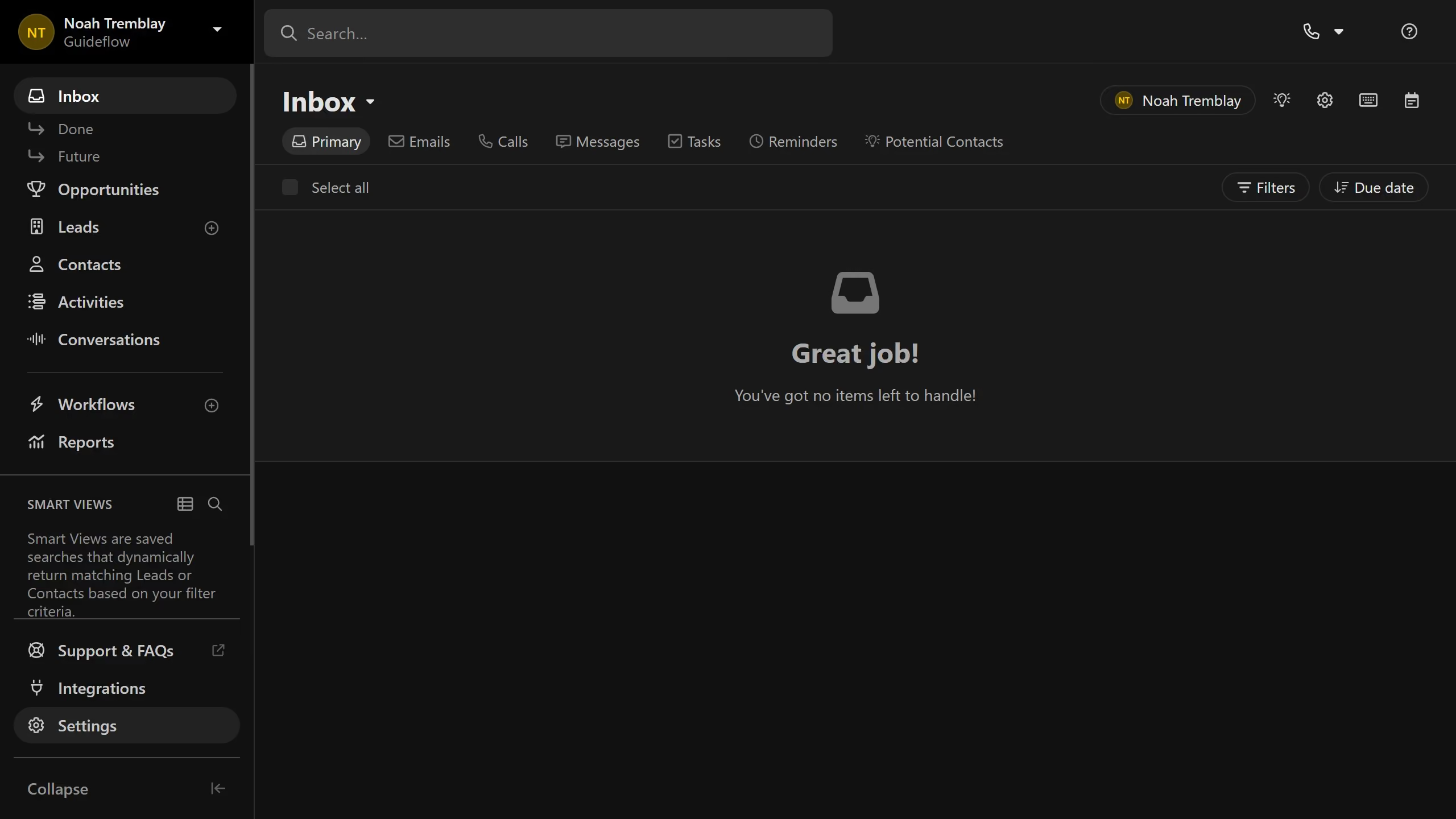
Here is how to duplicate an unsubscribe link easily on close.com
- First click on "Settings" in the left sidebar
- Then click on "Email" option in the Communication section of the settings menu
- Next click on "Unsubscribe Link" tab in the Email settings page
- Then click on the "Duplicate" button next to the unsubscribe link you want to duplicate
- Finally click on the "Save" button to save the duplicated unsubscribe link