Close
Close is a sales CRM platform for inside sales teams to manage leads, calls, and email outreach.
Website
Industry
Leadgen
Share this article:

How to duplicate an archive email template on Close.com

Here is how to duplicate an archive email template on close.com

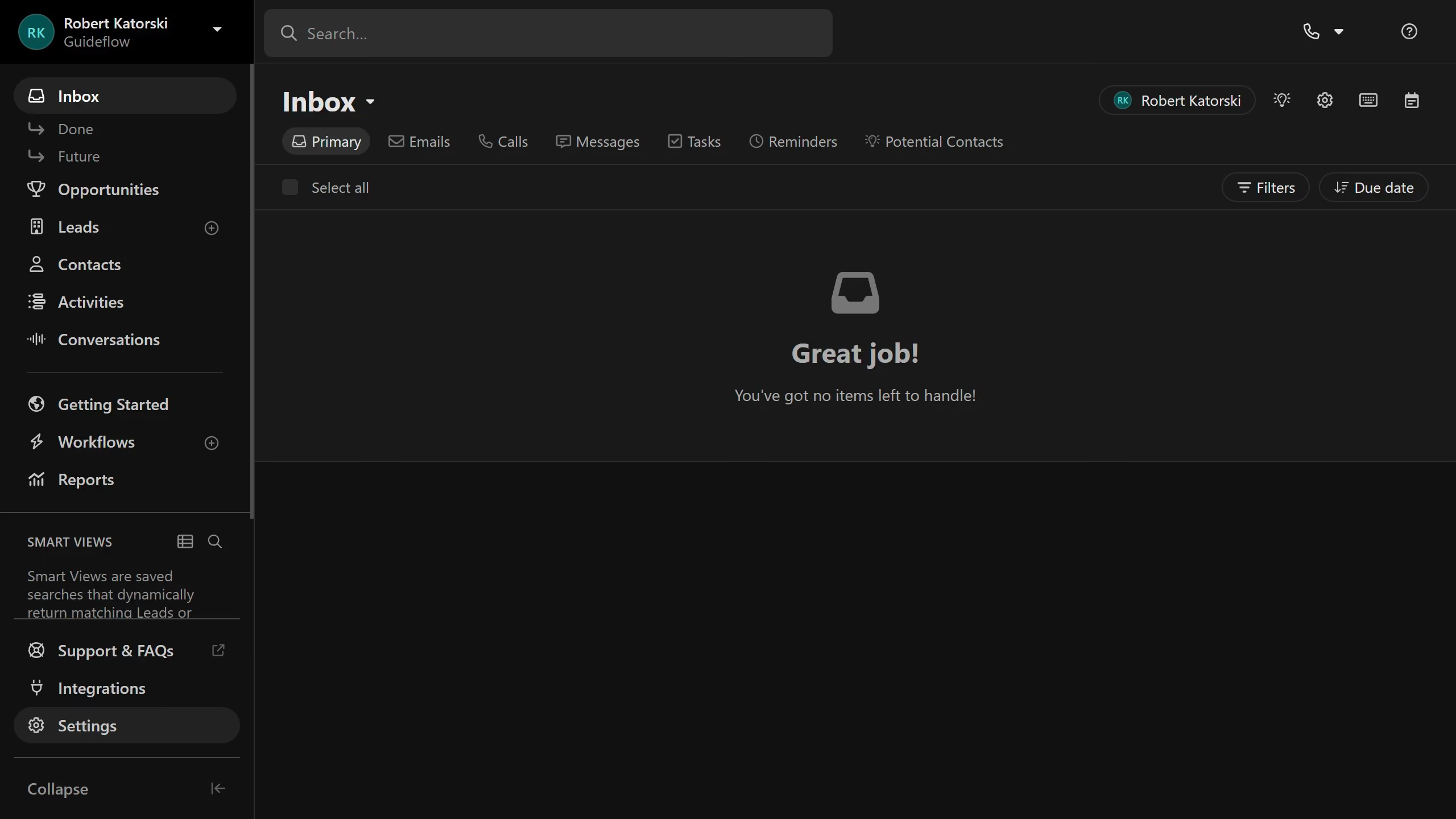
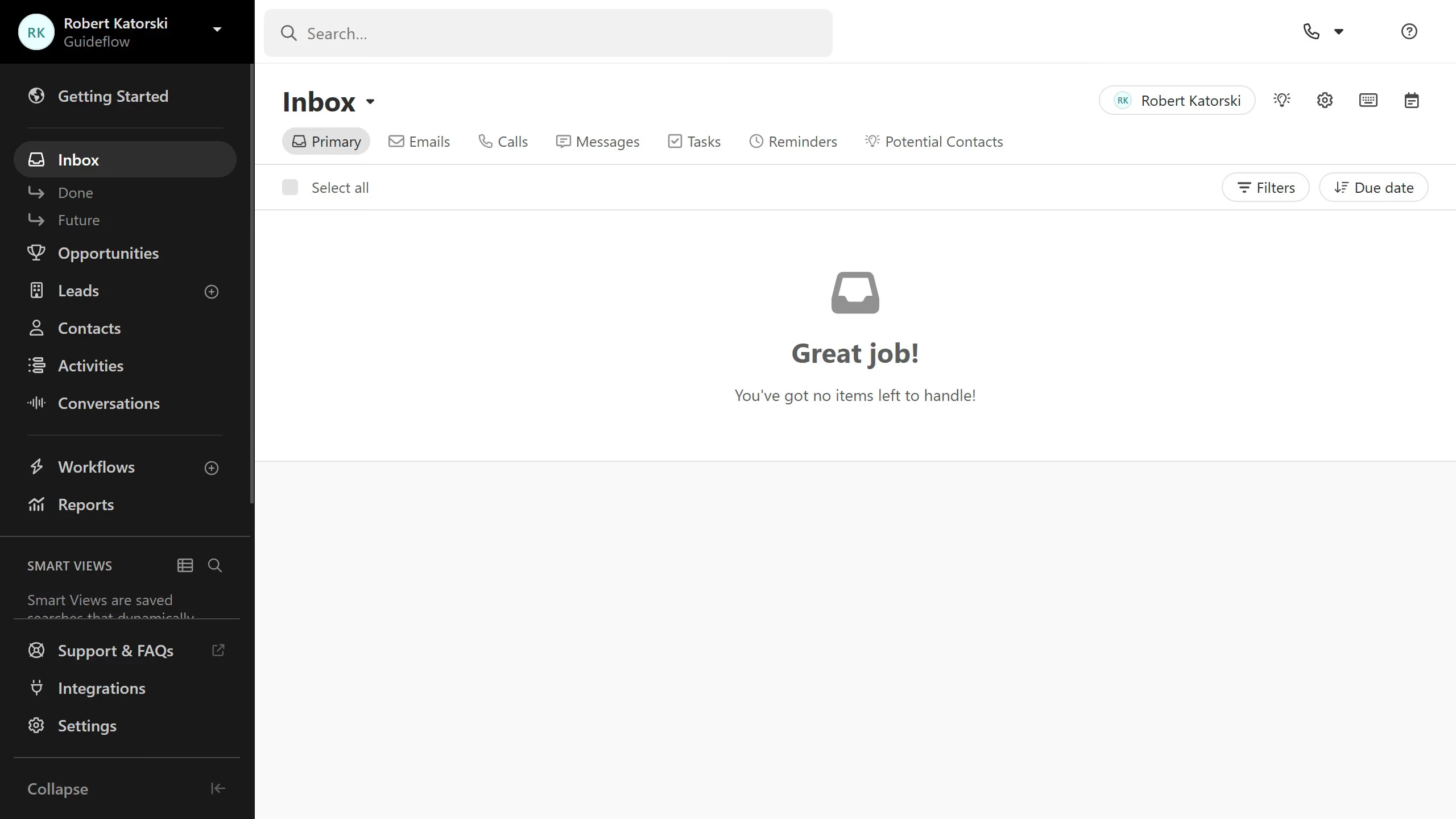
  1. First click on "Settings" option in the left sidebar
  2. Then click on "Templates & Snippets" option in the settings menu
  3. Next click on "Archived" filter button in the top toolbar
  4. Then click on the three-dot menu icon next to the template row
  5. Next click on "Duplicate" option from the dropdown menu
  6. Then click on the "Share with Organization" checkbox in the template settings
  7. Finally click on "Save" button to save the changes

Create your own interactive guide with Guideflow

Why should you duplicate an archive email template on Close.com

Close is a dynamic CRM designed to enhance sales productivity through streamlined communication.

Duplicating an archive email template on Close.com is a time-saving feature that empowers users to efficiently manage their communication strategies. By using this feature, users can effortlessly replicate successful templates, maintaining consistency in messaging while minimizing repetitive work.

This ability to duplicate archived templates is invaluable for teams looking to optimize their outreach and engage prospects with proven content that resonates every time.

Last update
May 6, 2026
Cursor MariaA cursor points to a button labeled "James."

Create your first demo in less than 30 seconds.