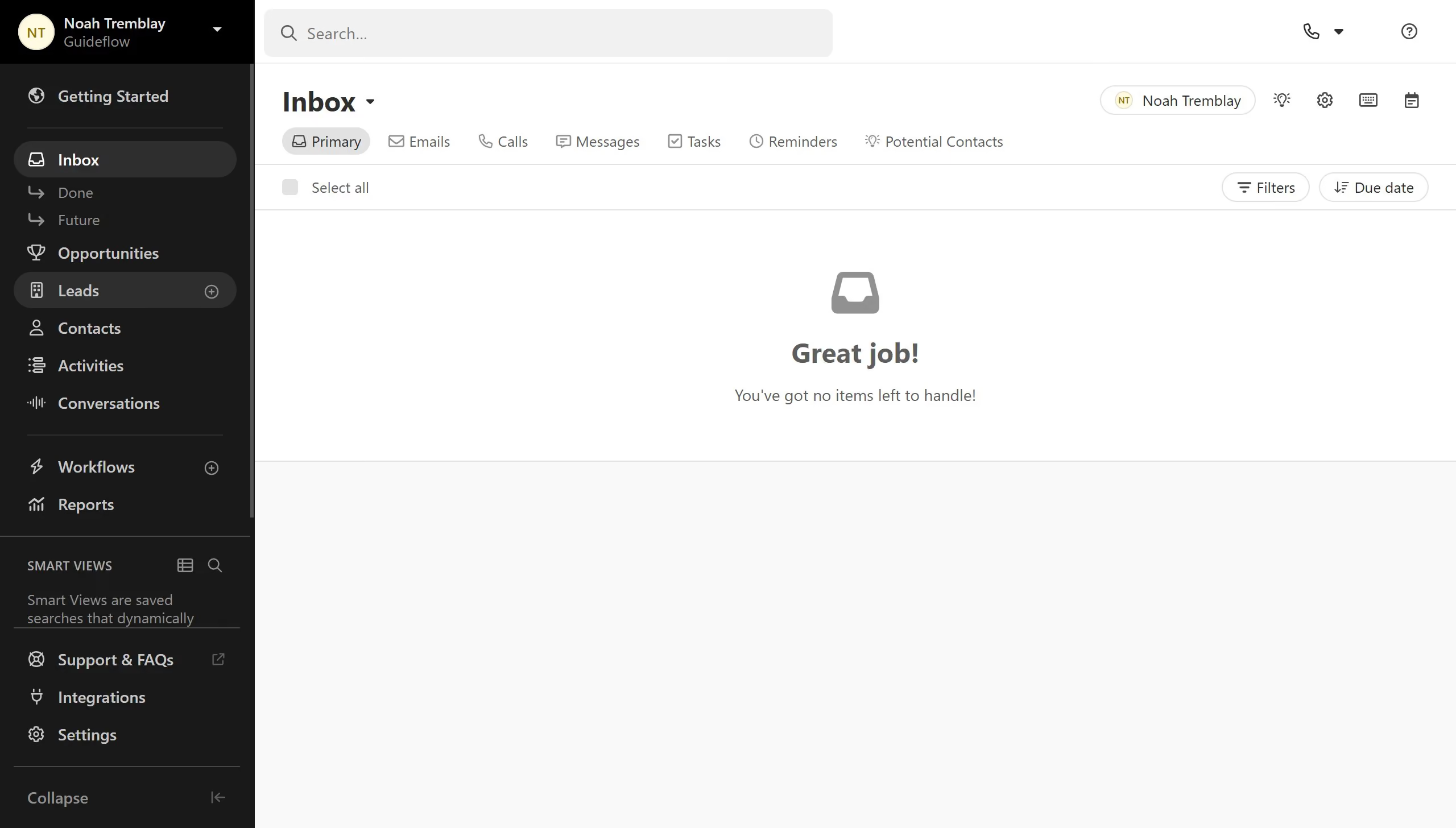
Here is how to delete an sms template on close.com
- First click on "Settings" in the left sidebar
- Then click on "Templates & Snippets" in the Communication section
- Next click on "SMS" tab in the Templates & Snippets section
- Then click on the "More" menu button for the template
- Next click on "Delete" option from the dropdown menu
- Finally click on "Delete template" button in the confirmation dialog