Close
Close is a sales CRM platform for inside sales teams to manage leads, calls, and email outreach.
Website
Industry
Leadgen
Share this article:

How to un-archive an email template on Close.com

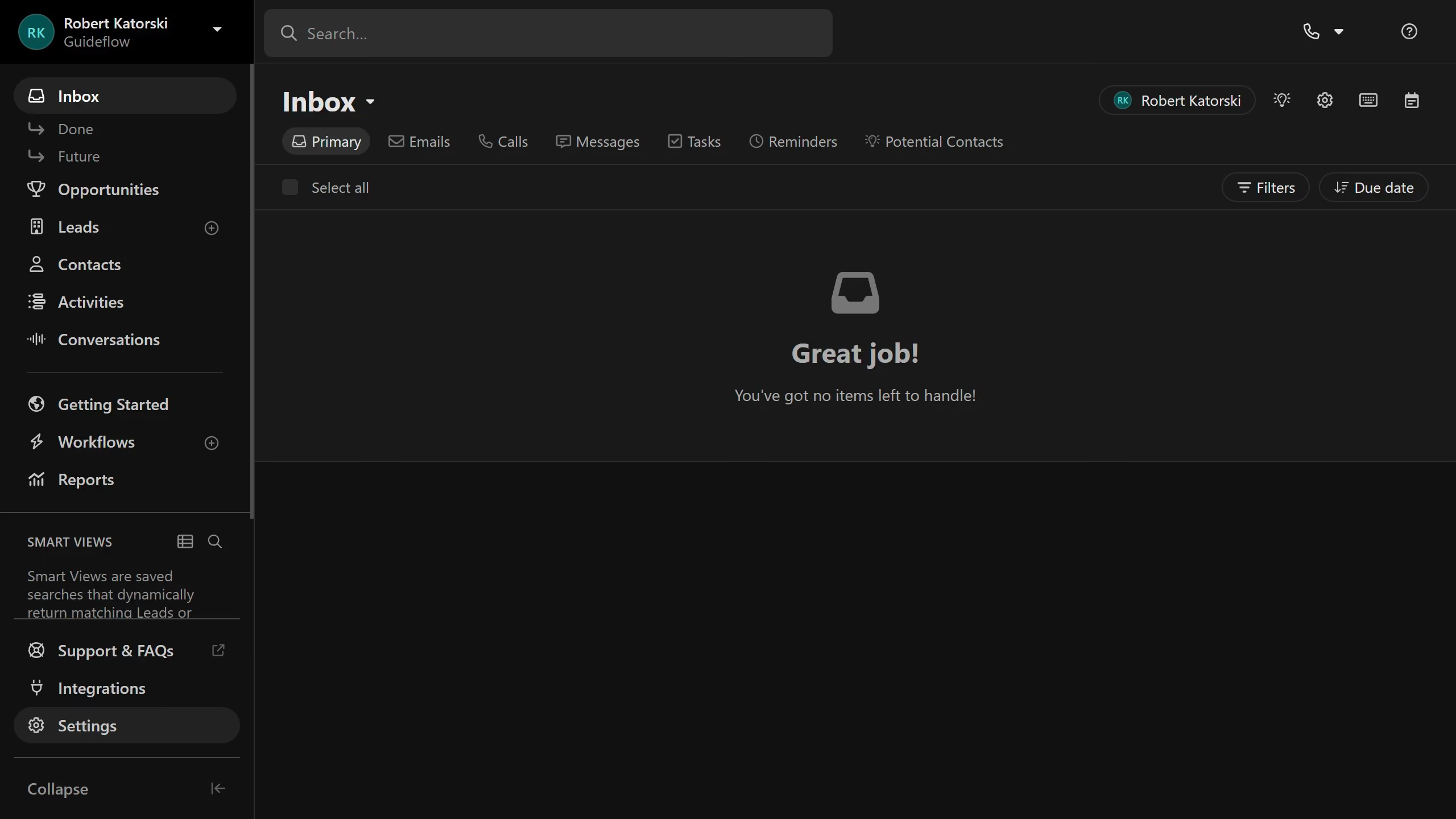
Here is how to un-archive an email template on close.com

  1. First click on "Settings" in the sidebar
  2. Then click on "Templates & Snippets" in the settings menu
  3. Next click on "Archived" filter tab to view archived templates
  4. Then click on the more options button (three dots) for the "Follow-up #1" template
  5. Then click on "Unarchive" option from the dropdown menu
  6. Finally click on "Unarchive template" button in the confirmation dialog

Create your own interactive guide with Guideflow

Why should you un-archive an email template on Close.com

Close is a robust CRM designed to drive sales efficiency through streamlined communication features.

The ability to un-archive an email template on Close.com ensures that valuable content is never lost, offering quick retrieval for timely and relevant use.

This feature provides flexibility, allowing users to adapt and reuse their communication strategies as business needs evolve.

By maintaining easy access to past templates, productivity increases as preparation times decrease, enhancing team collaboration and overall workflow.

Last update
May 6, 2026
Cursor MariaA cursor points to a button labeled "James."

Create your first demo in less than 30 seconds.