Close
Close is a sales CRM platform for inside sales teams to manage leads, calls, and email outreach.
Website
Industry
Leadgen
Share this article:

How to delete an unsubscribe link on Close.com

Here is how to delete an unsubscribe link on close.com

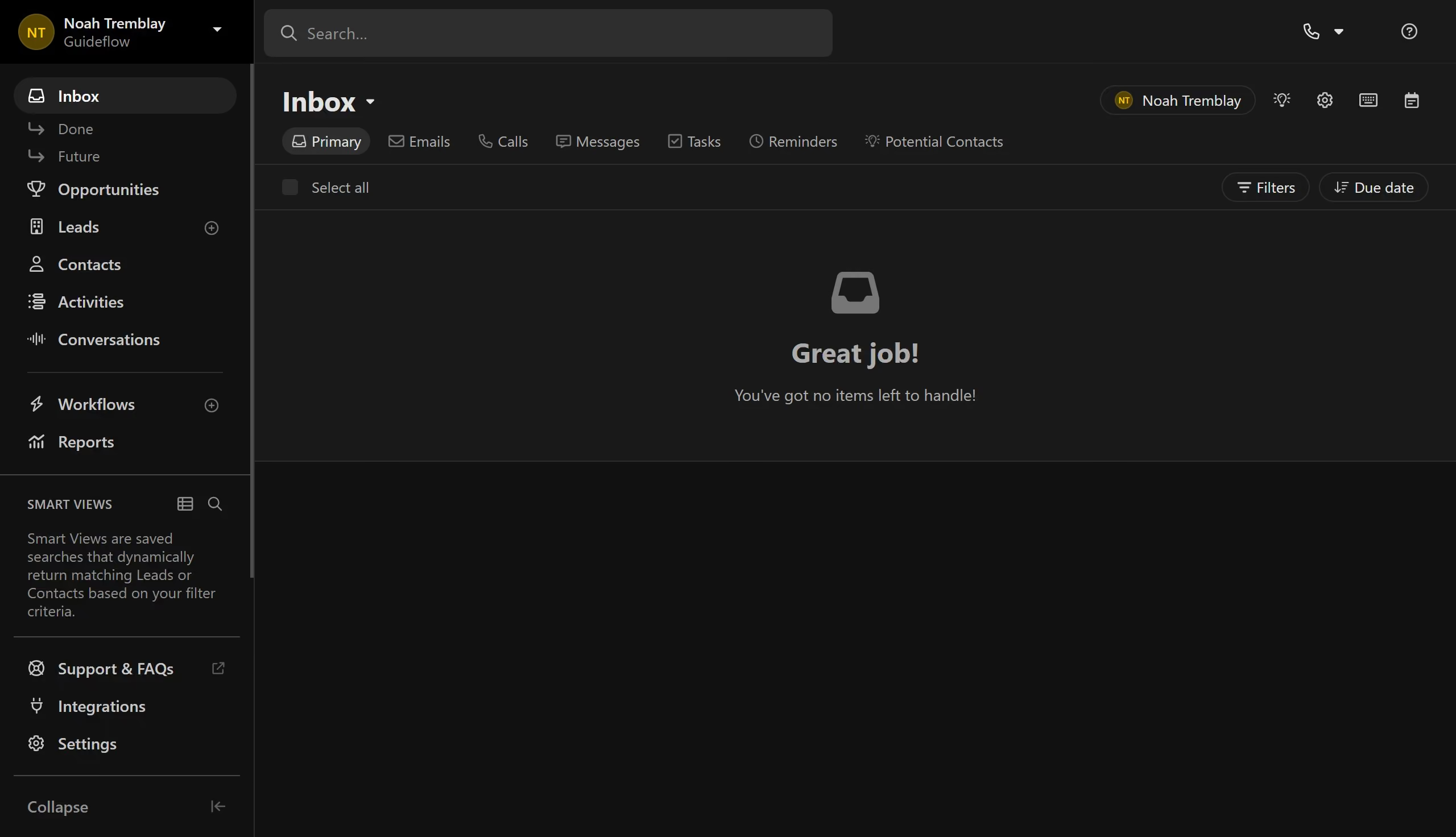
  1. First click on "Settings" in the sidebar
  2. Then click on "Email" option in the settings menu
  3. Next click on "Unsubscribe Link" tab in the email settings
  4. Then click on the unsubscribe link you want to delete
  5. Next click on the delete button in the top toolbar
  6. Finally click on "Delete" button in the confirmation dialog

Create your own interactive guide with Guideflow

Why should you delete an unsubscribe link on Close.com

Close.com is a powerful CRM and sales automation platform designed to help businesses drive growth and improve customer relationships.

One useful feature of Close.com is the ability to delete an unsubscribe link, which can help streamline your communication efforts within the platform.

By managing unsubscribe links effectively, you can ensure your emails reach the right audience without clutter, enhancing the relevance of your communication.

This feature benefits users by enabling a more tailored and focused email strategy, ultimately fostering better engagement and rapport with potential leads and customers.

Last update
May 6, 2026
Cursor MariaA cursor points to a button labeled "James."

Create your first demo in less than 30 seconds.