Close
Close is a sales CRM platform for inside sales teams to manage leads, calls, and email outreach.
Website
Industry
Leadgen
Share this article:

How to add an outcome as a voicemail drop outcome on Close.com

Here is how to add an outcome as a voicemail drop outcome on close.com

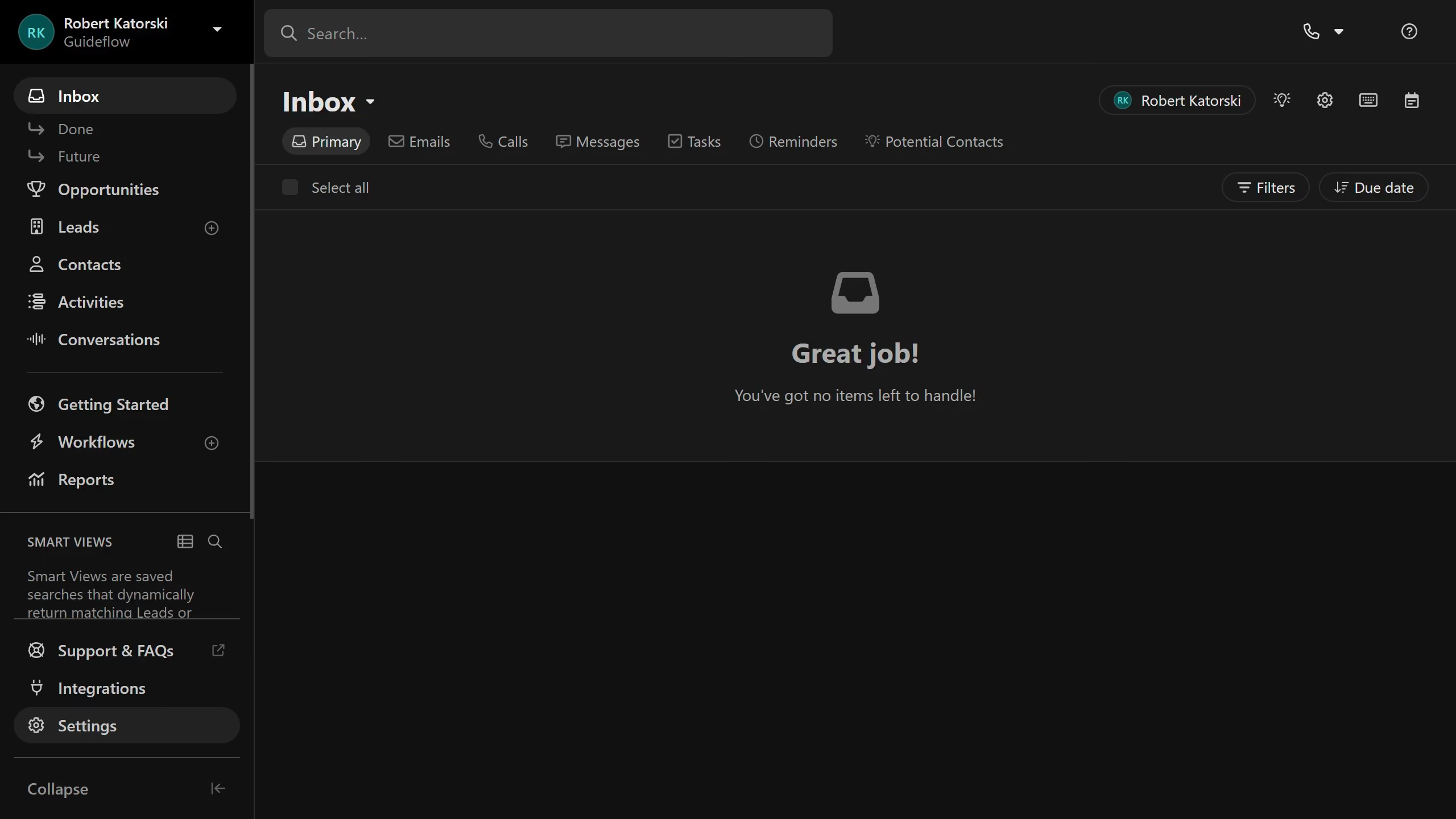
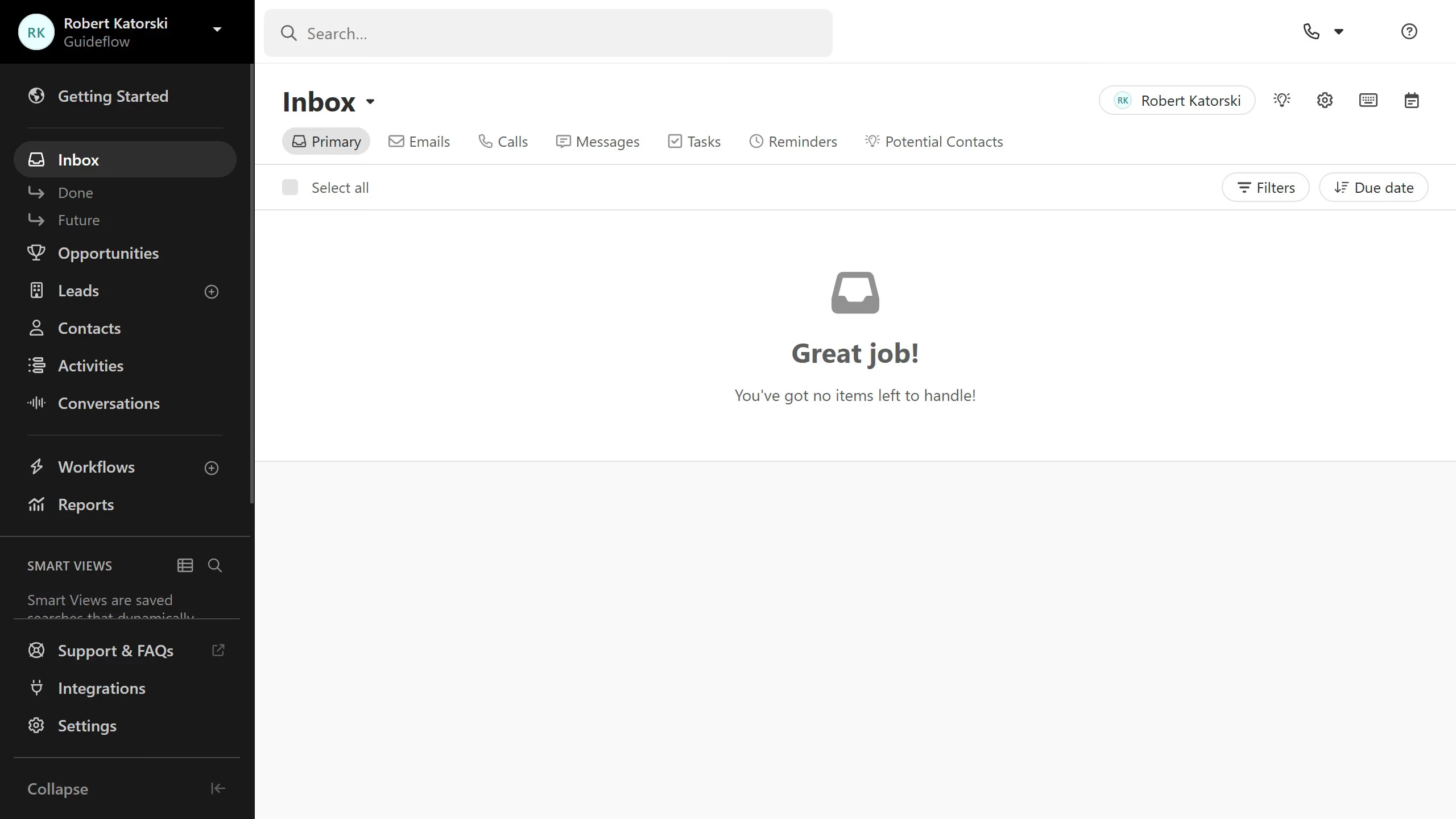
  1. First click on "Settings" button in the sidebar
  2. Then click on "Outcomes" option in the Communication section
  3. Next click on the three-dot menu button next to the "No answer" outcome row
  4. Finally select "Set as Voicemail Drop Outcome" option from the dropdown menu

Create your own interactive guide with Guideflow

Why should you add an outcome as a voicemail drop outcome on Close.com

Close is an intuitive CRM designed to enhance sales productivity and streamline communication.

The ability to add a voicemail drop outcome on Close.com optimizes follow-up efficiency by letting users easily record and deliver pre-set voicemail messages.

This feature significantly reduces time spent on repetitive voicemail tasks, freeing up time for more strategic activities. It ensures consistent communication and allows sales teams to focus on connecting with more prospects, thus boosting overall sales efficiency.

Last update
May 6, 2026
Cursor MariaA cursor points to a button labeled "James."

Create your first demo in less than 30 seconds.