Close
Close is a sales CRM platform for inside sales teams to manage leads, calls, and email outreach.
Website
Industry
Leadgen
Share this article:

How to create a new pipleline on Close.com

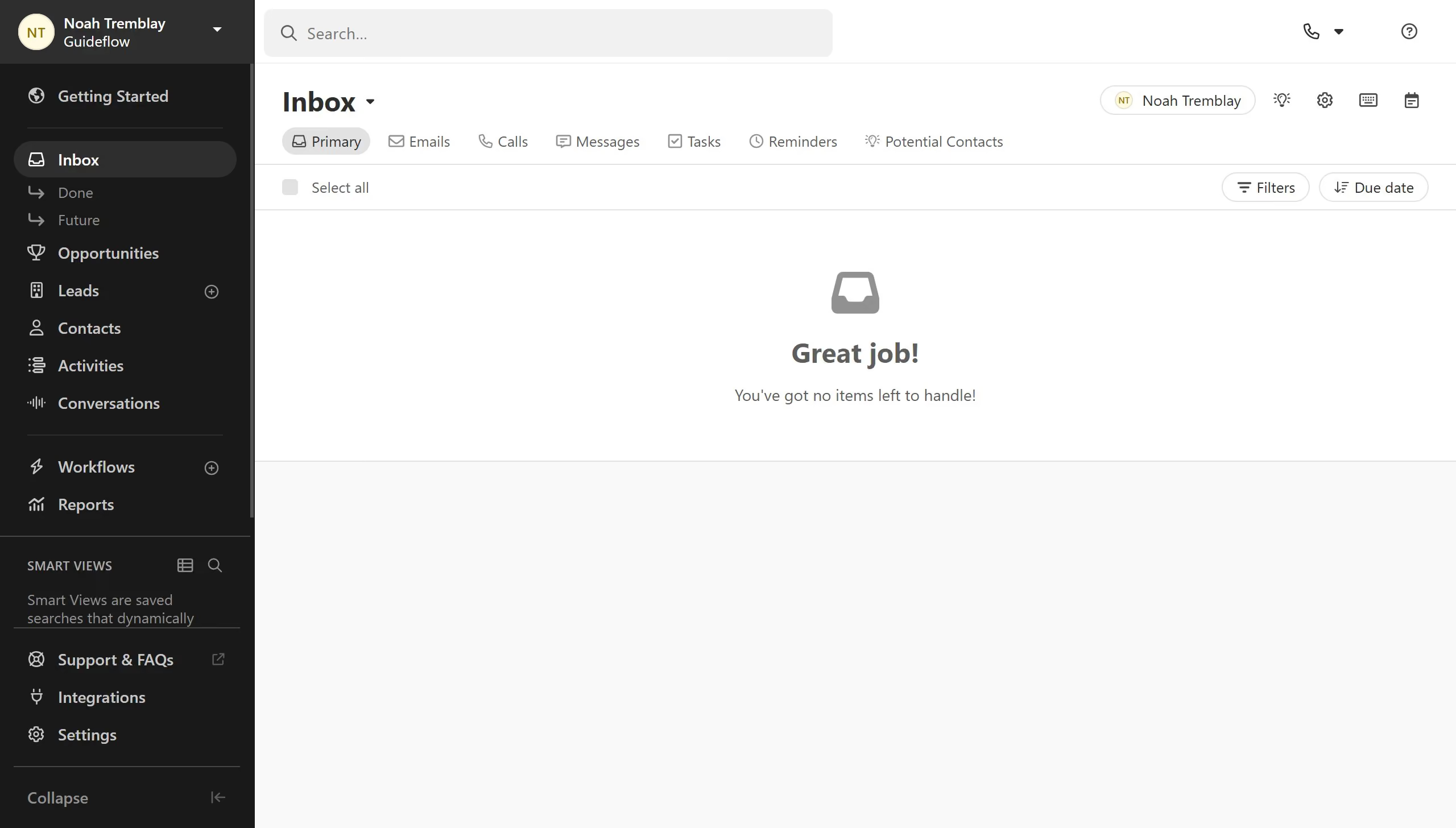
Here is how to create a new pipleline on close.com

  1. First click on "Settings" in the left sidebar menu
  2. Then click on "Scheduling" in the left settings panel
  3. Next click on "New Pipeline" button at the bottom of the page
  4. Finally enter your pipeline name and click on "Save" button in the New Pipeline dialog

Create your own interactive guide with Guideflow

Why should you create a new pipleline on Close.com

Close.com is a powerful CRM platform designed to streamline and optimize your sales process.

Creating a new pipeline on Close.com allows you to tailor your sales workflow, ensuring every deal progresses smoothly through customizable stages.

This feature enhances your team's efficiency by providing clear visibility into each step, enabling better tracking and management of leads.

Utilizing a pipeline on Close.com ensures that you stay organized and focused, driving your sales team towards success effortlessly.

Last update
May 6, 2026
Cursor MariaA cursor points to a button labeled "James."

Create your first demo in less than 30 seconds.