Close
Close is a sales CRM platform for inside sales teams to manage leads, calls, and email outreach.
Website
Industry
Leadgen
Share this article:

How to reorder custom fields on Close.com

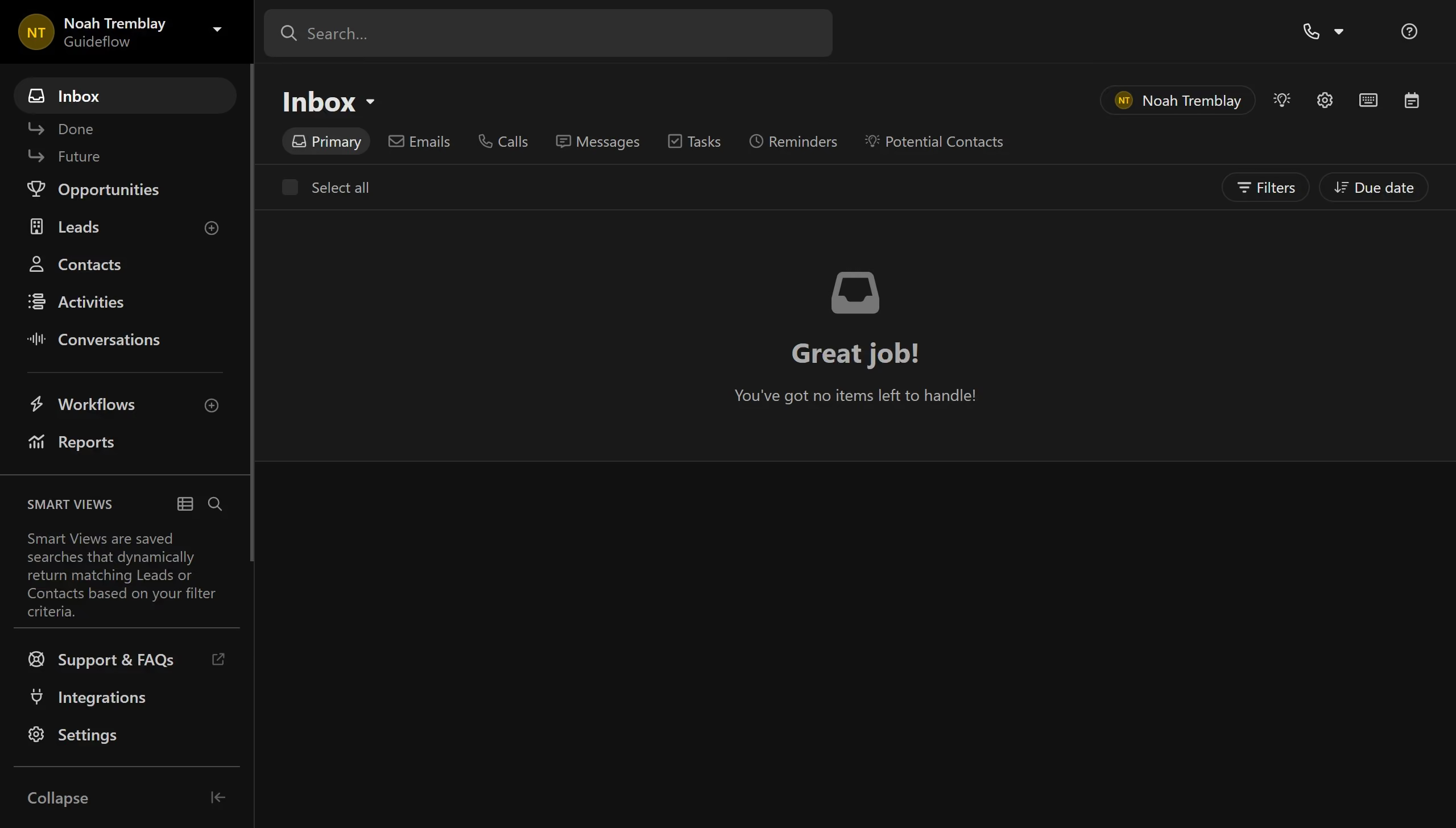
Here is how to reorder custom fields on close.com

  1. First click on "Settings" item in the left sidebar
  2. Then click on "Custom Fields" option in the settings menu
  3. Next click on the drag handle icon next to the "Last Name" field row
  4. Finally click on the drag handle icon next to the "Last Name" field row to reorder it

Create your own interactive guide with Guideflow

Why should you reorder custom fields on Close.com

Close is a leading CRM platform purpose-built for sales teams to boost productivity and close more deals.

The ability to reorder custom fields on Close.com offers users unparalleled flexibility. Tailoring your CRM to mirror your unique workflow is not just beneficial, it's transformative.

By organizing fields according to priority, streamline your data entry and retrieval processes effortlessly. This feature enhances team efficiency, ensuring that crucial information is always at your fingertips.

Experience increased clarity and focus as your team navigates through a seamlessly customized interface.

Last update
May 6, 2026
Cursor MariaA cursor points to a button labeled "James."

Create your first demo in less than 30 seconds.